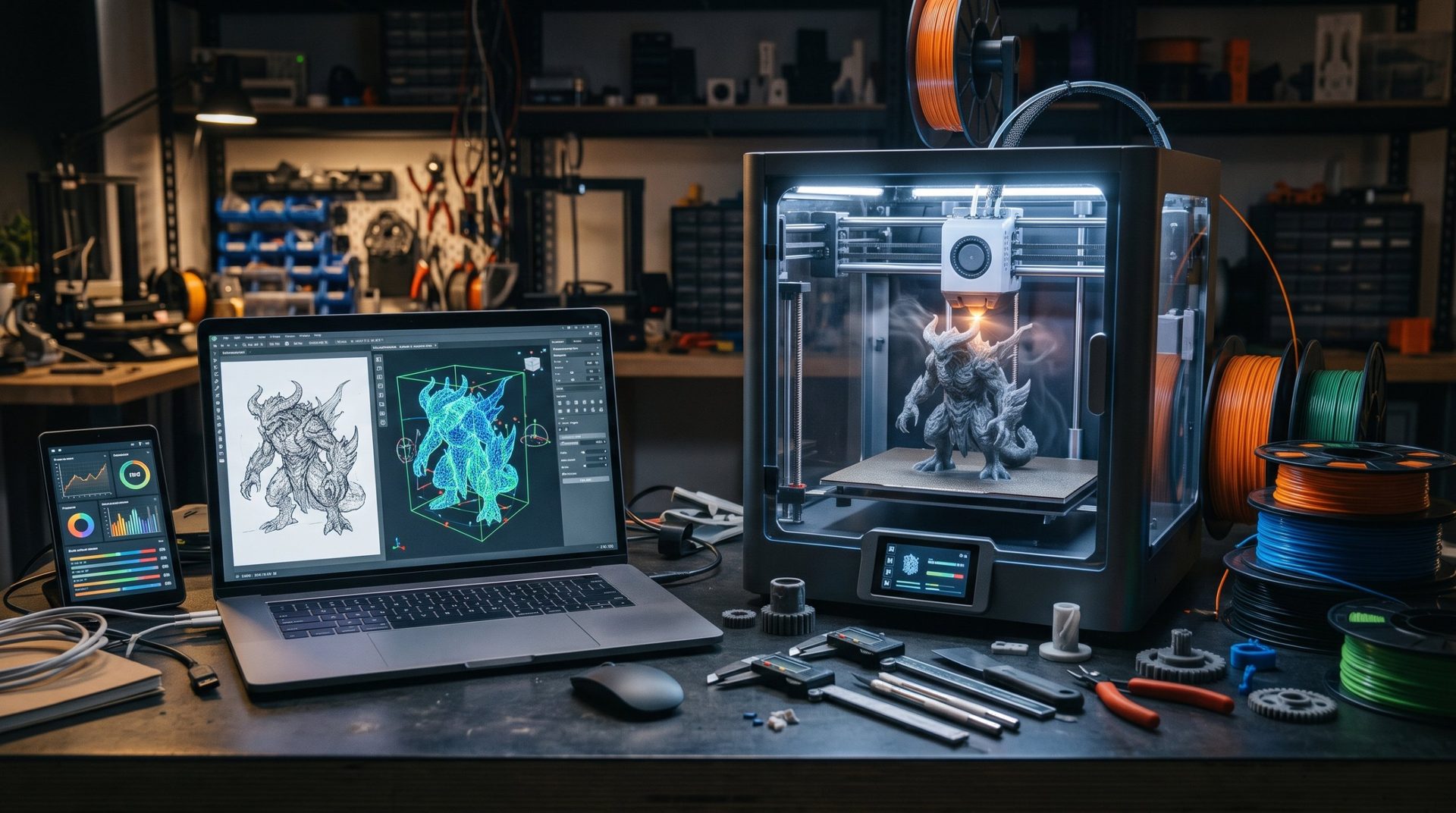
The Era of Accelerated 3D Creation: Discovering Meshy AI
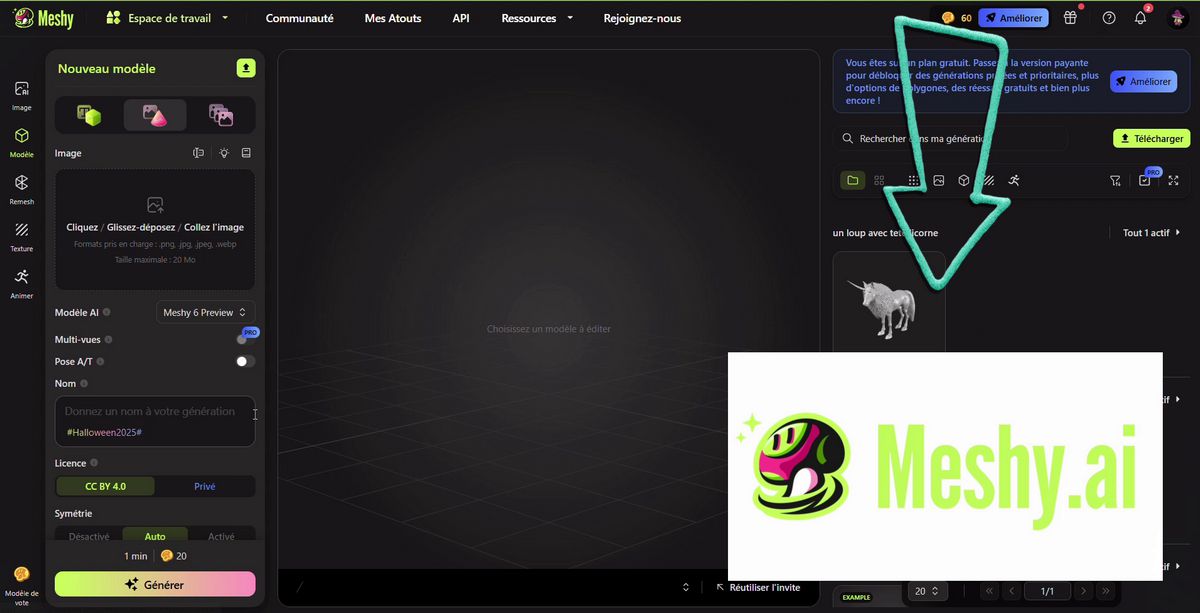
Updated November 18, 2026
Meshy AI is a platform that uses artificial intelligence to simplify and speed up 3D creation. Designed for game developers, 3D artists, designers, and even beginners, it transforms a written description or 2D image into a textured 3D model in minutes.
With its latest generation, Meshy 6, the tool has also focused heavily on 3D printing: direct export to slicers, multicolor printing, and adaptation for figurines or keychains. A real asset for rapid prototyping and creating unique pieces.

1. Meshy AI's Key Features
a) Text-to-3D
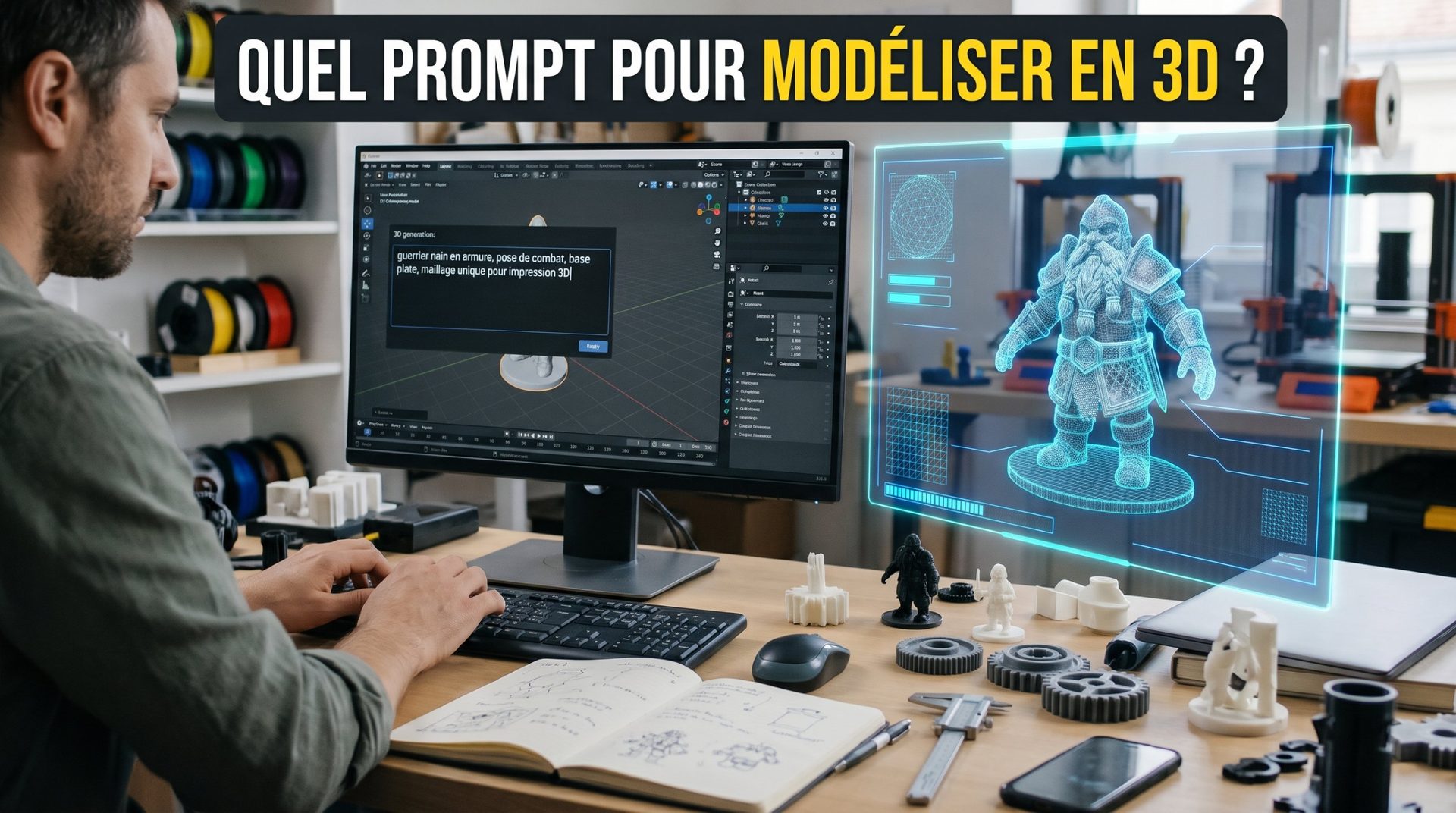
This is the flagship function. You describe the desired object (a prompt), for example "a stylized red robot with mechanical arms and glowing eyes," and Meshy generates a matching 3D model in minutes. Meshy can also first create a reference image from your text, then transform it into 3D. The quality of the result depends heavily on how you phrase your request: check our tips for writing the perfect prompt.
b) Image-to-3D
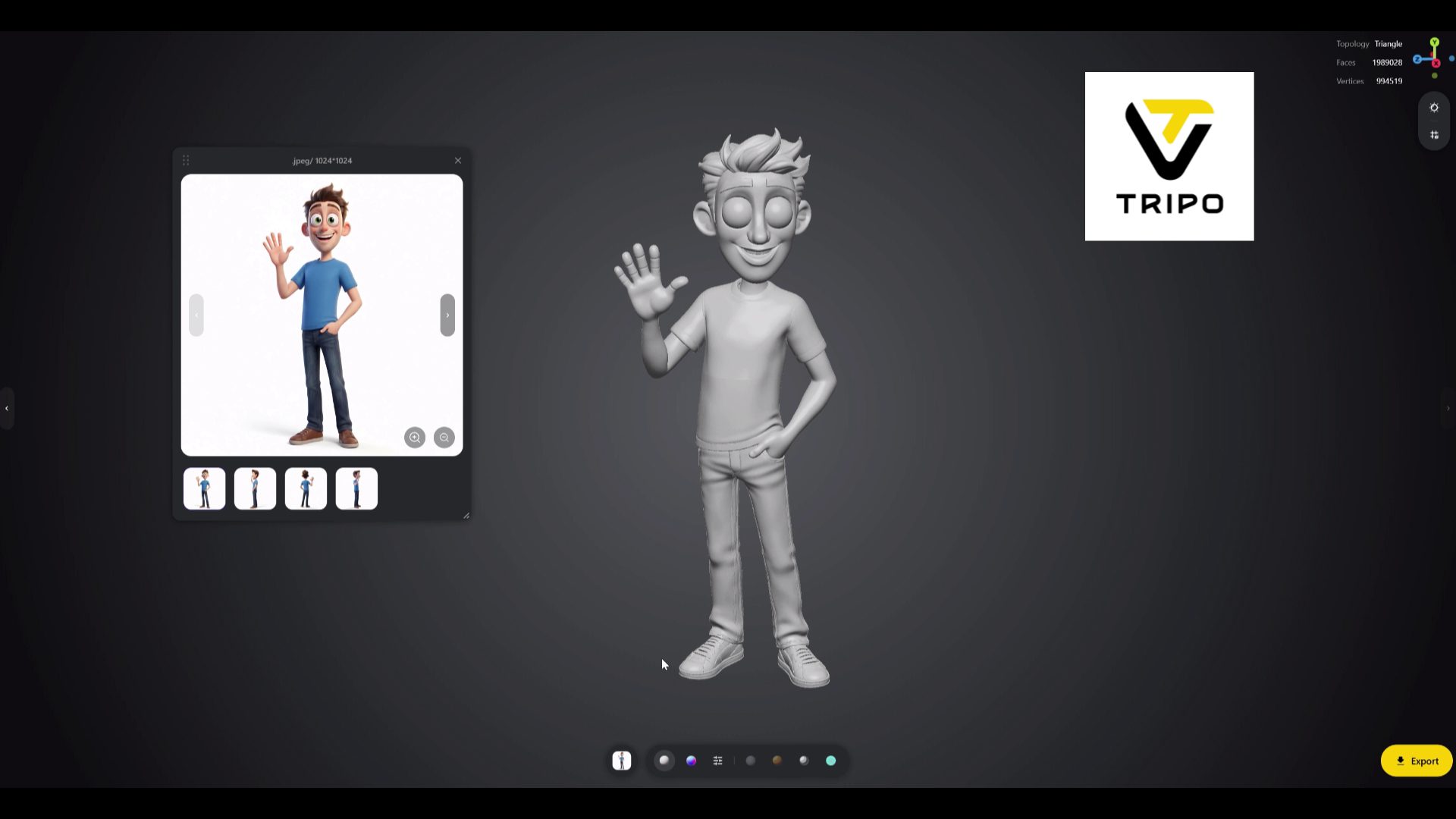
Meshy reconstructs a 3D model from a 2D image (sketch, photo, drawing). An image enhancement option often corrects flaws like floating limbs. Paid plans accept multiple reference images.
c) Texturing
You can color a model (generated by Meshy or imported) by describing it ("rusty metal," "cartoon style"), painting by hand, or from reference images. Meshy generates PBR textures and handles UV unwrapping.
d) Rigging and Animation (Characters)
For humanoid or quadruped characters, Meshy can automatically generate a skeleton (rigging) and apply basic animations. Useful for video games, much less so for 3D printing.
2. Meshy and 3D Printing
This is where the tool has advanced the most:
- Slicer Export: direct sending to Bambu Studio, OrcaSlicer, Creality Print, Cura and others, or download as 3MF, STL and OBJ.
- Multicolor Printing: the model can be prepared in 1 to 16 colors, matching common PLA shades.
- Use Adaptation: a feature adjusts the model to a real format (figurine, keychain, magnet).
Its limitations remain those of all generative AI: the same prompt rarely produces the same result twice, defects sometimes appear (an extra limb or tail), and using the slicer's "Repair" function is often helpful. For a technical part with precise dimensions, CAD software remains essential.
3. Who Is It For?
- Video Games: this is the historical core audience. Developers quickly create objects, characters and environments, exportable to Unity, Unreal Engine or Godot (FBX, GLB, USDZ).
- 3D Printing: makers without experience in software like Blender get figurines, toys, gifts or unique decorative objects, to touch up if needed.
- Design and Prototyping: designers quickly test ideas (toys, decorative objects, products) before refining them.
- Film and Visual Effects: Meshy speeds up previsualization and base model creation.
4. Integrations and Pricing
- Formats: FBX, OBJ, GLB, USDZ, STL and 3MF.
- Plugins: extensions exist for Blender, Unity and other software, to import models without leaving your workspace.
- Pricing: a fairly limited free plan lets you test; paid plans, starting at around twenty dollars a month, unlock more credits, multi-image generations and commercial use. Prices change often: check them on the Meshy website.
By making 3D creation more accessible and faster, Meshy AI is one of the tools changing how people model, for gamers and makers alike.
👉 Meshy, Tripo, Blender or Fusion? Compare them on our 3D modeling software page.