Tripo AI: From Simple Photo to Printable 3D File in Seconds
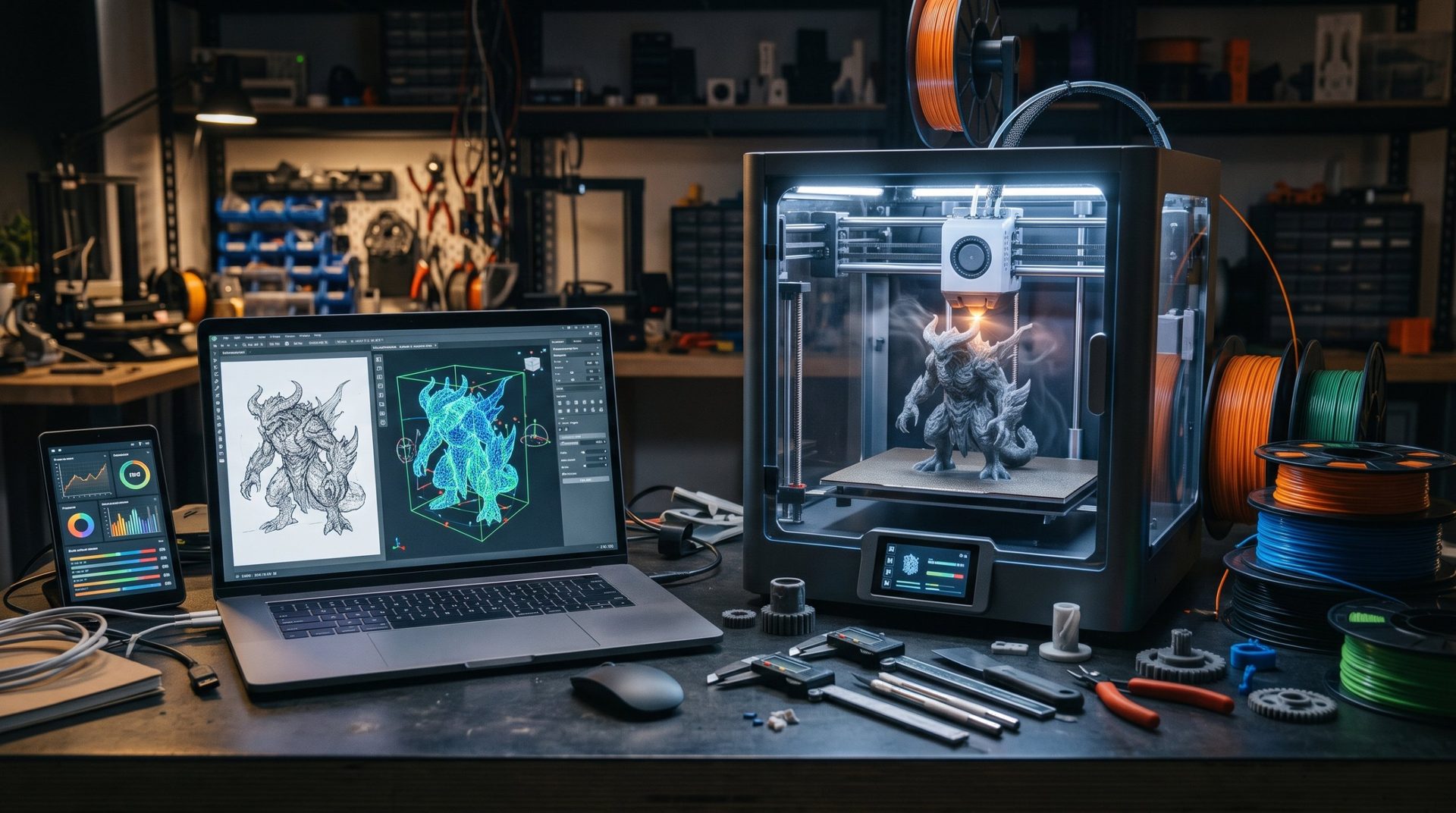
For years, the biggest barrier to 3D printing wasn't hardware—it was modeling. Mastering parametric CAD software like Fusion or digital sculpting tools like Blender takes dozens of hours to learn. And traditional photogrammetry demands dozens of photos from every angle, careful lighting, and long reconstruction calculations.
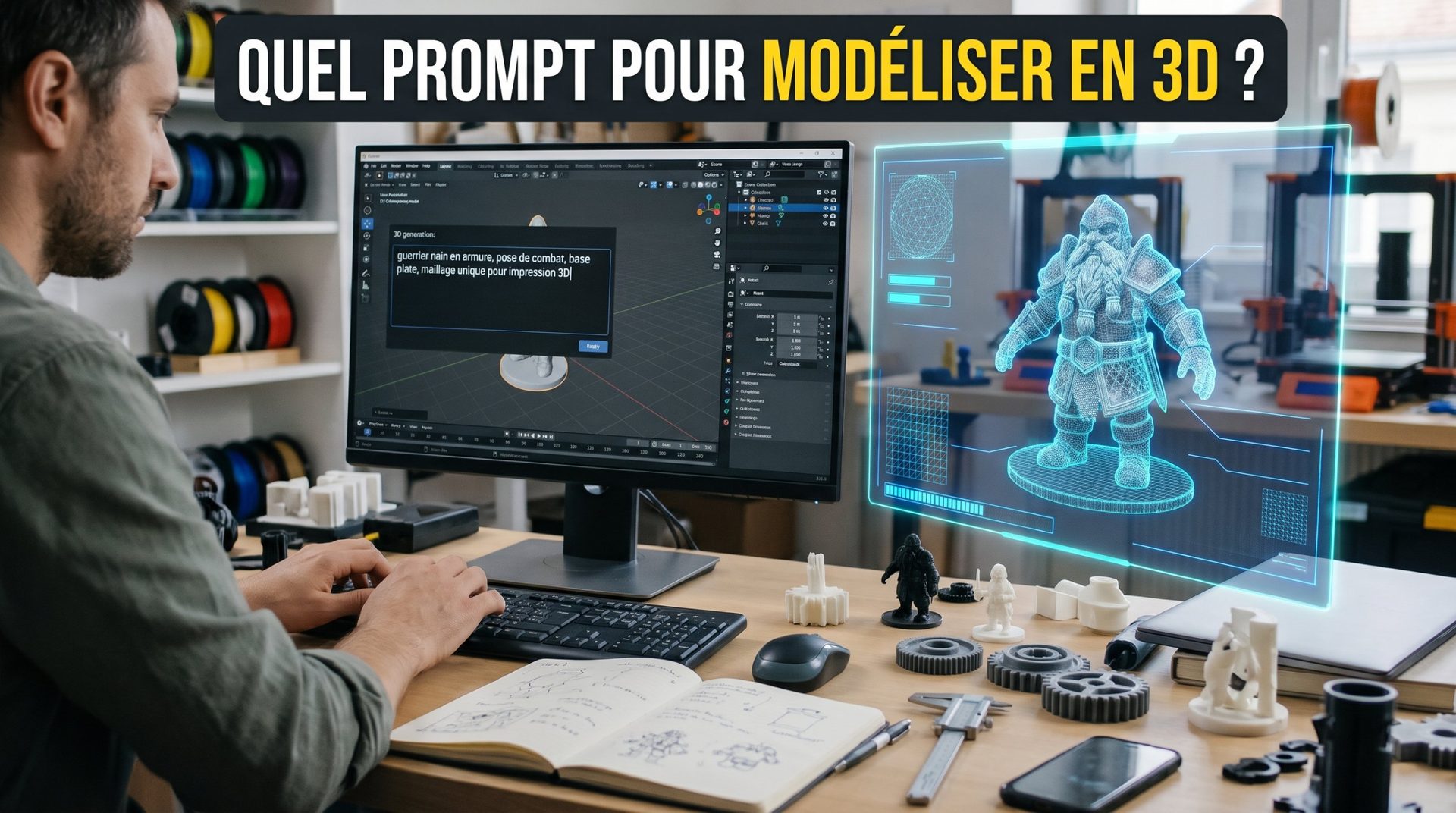
Generative AI applied to 3D is changing the game. Among the most popular tools in the maker community, Tripo AI stands out as one of the fastest for turning text or a simple 2D image into a usable 3D model.
1. How Does Tripo AI Work?
Tripo relies on neural networks trained on vast databases of 3D models. Two main modes are available:
- Text-to-3D: you describe an object in a sentence ("a gothic gargoyle perched on a stone ledge") and the tool infers the full volume.
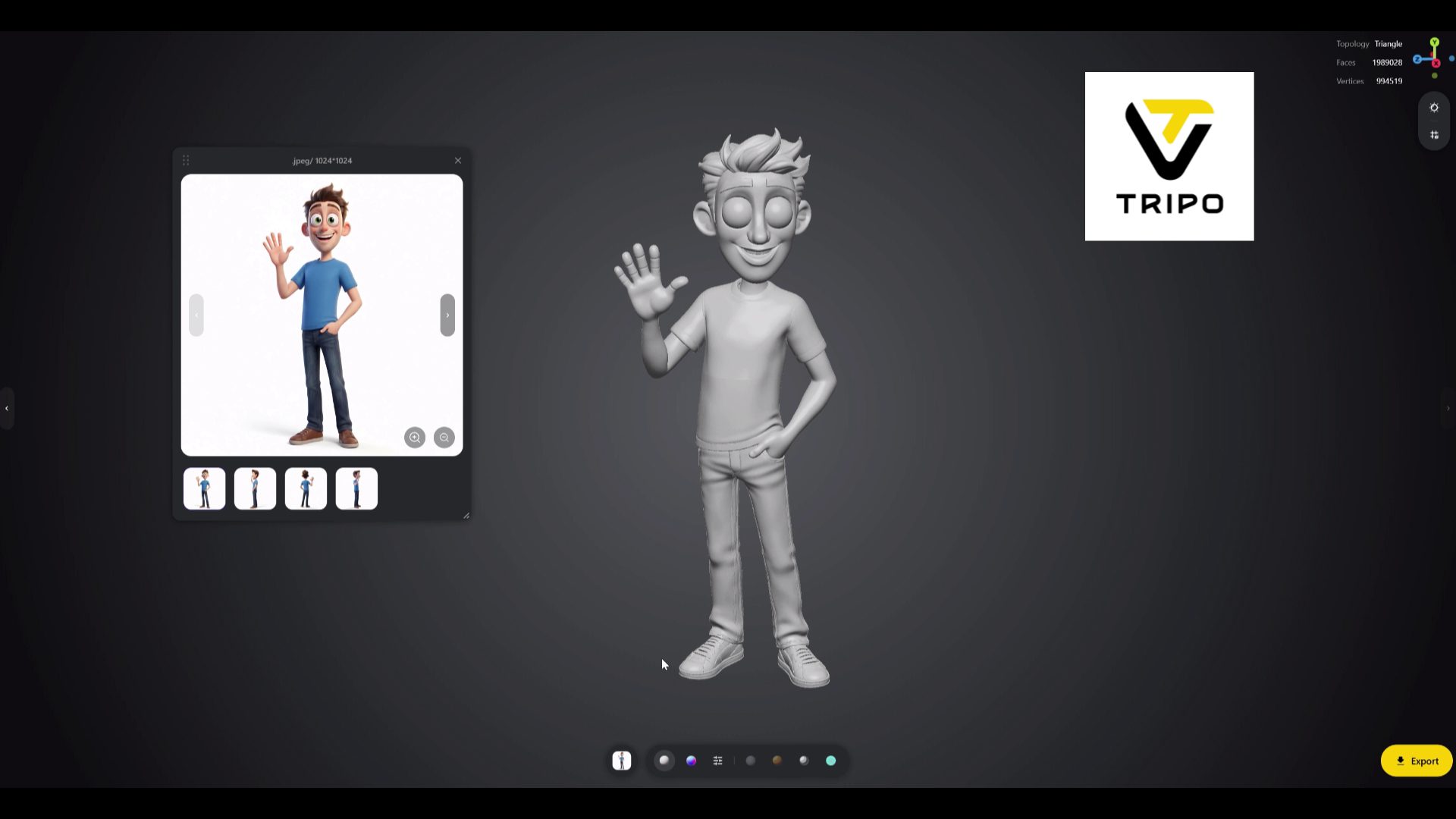
- Image-to-3D, the most useful mode for makers: you upload an illustration, sketch, or photo of an object. AI guesses the hidden faces, reconstructs the back, and assembles a complete textured model in seconds for a first draft.
The result exports in standard formats: GLB, OBJ, FBX and, for printing, STL or 3MF.
2. The Real Challenge for Printing: a "Manifold" Mesh
Displaying a beautiful 3D render on screen is one thing; slicing it for an FDM printer is another. AI-generated models have long suffered from several flaws:
- An open (non-manifold) mesh: tiny holes in the surface prevent the slicer (Bambu Studio, PrusaSlicer, OrcaSlicer) from distinguishing inside from outside.
- Zero-thickness walls: flat surfaces with no volume that vanish when sliced into layers.
- Messy geometry: a very dense mass of polygons that's heavy to work with.
How Does Tripo Handle This?
The latest versions include automatic retopology and geometry cleanup. In most cases:
- for figurines, bas-reliefs, decorative elements, or masks, the file is directly printable or only needs a pass through your slicer's "Repair" function;
- for precision mechanical parts (gears, threads, assemblies toleranced to a tenth of a millimeter), generative AI remains unsuitable: it produces organic shapes, not functional dimensions. There, CAD is still essential.
3. The Ideal Workshop Method
- Prepare the image (optional): if you don't have a photo, generate a clean visual on a white background with an image tool (Midjourney, DALL-E…) to give Tripo the best starting view.
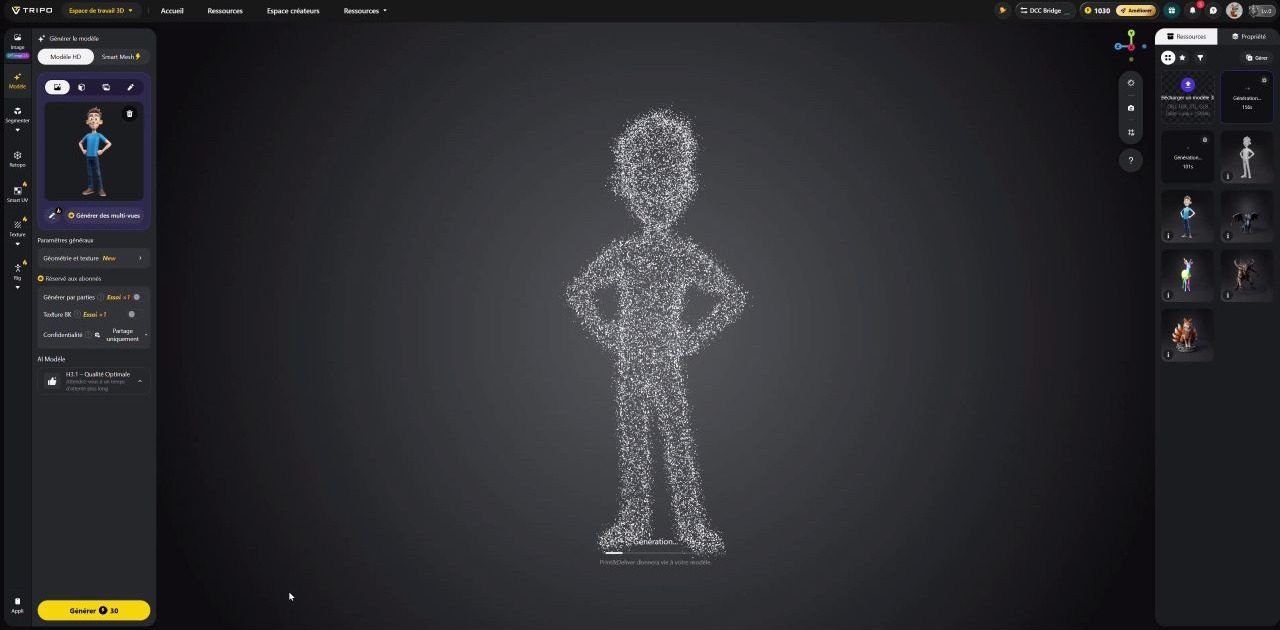
- Run it through Tripo: upload the image, choose high resolution, and launch the reconstruction.
- Adjust in the slicer: import the STL, let the software detect and repair mesh errors, then orient the part to minimize supports on face details. If you're unsure about slicer choice, here's our slicer comparison.
For a concrete example, from sketch to painted figurine, read our hands-on experience with Tripo.
4. Share Your AI-Generated Creations
Once your models are cleaned up and tested, you can share them, along with your 3D printing profiles, on MakerWorld. It's a great way to verify they print well for other makers and gather tips on supports and orientation.
AI-Generated Model: What Material Should You Use?
An AI-generated statuette has different needs than an outdoor accessory or flexible part:
- For beautiful finish and subtle layers: matte PLA, easy to print and paint afterward. For tiny details, consider a 0.2 mm nozzle.
- To resist impacts or weather: PETG or ASA.
Unsure which material to load? Our selector compares 12 filaments by look, strength, and ease of printing.
🎨 Launch the filament selector
Try Tripo AI With 60% Off
To test the tool on your own characters, concepts, or designs, here's an exclusive referral code that gives you 60% off:
🎁 Promo code / referral
TRIPOSPARK
60% discount on Pro and Max subscriptions, monthly or annual plans. Valid for new subscribers through December 31, 2026.
🔗 Link: https://studio.tripo3d.ai/
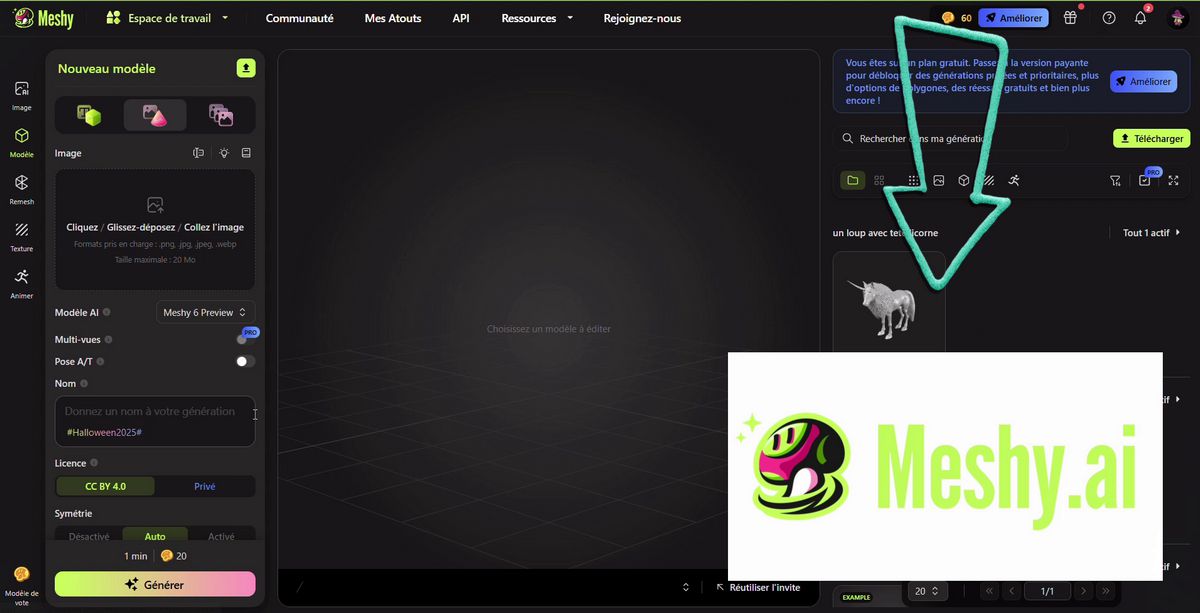
👉 To compare Tripo with other solutions, AI or traditional: our selection of 3D modeling software.