Calibration Pyramid 📏
Download the 3D fileFree file hosted on MakerWorld (free account required to download).
Need filament to print it? PLA, PETG, ASA… at the best price
Which material? Try our filament selector
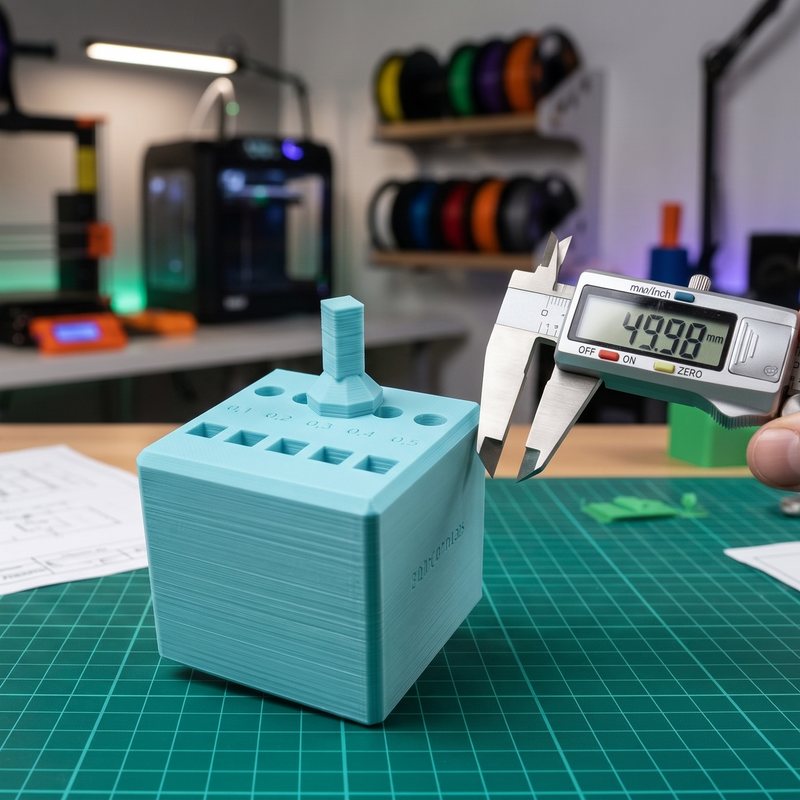
Your part comes out too small, your holes too tight? This calibration pyramid helps you figure out exactly why, and dial in your settings in minutes.
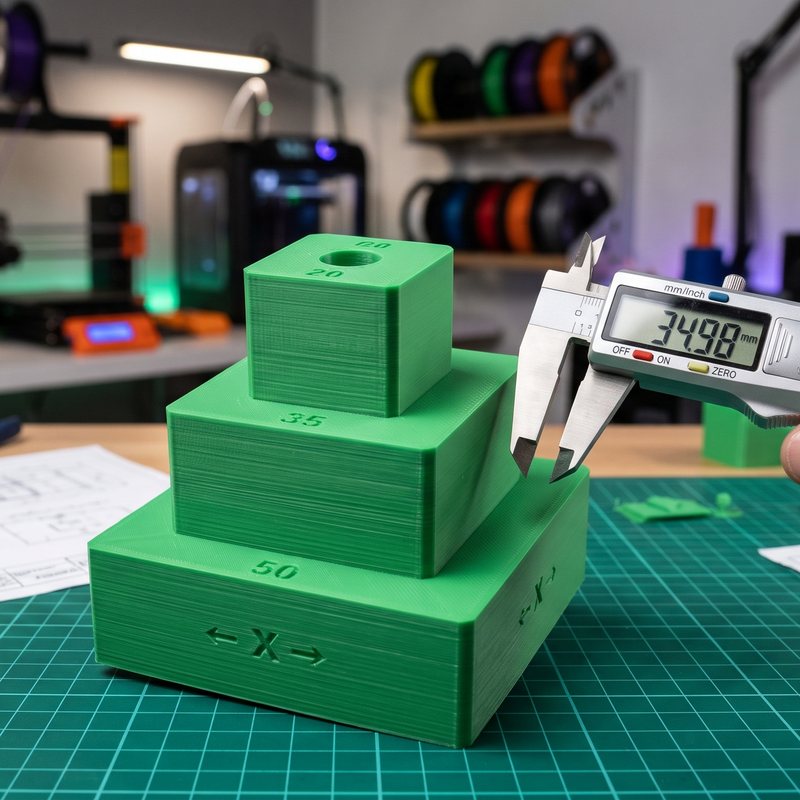
- Three steps of 50, 35 and 20 mm: by comparing multiple lengths on the same axis, you can tell shrinkage (which grows with size) from a constant error (the same everywhere).
- An 8 mm hole: to dial in hole compensation and nail your press-fits, bolts and bearings.
- Support-free: it prints flat with your material and regular settings.
- Engraved X marks: to measure each step in the right direction, in X then Y.
How to use it? Print at 100%, measure each step with a caliper at mid-height, then the hole. Enter the 50 mm step and 8 mm hole into our calculator: it gives you the values to plug into OrcaSlicer, Bambu Studio, PrusaSlicer or Cura.
👉 Full method and calculator: dimensional tolerances in 3D printing.
📩 Need a custom 3D print, want to purchase this Calibration Pyramid 📏, or need this 3D file for commercial purposes? Have a question? Feel free to reach out: