Tripo Agentic Canvas: The AI Agent Transforming 3D Modeling Into Interactive Workspace
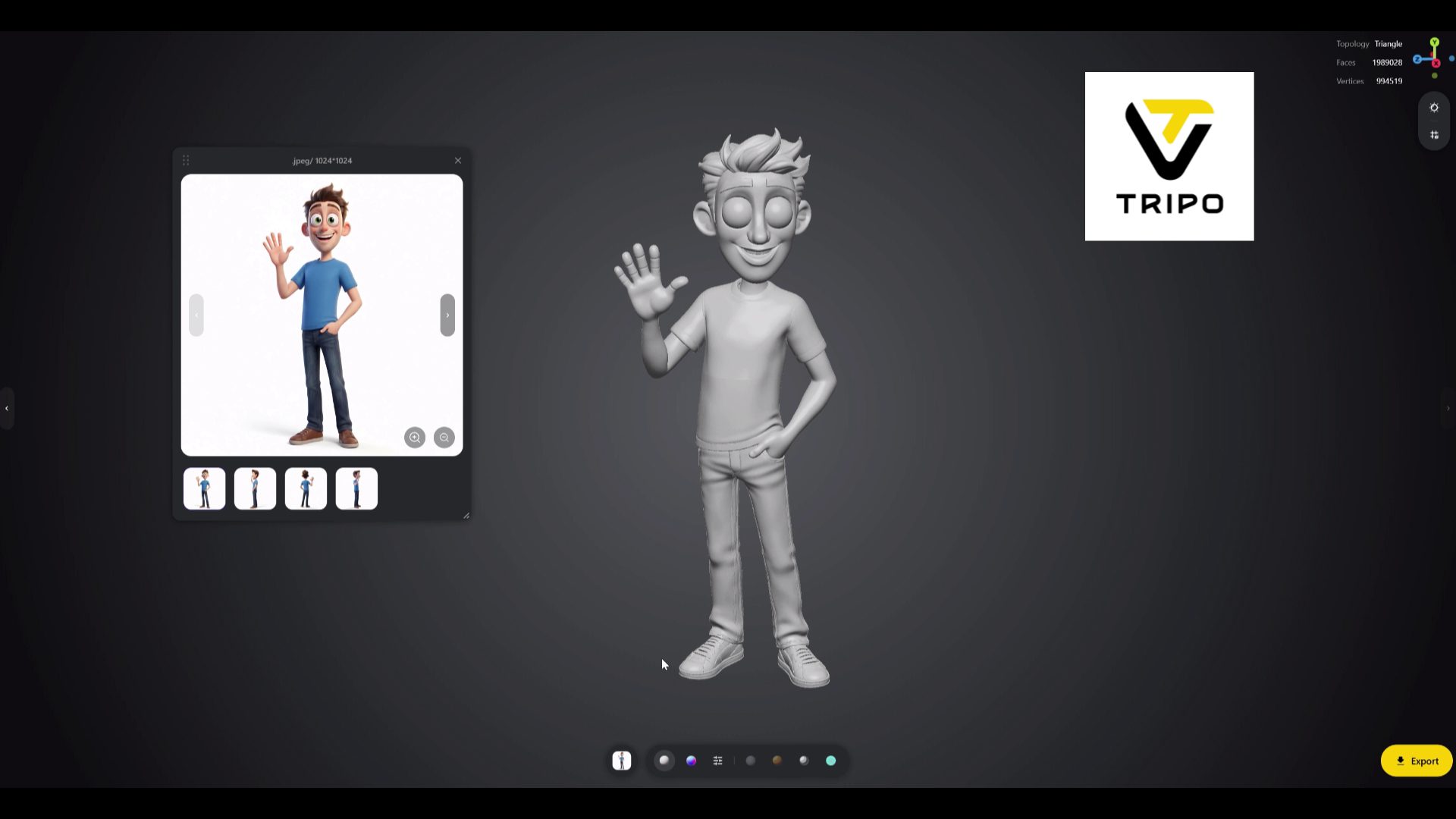
For years, generative AI tools for 3D have operated on a simple but rigid principle: you type a description or import an image, then wait for a raw model to be generated. If the result lacked detail or had flaws, you'd have to start over or spend long hours retouching in Blender.
With Tripo Agentic Canvas, Tripo AI offers a different approach: an "agentic canvas"—a visual workspace where AI agents collaborate with the creator to design, modify, assemble, and prepare 3D models ready for production… and 3D printing.
1. From a simple prompt to an intelligent workspace
Canvas abandons the chat-like interface. It presents itself as a large infinite workspace, much like Figma or Miro, but designed for 3D. Generated models aren't isolated files, but elements connected to one another.
The integrated AI agent doesn't just create a model:
- It understands context: it accounts for proportions, alignments, and scales between elements placed on the workspace.
- It modifies a specific area: changing a sword guard, a bust's texture, or a shoe sole no longer requires regenerating everything. The agent applies the instruction locally.
- It keeps history: each step creates a branch, allowing you to go back, compare variants, or combine two versions.
2. What the agent does: shape, mesh, and textures
For professionals and makers alike, generation isn't enough: model quality matters. According to Tripo, Canvas automates several technical steps:
| Function | What the agent does | The benefit |
|---|---|---|
| Multi-source generation | Combines descriptions, reference images, and sketches placed on the workspace. | Consistent style across an entire series of objects. |
| Automatic retopology | Rebuilds a clean, regular mesh (in quads). | A lighter model, easier to animate and refine. |
| Realistic textures | Generates color, normal, roughness, and metallic maps together. | Render-ready for Unity, Unreal Engine, or real-time use. |
| 3D printing preparation | Checks for thin walls, closes the volume, and exports it "watertight." | STL or OBJ files requiring little to no repair. |
For printing, a quad mesh isn't essential: STL format is composed of triangles anyway. What matters is a closed volume and sufficiently thick walls.
3. Our workshop test: "Stan" modeled in minutes
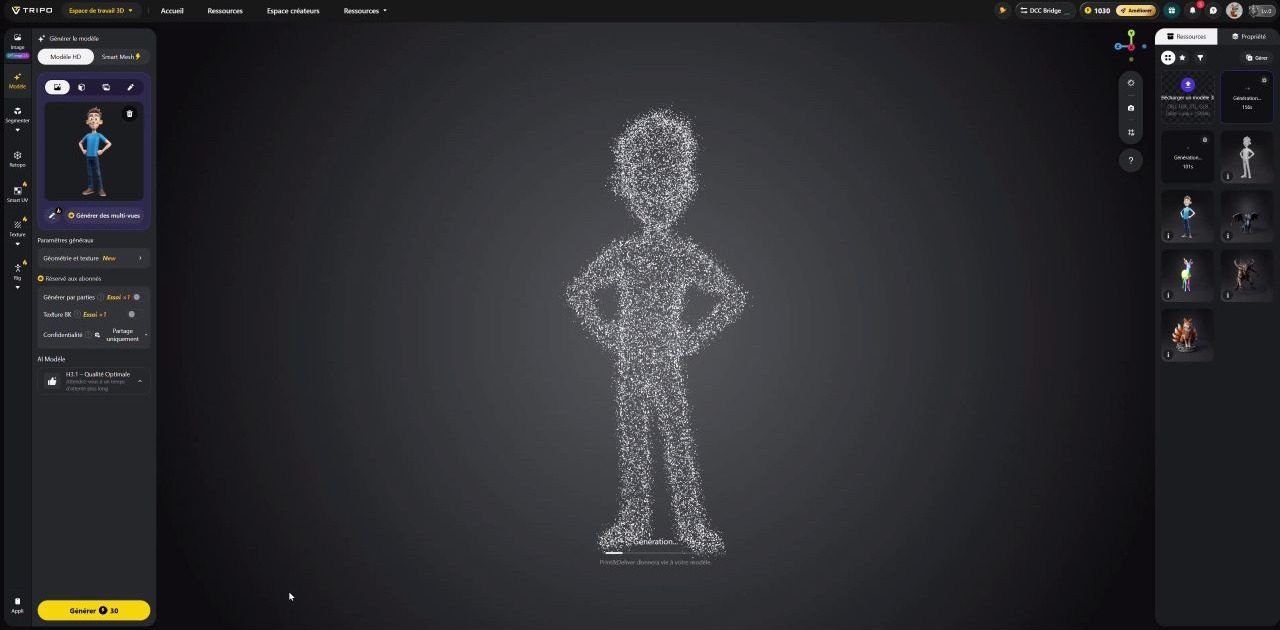
To evaluate the tool in real-world conditions, we tested it on a concrete case: creating Stan, our mascot character.
Where an experienced digital sculptor would spend several hours sculpting, retopologizing, and preparing textures, Canvas handled the essentials in minutes:
- Sketch and first version (about 2 min): we placed a quick sketch of Stan on the workspace, with a style direction. The agent drew the silhouette and created a well-balanced 3D volume.
- Targeted refinements (about 3 min): without recalculating everything, we asked to thicken the forearms, adjust the gaze, and add workshop accessories. The agent integrated these changes seamlessly.
- Printing preparation (about 1 min): the preparation agent cleaned the mesh and closed openings to create a watertight volume, ready for slicing.
Here's the test on video:

4. A tool for studios and prototyping workshops
Tripo's goal isn't to replace CAD or modeling software, but to drastically reduce time spent on initial concepts:
- Find ideas very quickly: create a coherent series of accessories or props in minutes on the same workspace.
- Assemble elements: ask the agent to adapt a head onto an existing torso, with automatic smooth blending.
- Prepare for printing: scale the model to the right size in millimeters before exporting to Bambu Studio or OrcaSlicer.
For precision mechanical parts, CAD remains essential: generative AI excels at organic shapes, not tolerances to the tenth of a millimeter. We explain this in our guide on getting from photo to printable 3D file with Tripo AI.
Toward the era of 3D agents
Tripo Agentic Canvas illustrates the shift from generative AI "gimmick" to a genuine work tool. By entrusting an agent with repetitive tasks (mesh cleanup, retopology, textures), the creator can focus on what matters: artistic direction and assembly.
To see the result through to a printed and painted figurine, also read our first hands-on experience with Tripo. And to understand why we follow these topics closely: AI, robotics, and 3D printing.
Try Tripo with 60% off
To test the tool on your own characters, concepts, or models, here's an exclusive referral code giving you 60% off:
🎁 Promo code / referral
TRIPOSPARK
60% off Pro and Max subscriptions, monthly or annual plans. Valid for new subscribers through December 31, 2026.
🔗 Link: https://studio.tripo3d.ai/
👉 Tripo versus other tools (Meshy, Blender, Fusion…): check out our 3D modeling software comparison.