Getting Started with 3D Printing: A Beginner's Guide

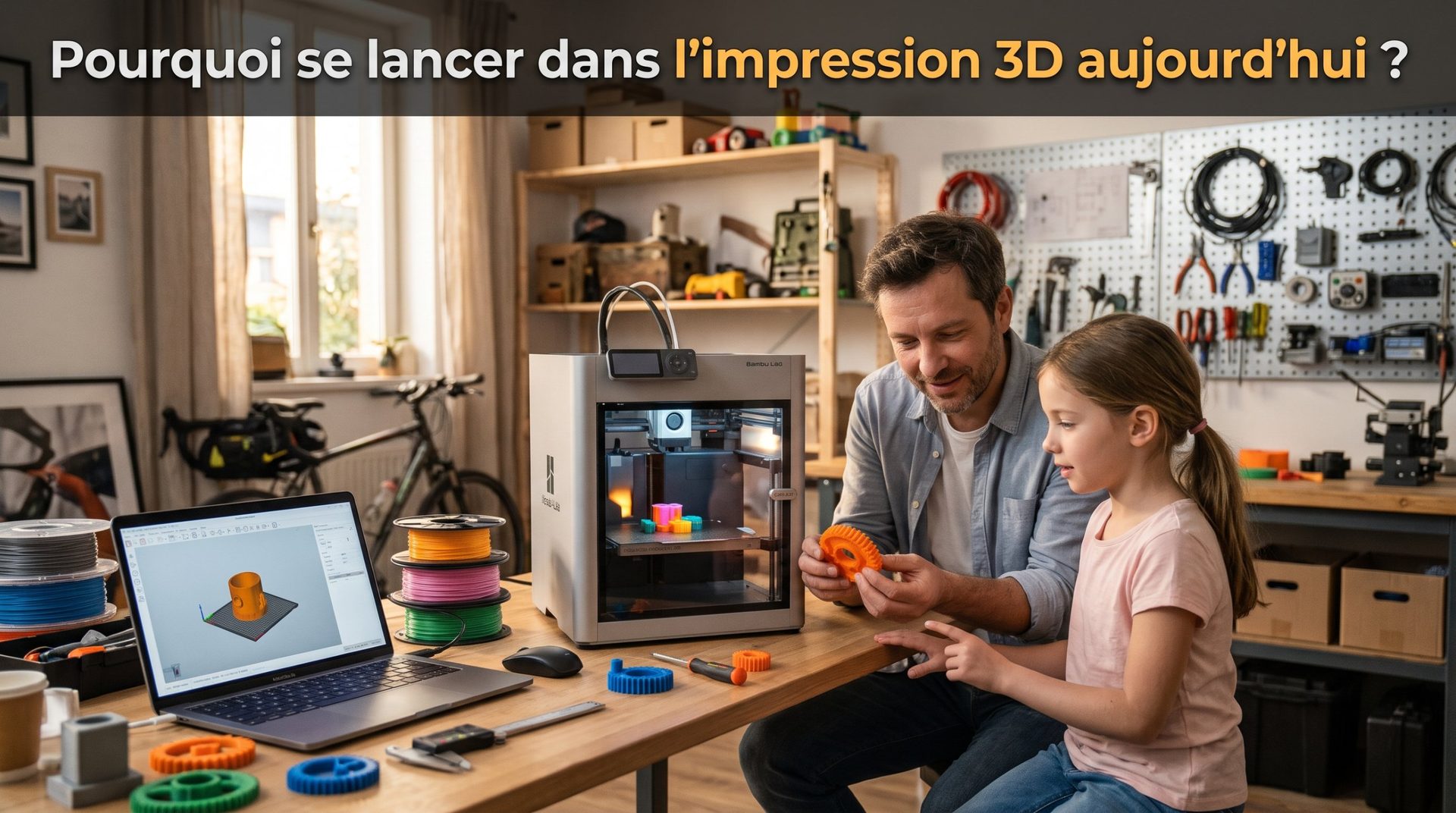
3D printing may seem complex and intimidating at first glance, with its technical jargon and multiple steps. But don't be fooled: the technology is now more accessible than ever. This guide gives you the keys to take your first steps and transform your ideas into real objects, without getting lost.

Step 1: Understanding the Basics
Before you get started, it's important to understand a few essential concepts in 3D printing.
- The principle: The most common technology for beginners is Fused Deposition Modeling (FDM). The machine heats a plastic filament and deposits it layer by layer to build the object.
- The vocabulary: You'll often hear about filament (the plastic wire), the extruder (the head that melts and deposits the filament), the build plate (the surface on which the part is printed) and the slicer (the software that prepares your 3D model).
Step 2: Choosing Your Equipment
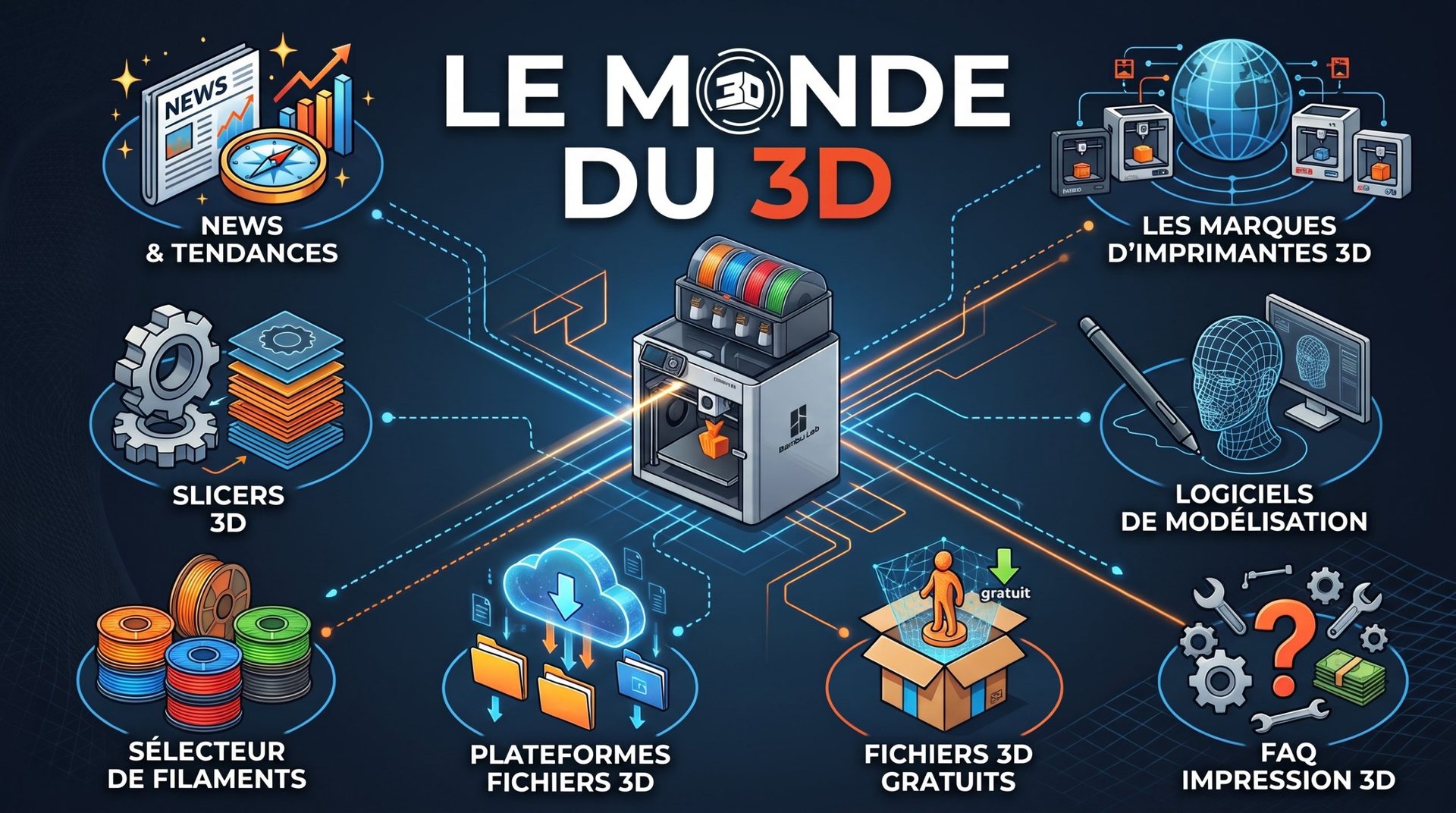
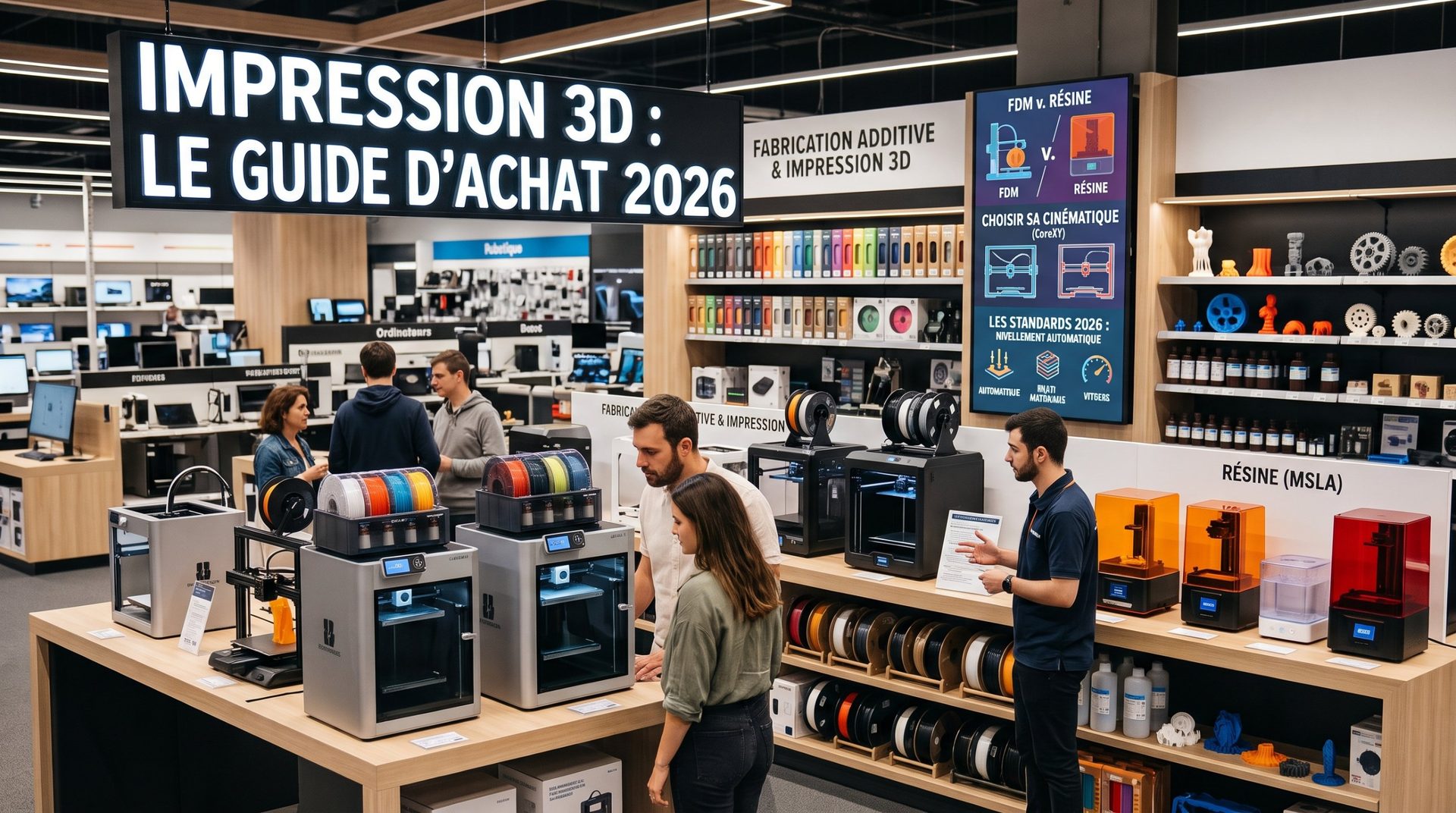
- The 3D printer: For a beginner, it's best to choose a machine known for its reliability and ease of use. Look for models that have automatic bed leveling and a good online community. These features will save you precious time and prevent a lot of frustration. Here's a list of the most influential manufacturers: 3D Printer Brands Guide
- Filament: Start with PLA (Polylactic Acid). This material is ideal for learning: it's easy to print, doesn't emit strong odors, and is made from renewable resources.
Step 3: Preparing Your First Print
- Finding a model: You don't need to know how to model to get started! Sites like Thingiverse and Printables are packed with millions of free 3D files, ready to download. Check out our article: "Where to Find Free 3D STL Files for 3D Printing? The Best Platforms"
- The Slicer software: This is the magic step. A slicer (like Cura, PrusaSlicer, BambuStudio) is free software that slices your 3D model into thin layers and generates the code your printer will follow. You set the layer height, infill density, and supports. Check out our article: "What's the Best Slicer for 3D Printing?"
- Basic settings: For your first print, stick with the slicer's default parameters. They're usually optimized for beginners.
Step 4: Launching Your First Print
- Preparing the build plate: Make sure your print bed is clean and your Z-offset is properly set. A good first layer is the key to a successful print.
- Starting the print: Transfer the file (usually via SD card, USB drive, or cloud) and start the print. Stay near the machine for the first few minutes to check that the first layer is depositing correctly.
3D printing is a journey of discovery and learning. Don't be afraid of a few failed prints; they're part of the process and will teach you a lot. The most important thing is to have fun and watch your ideas come to life, layer by layer.