What's the Best Slicer for 3D Printing? The 2026 Comparison

Article updated in November 2026 with the latest versions and all major slicers on the market.
Choosing the "best" slicing software is a question every 3D printing enthusiast asks themselves. The truth is, there's no one-size-fits-all solution: the best slicer is the one that matches your skill level, your printer, and your projects.
Here's our comparison of the most popular slicing software in 2026, organized by user profile, to help you sort it out. You'll find all official download links on our 3D Slicers page.
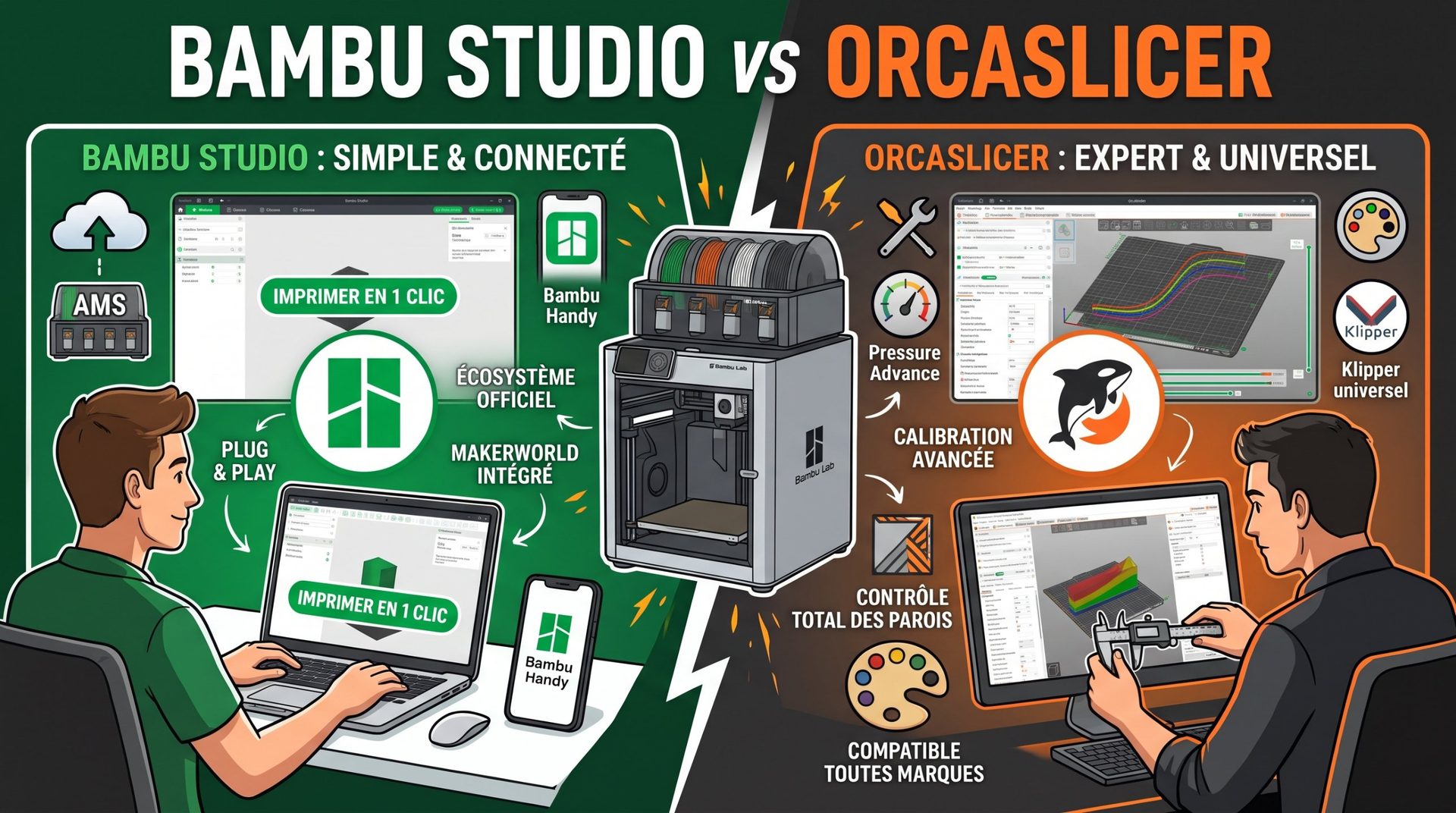
OrcaSlicer: The Swiss Army knife for demanding makers
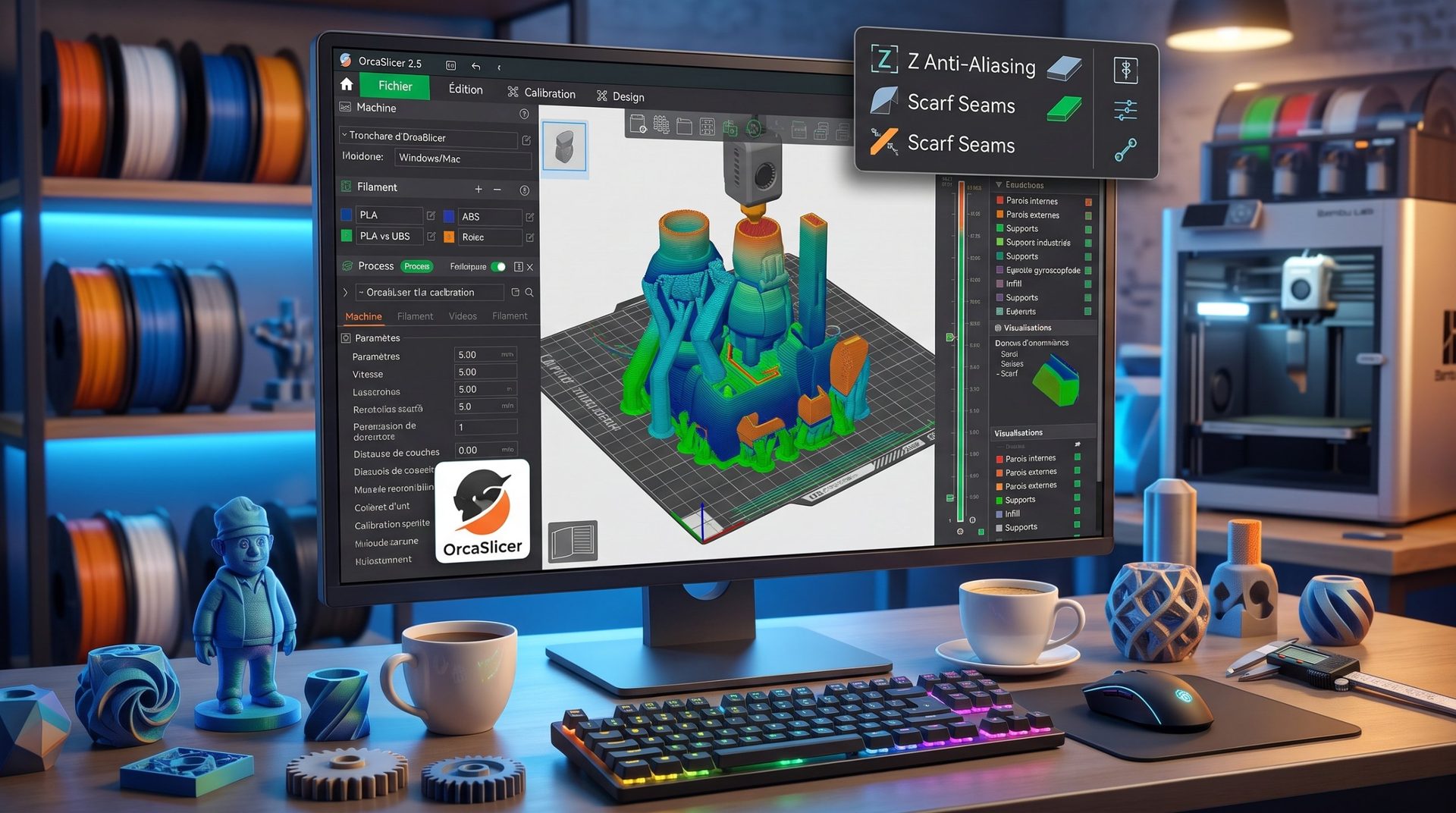
Derived from Bambu Studio (which itself came from PrusaSlicer), OrcaSlicer has become the most feature-rich free slicer in just a few years. It works with almost every printer brand and updates very frequently.
- Comprehensive built-in calibrations: flow, pressure advance, temperature, retraction, max speed, vibration compensation…
- Innovations first: angled seams, Z Anti-Aliasing for smooth slopes, textured surfaces, plugins…
- Universal: Bambu Lab, Prusa, Creality, Voron, Klipper-based machines—one software for your entire workshop.
Recommended for: intermediate to advanced makers, high-speed printers, and multi-brand workshops. See our full article on OrcaSlicer's latest features.
PrusaSlicer: The perfect balance
Developed by Prusa Research, PrusaSlicer is one of the most polished and stable slicers available. It offers an excellent balance between ease of use and advanced settings.
- Tree-shaped organic supports that are easy to remove.
- A cutting tool that splits large parts into smaller pieces with alignment pins.
- A clear interface with an "expert" mode for more control.
Recommended for: owners of Prusa printers, and anyone looking for powerful, reliable software.
UltiMaker Cura: The accessible giant
Cura is one of the world's most widely used slicers. Free and open source, it's backed by a huge community and an extensive plugin library.
- Easy to learn, with millions of tutorials online.
- Profiles for a vast range of filament printers.
- Countless plugins to add extra features.
Recommended for: beginners on standard printers (Ender-3, Anycubic, Artillery…) and lesser-known machines. It's slightly heavier and less innovative than newer slicers.
Bambu Studio: Simplicity for Bambu Lab owners
Bambu Lab's official slicer—free and open source—designed specifically for their printers (A1, P1, P2S, X1, H2D, H3C…).
- Native AMS management, automatic spool recognition, camera monitoring.
- One-click printing from MakerWorld.
- Ready-to-use profiles that succeed on the vast majority of prints.
Recommended for: Bambu Lab owners who want a simple solution. Bambu Studio or OrcaSlicer? See our detailed comparison.
Other manufacturer slicers
Many brands offer their own slicer, optimized for their machines, with ready-made profiles and cloud integration:
- Creality Print: for recent Creality models (K1, K2, Ender-3 V3…) and CFS multi-color.
- QIDI Studio: for QIDI Tech closed-frame printers and advanced materials.
- FlashPrint: for Flashforge printers, very simple, popular in schools.
- Anycubic Slicer Next and ElegooSlicer: for filament printers from these brands.
Many of these are based on the same codebase as Bambu Studio and OrcaSlicer: if you know one, you'll quickly feel at home in the others.
Professional slicing software
- Simplify3D (paid): long considered the gold standard for speed and hand-tunable supports. It still has devoted professional users, but free slicers have caught up on many fronts.
- ideaMaker (free): developed by Raise3D, compatible with most printers, excellent for large parts, textures, and multi-extruder setups.
For resin printing: Lychee Slicer and CHITUBOX
- Lychee Slicer: French-designed, renowned for its intuitive interface, reliable automatic supports, and tools for hollowing parts and adding drainage holes. Now supports filament too. Free, with a Pro version on subscription.
- CHITUBOX: the standard for resin printers (Elegoo, Anycubic, Phrozen…), with fine-tuned exposure control. Free basic version, paid Pro version.
Which slicer should you choose by profile?
| Your situation | Our recommendation |
|---|---|
| You're starting out on a standard printer | UltiMaker Cura or PrusaSlicer |
| You have a Bambu Lab and want simplicity | Bambu Studio |
| You want fine-tuning or use multiple brands | OrcaSlicer |
| You have a Prusa | PrusaSlicer |
| You have a recent Creality, QIDI, or Flashforge | The brand's software, or OrcaSlicer |
| You print in resin | Lychee Slicer or CHITUBOX |
| You print large parts in a professional setting | ideaMaker or Simplify3D |
In conclusion
There's no universal "best" slicer. The ideal tool is the one that fits your printer and your workflow. Good news: almost all are free, so there's nothing stopping you from trying several.
And more importantly, it's not the choice of software but your mastery of its settings that makes the difference: supports, temperature, speed… By understanding these parameters, you'll get perfect prints no matter which slicer you use.