ZBrush and 3D Printing: Sculpting the Impossible and Making It Real
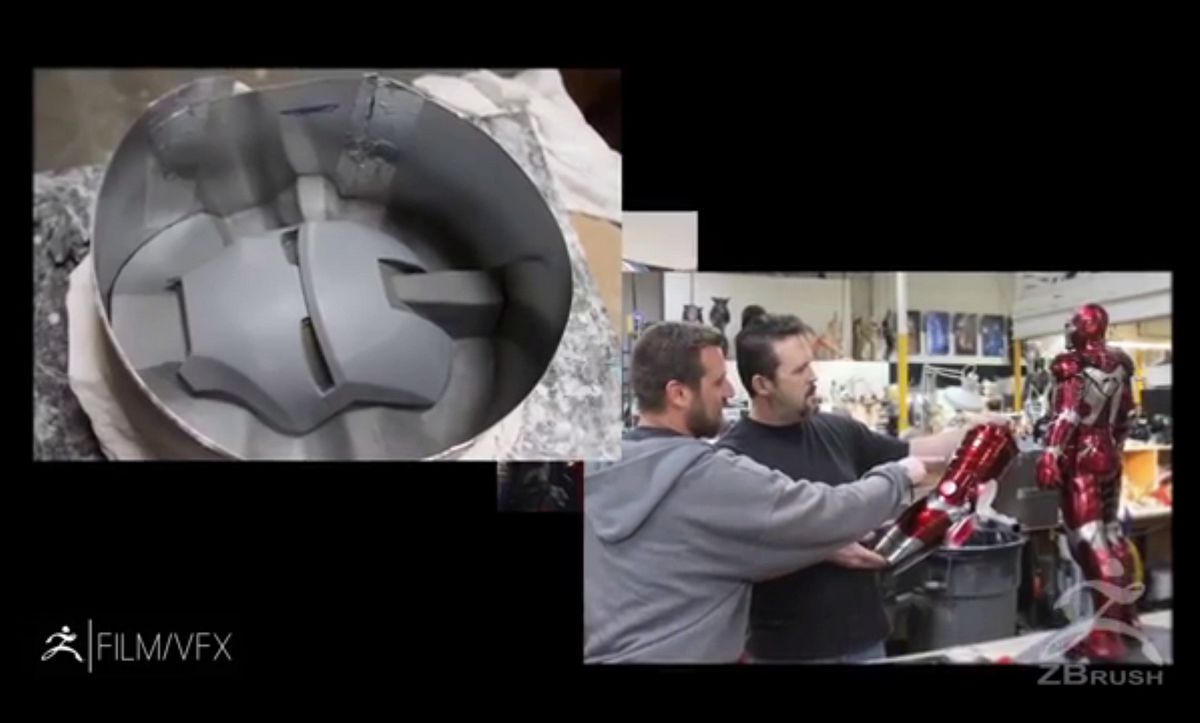
ZBrush is not a standard 3D modeling software; it's a digital sculpture workshop. Used by artists, video game studios, and miniature designers, it's the go-to tool for creating organic shapes, fantastical creatures, and highly detailed characters. For 3D printing, ZBrush is the essential link that transforms a complex artistic vision into a physical object.

(Video Source: Youtube)
ZBrush: The Digital Chisel for 3D
Unlike CAD (Computer-Aided Design) software that relies on precise measurements and geometric shapes, ZBrush uses an intuitive approach, simulating digital clay.
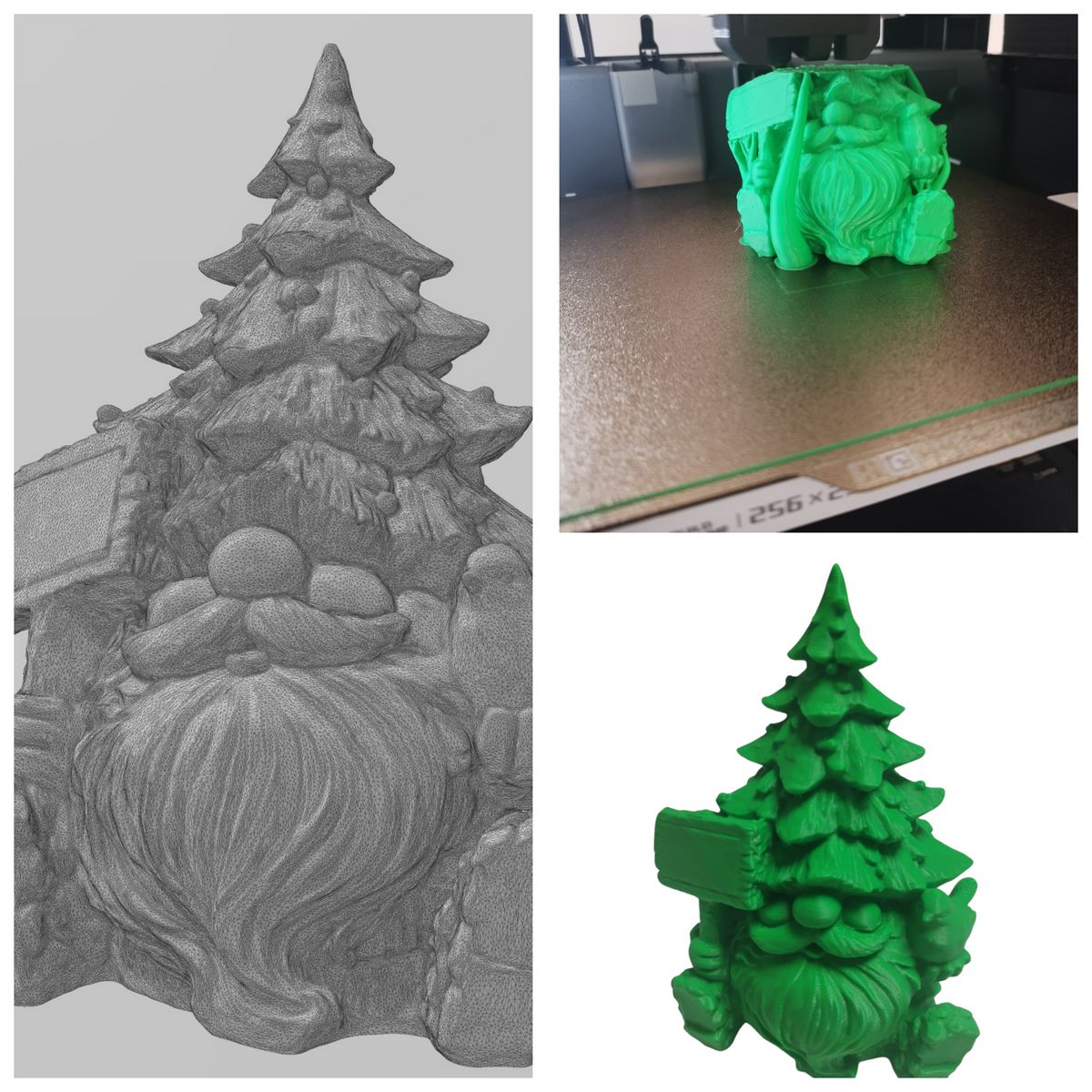
- Extreme detail: Its strength lies in its ability to handle millions, even billions of polygons (the facets that make up an object's surface). This density allows you to sculpt the finest details, like skin pores, clothing folds, or scale textures.
- Organic creation: It excels at creating everything organic and fluid, without right angles or rigid mathematical constraints. That's why it's the reference for collectible figurines, artistic jewelry, and cosplay.
- Specialized tools: Features like DynaMesh and ZRemesher help maintain clean, usable geometry even after hours of intense sculpting.
The Bridge Between Digital Art and Physical Form
3D printing (particularly resin, which excels at detail) is the natural outlet for a ZBrush sculpture.
- Detail fidelity: The fine lines, surface textures, and reliefs sculpted in ZBrush translate directly onto the printed piece. The more precise the sculptor, the more impressive the physical object will be.
- Design flexibility: The artist can create complex assembly systems, alignment keys for figurine joints, and specific pose supports, knowing that ZBrush allows unlimited freedom to manipulate forms.
Preparing Your Model: Key Steps for Printing
Moving from a ZBrush file (often heavy and complex) to the 3D printer requires rigorous preparation.
- Mesh closure (Manifold Mesh): The model must be "water-tight". It must have no holes, no inverted surfaces, or intersecting polygons. The slicer (the preparation software) cannot process ambiguous geometry.
- Decimation: ZBrush models are often too heavy for a slicer to process or for the printer's memory. The Decimation Master tool reduces the model's polygon count (sometimes by 90% or more) while preserving maximum visual detail.
- Wall thickness verification: You must ensure thin parts (fingers, swords, capes) are thick enough to print without breaking or being ignored by the printer's resolution.
- Piece separation: For large prints, ZBrush lets you cut the model into multiple sections that fit together perfectly, optimizing print quality and reducing support needs.
ZBrush is ultimately the bridge between an artist's boundless imagination and the physical world. It empowers creators to bring their most complex visions to life, positioning 3D printing at the heart of the art and collectibles market.
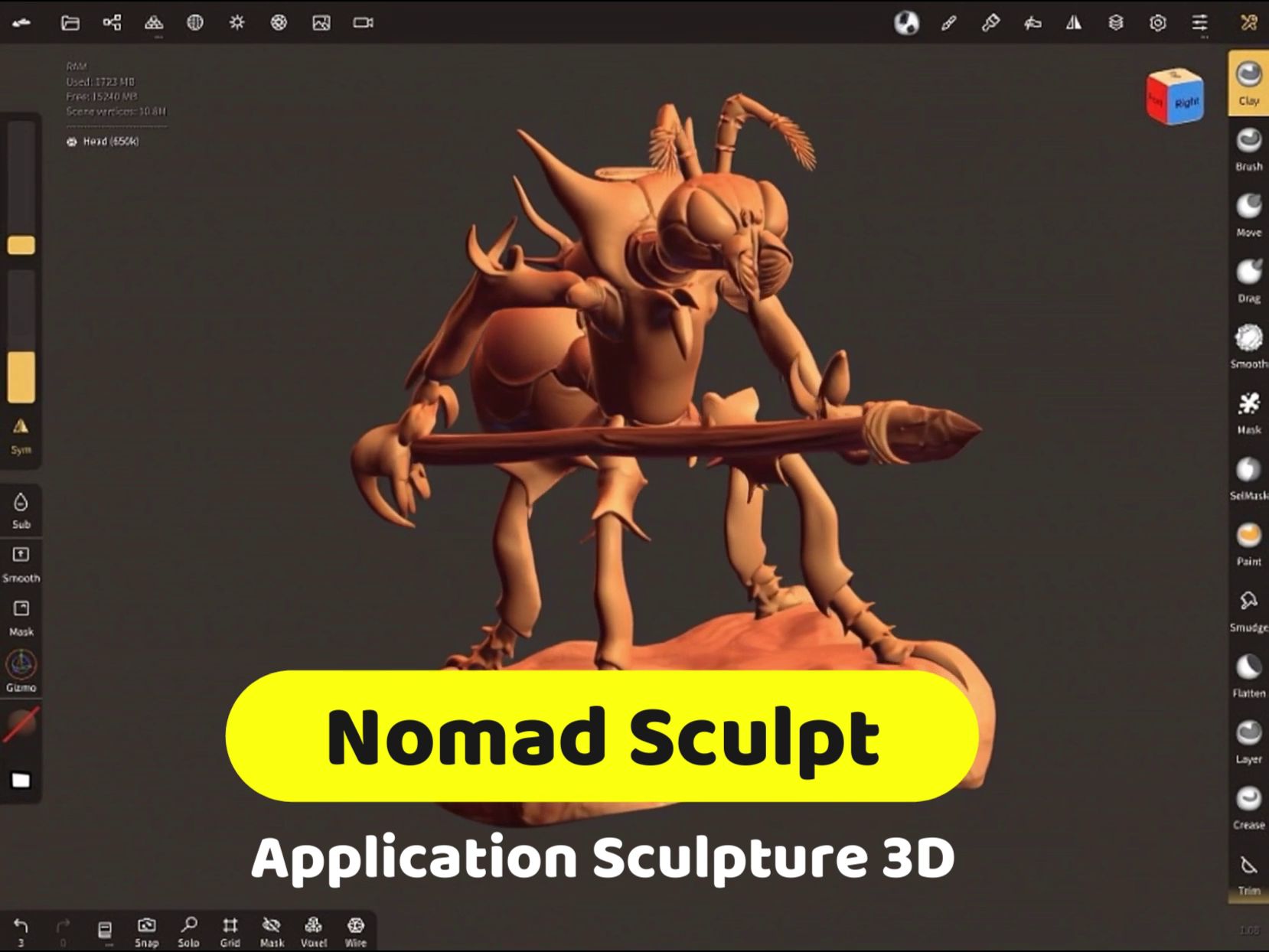
👉 ZBrush vs. Blender or Nomad Sculpt: see our 3D modeling software comparison.