Nomad Sculpt: The Software That Made 3D Sculpting Mobile and Accessible
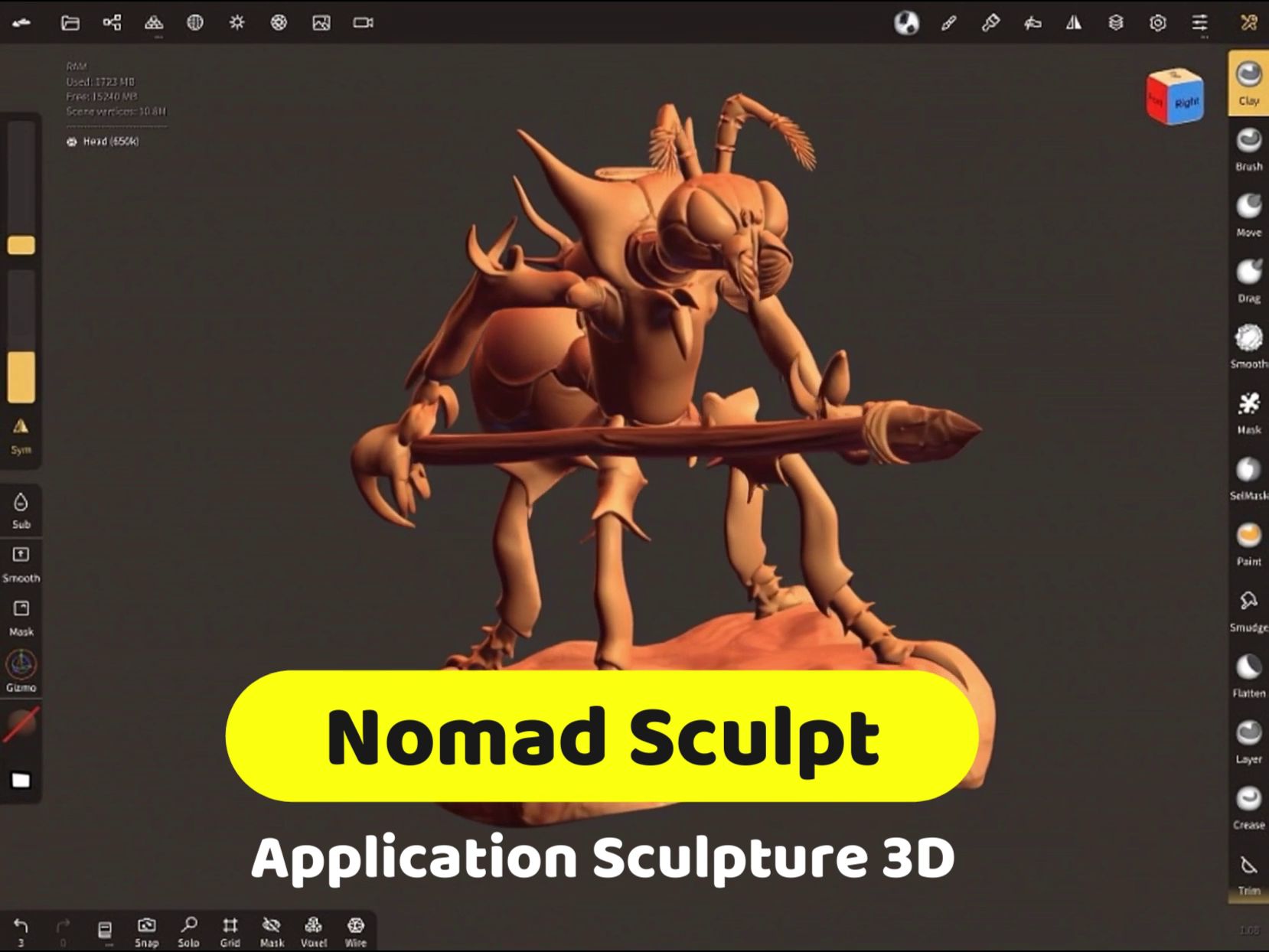
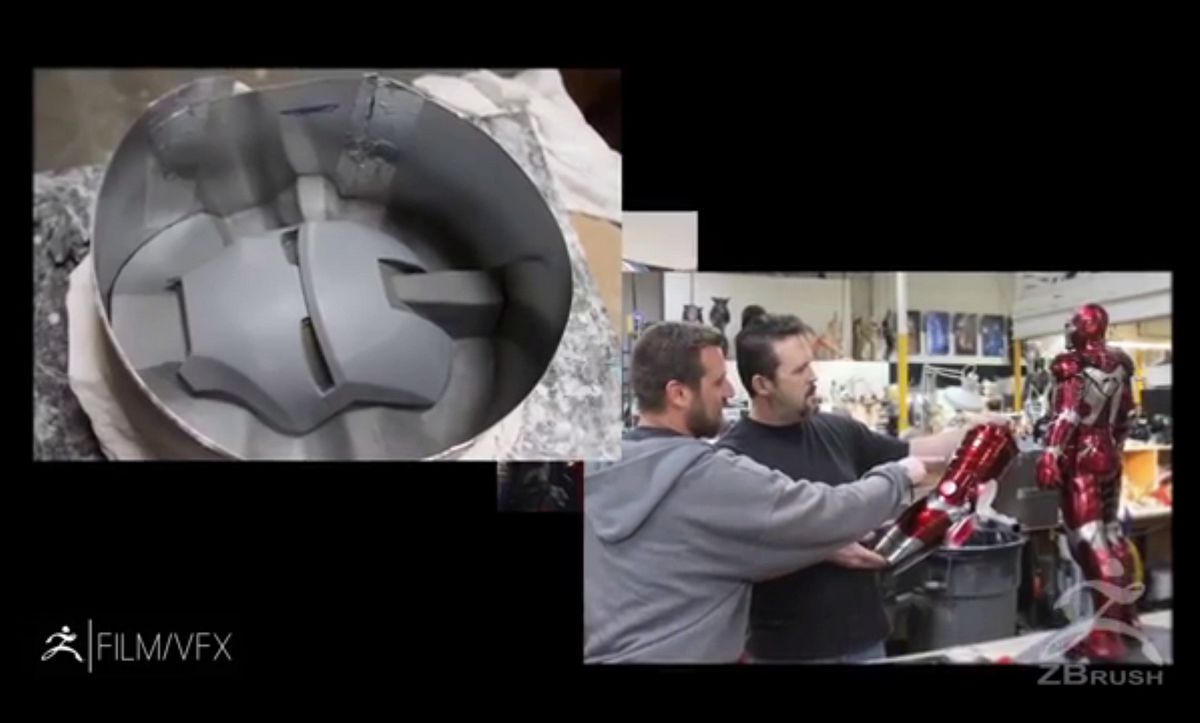
For years, high-end 3D digital sculpting was an art reserved for artists equipped with powerful computers and expensive software like ZBrush. The arrival of Nomad Sculpt shattered this barrier, transforming touchscreen tablets (iPad and Android) into true professional sculpting studios. This software democratized organic 3D content creation, making it mobile, intuitive, and accessible at a fraction of the traditional cost.

A Sculpting Studio in Your Hand
Nomad Sculpt was designed from the start for the touchscreen environment. It's not an adaptation, but an interface built for the stylus (like the Apple Pencil or S Pen), making it remarkably intuitive.
Accessibility and Mobility
The software cost is minimal compared to annual subscription fees for PC solutions. This affordable price, combined with tablet portability, means artists can now sculpt complex characters, creatures, or props anywhere: in a café, on public transit, or on the couch.
For beginners and students, Nomad Sculpt offers an approachable entry point into 3D sculpting, where the focus is on creativity rather than software complexity.
Key Features: The Power of Professional Software
Despite its ease of use, Nomad Sculpt integrates tools comparable to industry standards:
- Essential Brushes and Tools: All classic brushes are present (Clay, Crease, Smooth, Move, Flatten), enabling you to build and smooth volumes with a natural tactile feel.
- Advanced Mesh Management (Voxel Remeshing): This crucial feature lets artists modify mesh density and structure on the fly. If you stretch an arm, the software instantly recalculates and evens out the triangles (polygons) so you can keep sculpting without quality loss.
- Layers and Masks: The software manages detail layers, letting you add wrinkles, textures, or deformations without damaging the base model, and masks to isolate specific areas.
- PBR and Rendering: Before export, Nomad Sculpt includes a PBR (Physically Based Rendering) engine. Artists can apply lighting, materials, metallic reflections, and post-processing effects to create high-quality presentation images of their model.
From Tablet to 3D Printer
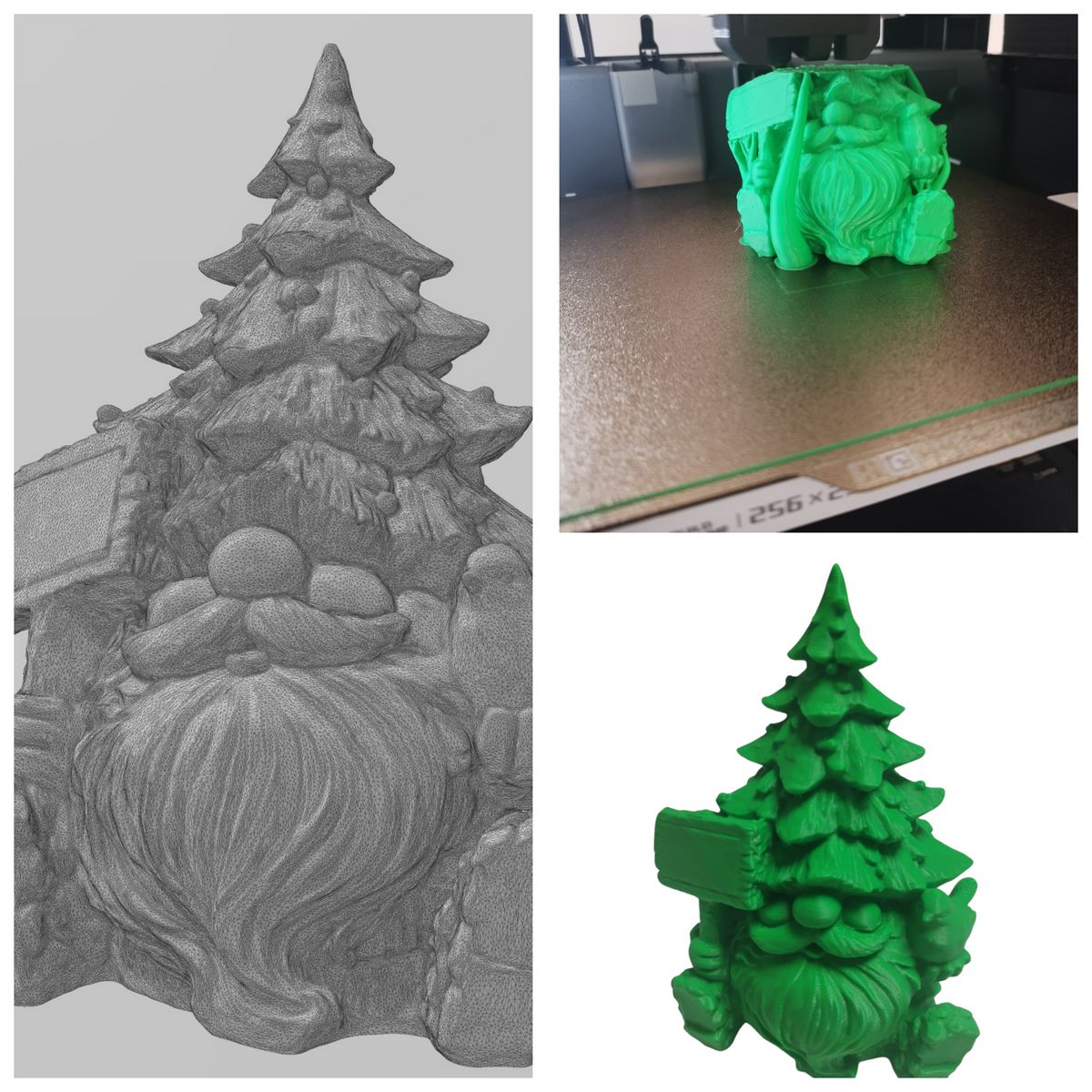
One of the most common uses for Nomad Sculpt is creating figurines and models for additive manufacturing. The software fits perfectly into this workflow:
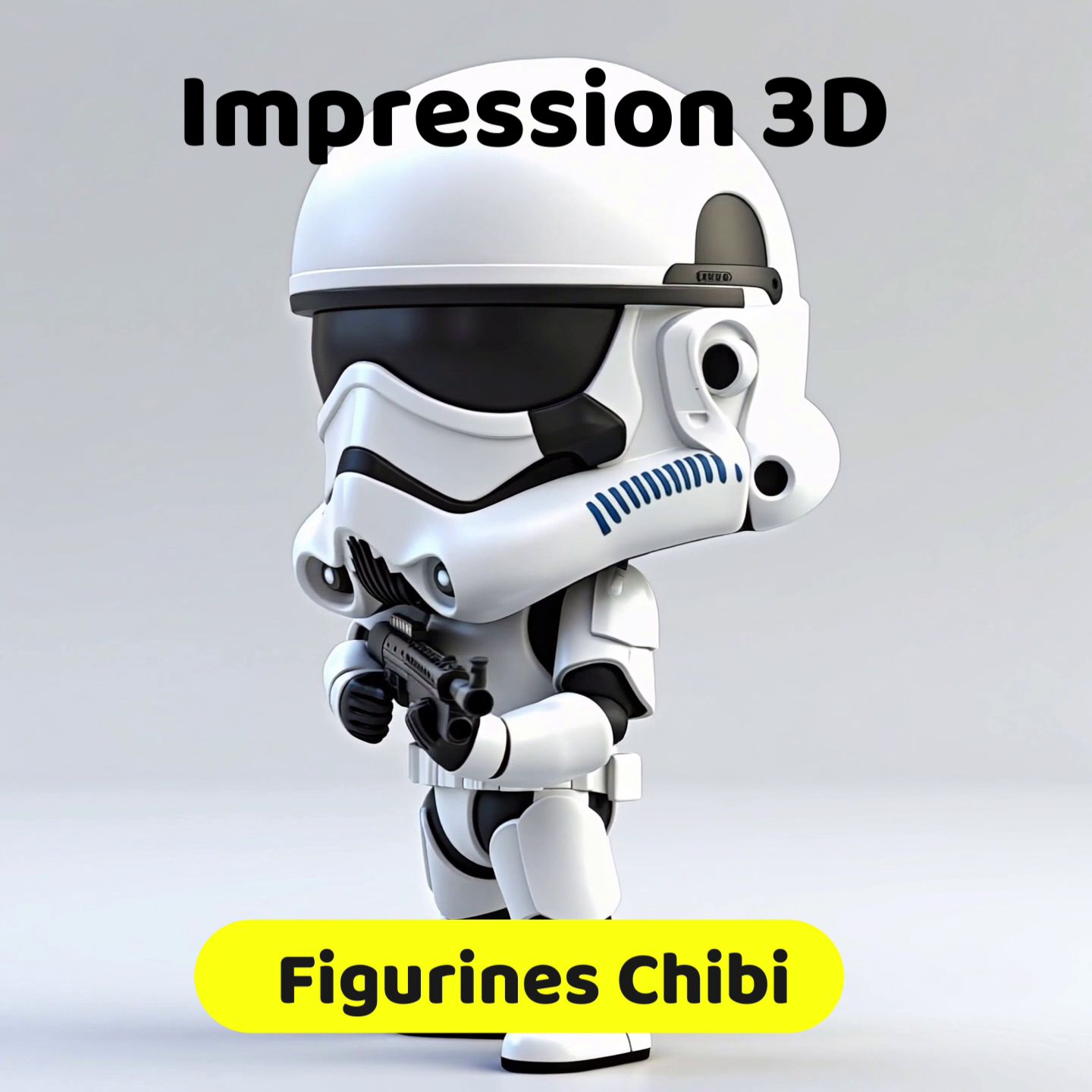
- Sculpting and Detail: The artist creates their piece (often Chibi-style characters, busts, or monsters) using stylus precision.
- Export Preparation: The sculptor ensures the final model is manifold (or watertight), an essential condition for 3D printing.
- Export: The model is exported in industry-standard formats like OBJ or STL.
- Print Preparation: The file is then imported into slicing software, where it will be sized, oriented, and supports added before sending to a 3D printer (Resin or FDM).
Nomad Sculpt has spawned a new wave of creators, proving you no longer need a high-end PC to design professional-quality 3D content. The creation process, from initial idea to printed physical object, is now entirely portable and personal.
👉 Other sculpting and CAD tools are compared in our 3D modeling software selection.