3D Scanner and 3D Printing: Bridging the Physical and Digital Worlds
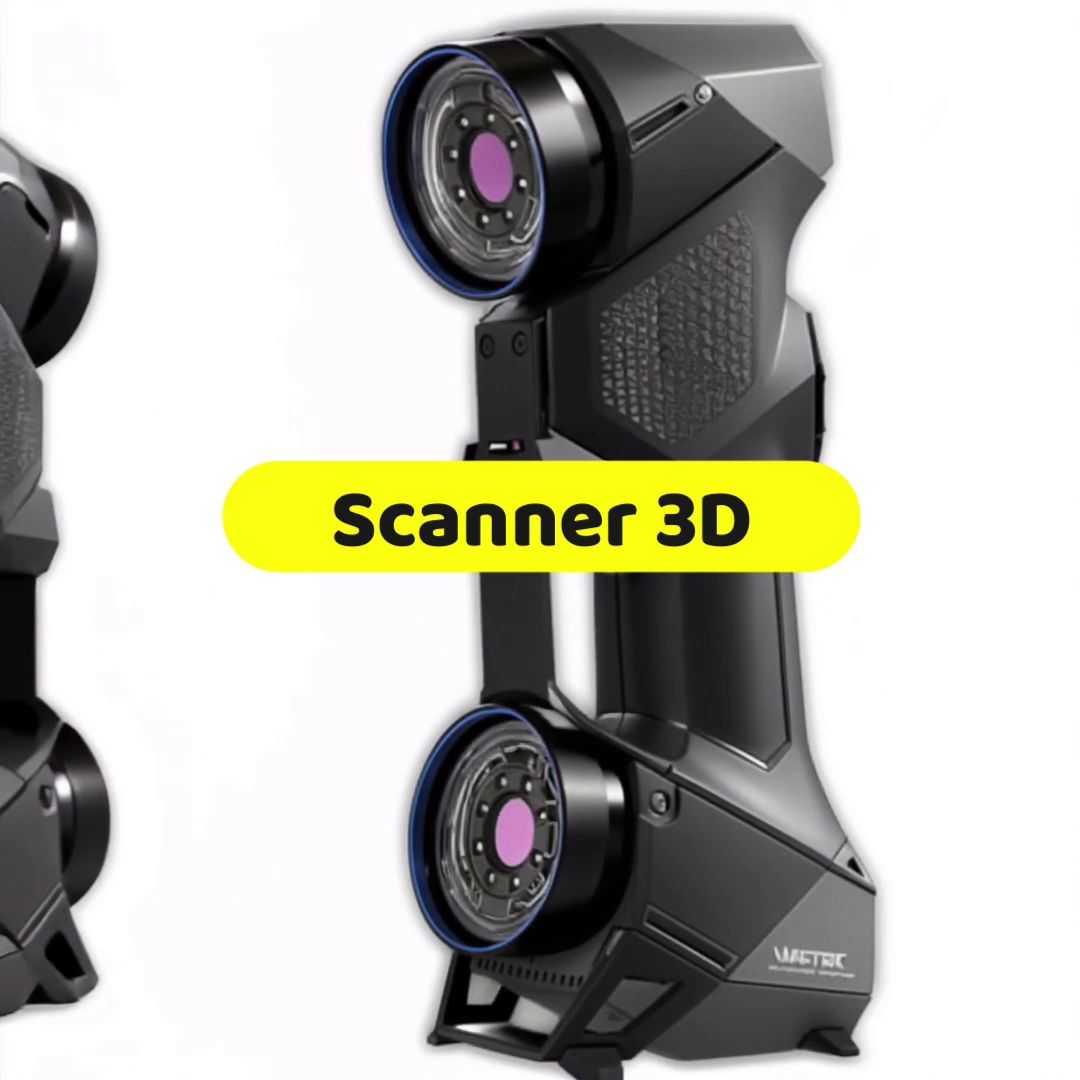
3D printing is the art of materializing digital files. But where do these files come from? The 3D scanner is the essential tool that closes the loop, allowing you to do the reverse: transform an existing physical object into a printable digital model. The 3D scanner / 3D printer duo is the key to customization, repair, and reverse engineering.

(Image Source: www.creaform3d.com)
1. The Role of the 3D Scanner: The Digital Eye
The 3D scanner acts as an eye that captures an object's geometry. Using either structured light (projection of patterns to measure deformation) or laser triangulation, the scanner records millions of points on the object's surface.
- The Point Cloud: The first output is a raw "point cloud," a collection of coordinates without structure.
- The Mesh: Specialized software then connects these points to form a meshed surface made up of triangles. This mesh is typically exported in STL format, the file format favored by 3D printing.
The scanner therefore allows you to capture complex geometry with a precision that manual modeling (CAD) could only match at the cost of many hours of work.
2. The Perfect Synergy: Scan → Modify → Print
Integrating 3D scanning into the 3D printing workflow is often called reverse engineering.
- Scan the Physical Object: Capture the model (for example, a spare part or sculpture).
- Digital Cleanup: The mesh is processed to remove "noise" (measurement errors) and holes. This is the most critical step.
- Modification and Adaptation: The user modifies the scanned file. They can resize it, repair it (for example, fill in a broken section), or add features (such as screw holes or supports).
- 3D Printing: The final file is sliced and materialized by the 3D printer.
This loop allows you to go from physical object to physical object via the digital realm, ensuring exact reproduction or adaptation.
3. Key Applications: From Repair to Customization
3D scanning has opened doors in various fields:
- Repair and Rare Parts: This is the most common application. Faced with a collectible item or obsolete machine part, the scanner enables you to create a printable replica.
- Custom Prosthetics and Orthotics: In medicine, the scanner allows precise digitization of a body part (hand, foot, teeth) to design a prosthetic or orthotic that perfectly fits the patient's unique anatomy.
- Digital Archiving: Museums and conservators use 3D scanning to create high-fidelity digital archives of historical or fragile objects, enabling their study and reprinting in case of damage.
4. The Catch: The "Watertightness" Imperative
Despite its apparent simplicity, using a 3D scanner for printing requires one essential skill: mesh cleanup.
STL files from a scanner are rarely perfect. They can contain thousands of holes, inverted polygons, or overlaps. However, the 3D printer's slicing software needs a "watertight" (or "manifold") mesh. If the file is not perfectly closed, the printer won't know what to print between surfaces, and the print will fail.
Mesh cleanup and repair is therefore the most time-consuming and technical step in the entire process, requiring specialized software (such as Meshmixer or Blender).
The 3D scanner and 3D printer work hand in hand to transform any object into manipulable data, offering a new dimension of flexibility and accessibility to manufacturing.