What Maximum Speed Can You Really Expect in 3D Printing?

Updated November 9, 2026 with speeds from recent printers.
The maximum speed you can expect in FDM 3D printing (fused filament deposition) is a complex subject, because it depends on the balance between the physical speed of the print head and the extruder's ability to melt and deposit filament.
Recent printers commonly advertise 600 mm/s, and the fastest ones reach 1,000 or even 1,400 mm/s. Yet the effective and quality-conscious printing speed remains far lower, because these figures are only achieved on long straight lines.

🚀 Theoretical vs. Real-World Speeds
1. Travel Speed (mm/s)
This is the speed at which the print head moves across the X and Y axes.
-
Older or entry-level printers without vibration compensation: they produce good results between 40 and 80 mm/s.
-
High-speed printers (recent models): current CoreXY machines (Bambu Lab, Creality K series, Qidi, Prusa CORE One, Klipper-based machines…) print good-quality parts at an average speed of 200 to 400 mm/s for infill, while outer walls remain slower.
-
Advertised maximum speeds: 600 mm/s has become the standard, and high-end machines reach 1,000 to 1,400 mm/s. These speeds are achieved only on long straight movements and are rarely sustained across a full print, especially for complex parts.
Sample speeds announced by manufacturers (late 2026):
| Printer | Max advertised speed | Max acceleration | Max advertised throughput |
|---|---|---|---|
| Bambu Lab P2S | 600 mm/s | 20,000 mm/s² | Not published |
| Creality K2 Plus | 600 mm/s | 30,000 mm/s² | Not published |
| Bambu Lab H2D | 1,000 mm/s | 20,000 mm/s² | 40 mm³/s (65 mm³/s with optional high-flow head) |
| Bambu Lab H3C | 1,400 mm/s | 25,000 mm/s² | Not published |
Prusa, for its part, doesn't publish a maximum speed for its CORE One—a deliberate choice, since that single figure tells you almost nothing about actual print time.
2. The Limiting Factor: Volumetric Throughput (mm³/s)
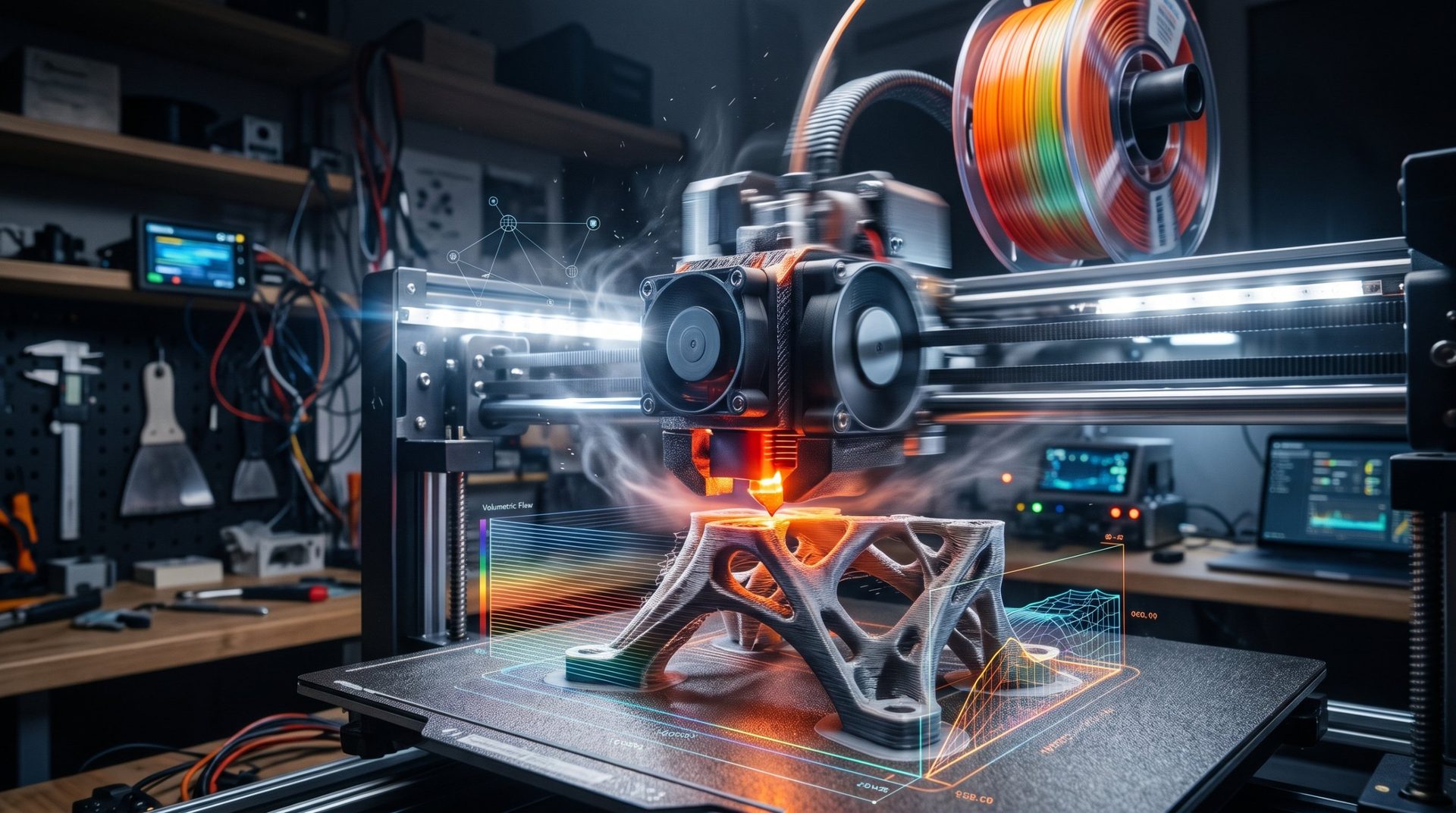
The most critical factor for speed is the amount of material the extruder (the hotend) can melt and extrude per second. This is the Maximum Volumetric Throughput (Vmax), measured in cubic millimeters per second (mm³/s).
-
Standard throughput: A standard hotend often reaches a maximum throughput of 10 to 15 mm³/s with PLA.
-
High-performance throughput: hotends on current fast printers reach 25 to 40 mm³/s, and "high-flow" heads now exceed 60 mm³/s (65 mm³/s announced for Bambu Lab H2D's high-flow head) with compatible filament.
Print speed depends directly on volumetric throughput (V):

If your extruder can only deliver 15 mm³/s, you'll never print a 0.2 mm layer with 0.4 mm line width at 300 mm/s, because that would require a throughput of 300 × 0.2 × 0.4 = 24 mm³/s. And to truly sustain 600 mm/s with a 0.45 mm line, you'd need 600 × 0.2 × 0.45 = 54 mm³/s—only high-flow heads can manage that. To save time without upgrading, a larger nozzle is often more effective: estimate the gain with our nozzle converter.
💡 Key Factors Affecting Speed
-
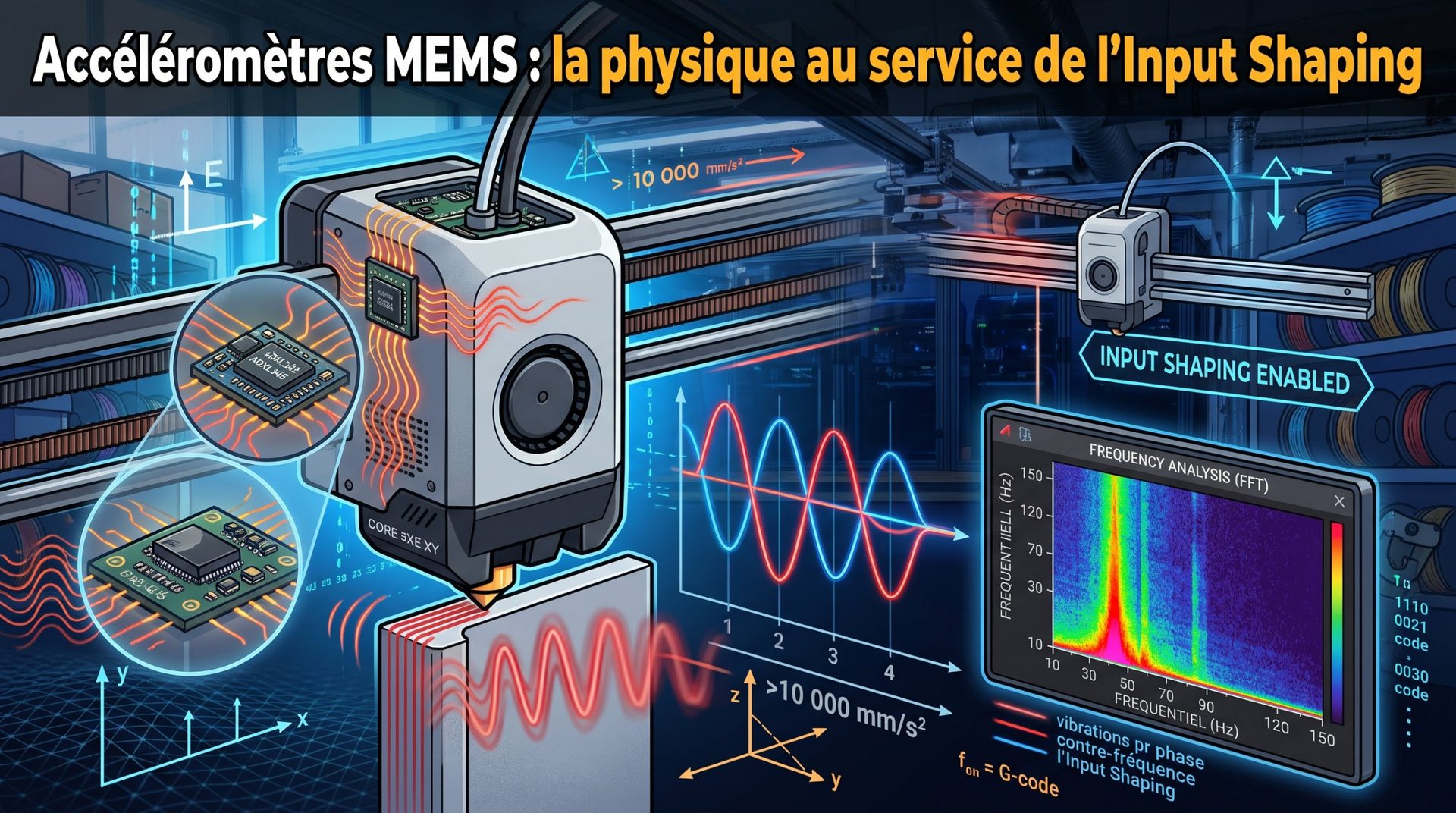
Acceleration and Jerk: This is how quickly the printer can change from one speed to another. High acceleration is essential to reach maximum speeds and is often the real factor that determines time savings on a print. Recent printers exceed 20,000 mm/s² thanks to vibration compensation (input shaping): learn how the accelerometer and input shaping eliminate vibrations.
-
Filament: Some materials, like high-speed PLA, are designed to melt and flow faster than standard PLA. At very high speeds, filament is often the limiting factor: read why filament has become the real bottleneck.
-
Part Quality: There's always a trade-off. Higher speed increases the risk of defects (vibrations, loss of detail, poor cooling, reduced layer adhesion).
-
Printer Structure: Machines with lightweight heads (like CoreXY systems) can change direction far more quickly without generating vibrations (ghosting effect) than heavy-head systems.
-
Slicer Settings: Speed is often configured differently for different parts of a model:
-
Outer perimeters: Slow for surface quality (often 30–60 mm/s).
-
Infill: Fast, since surface finish doesn't matter (often 80–150 mm/s or more).
-
First layer: Very slow to ensure adhesion (15–30 mm/s).
-
In short, the question isn't "what's the max speed," but rather "what's the highest speed I can maintain while keeping the quality I want for this part?"