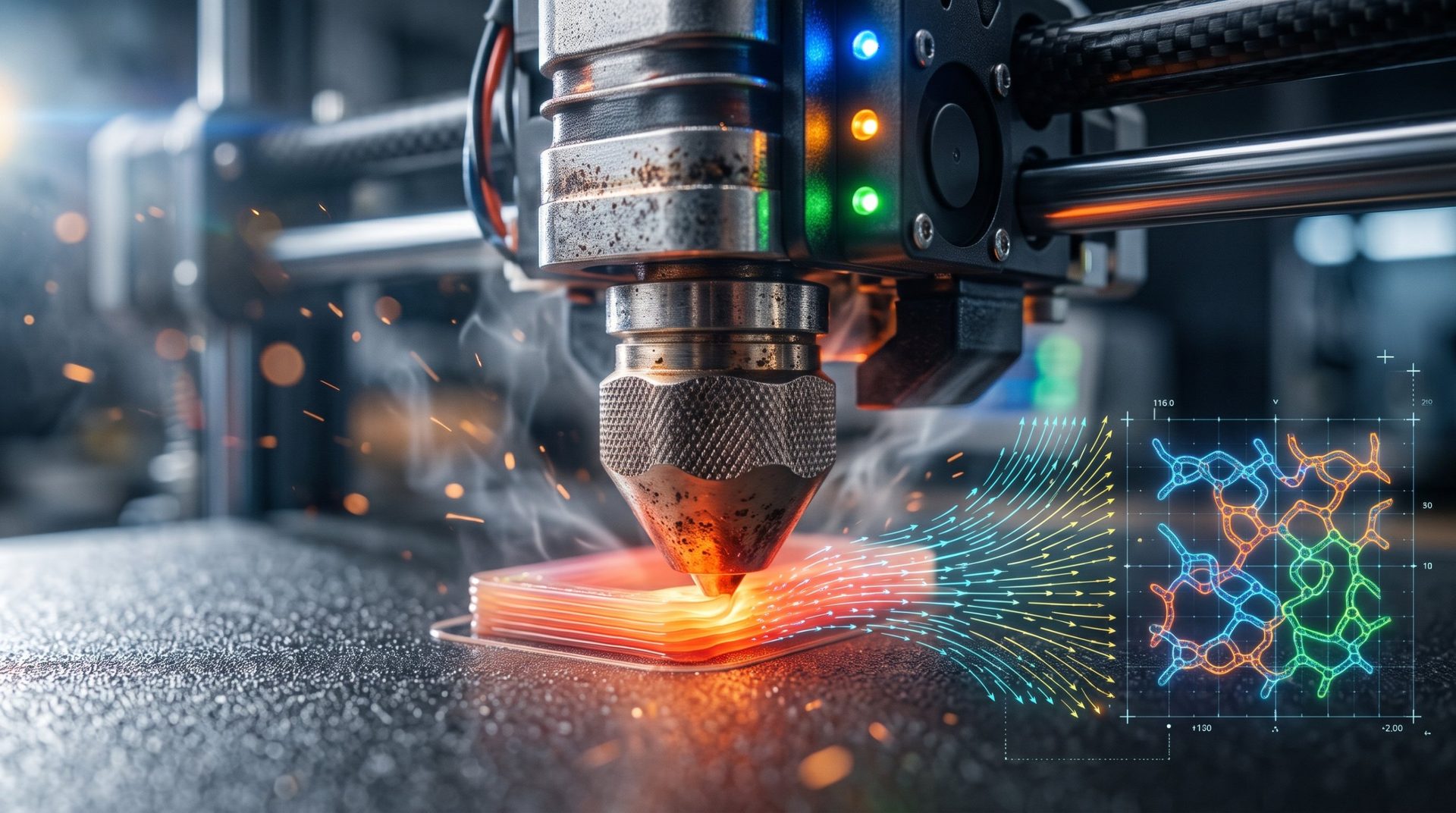
High-Speed 3D Printing: Why Filament Is the Real Bottleneck
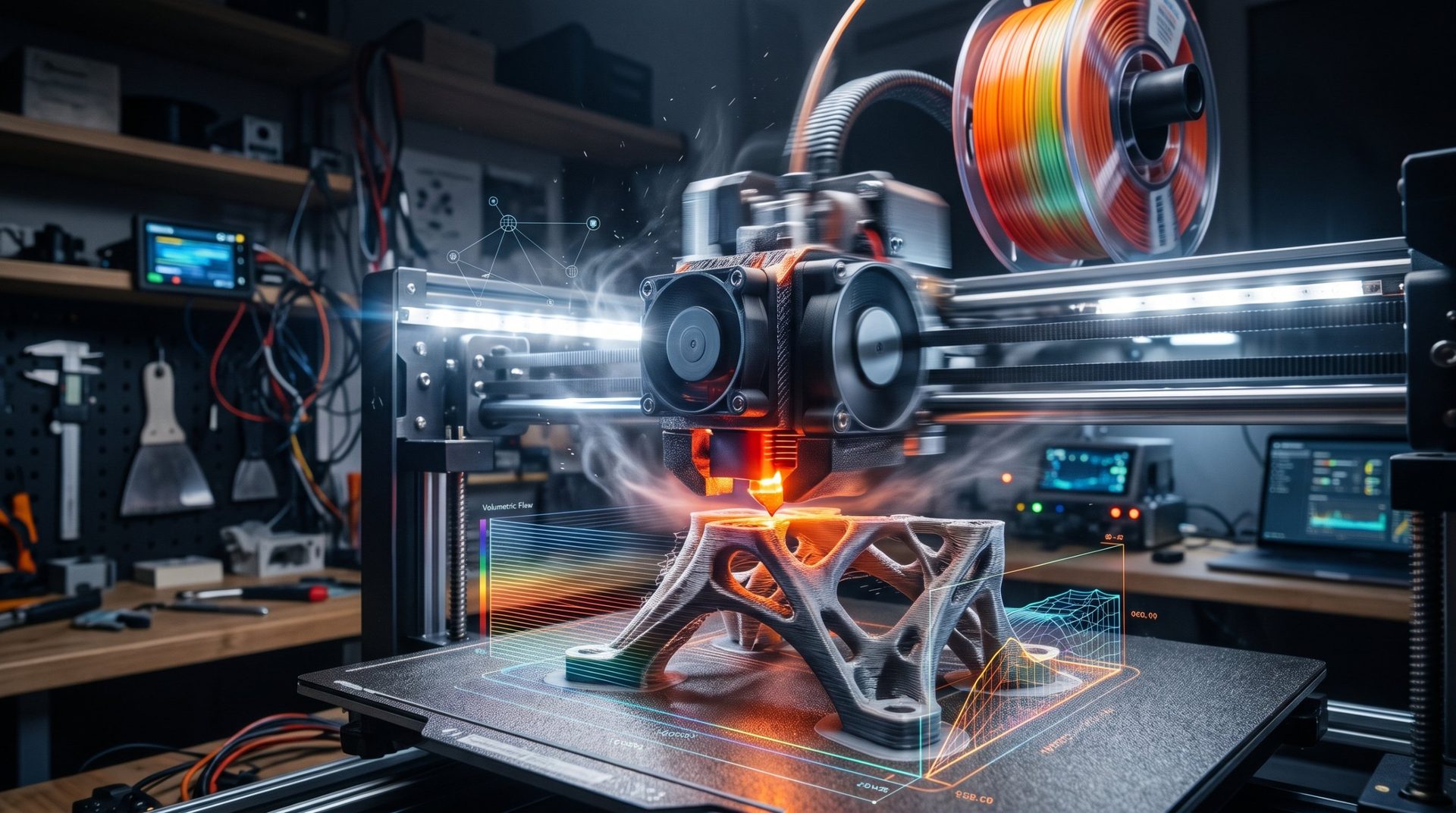
With the advent of modern CoreXY kinematics and accelerations exceeding 20,000 mm/s², the limiting factor in 3D printing is no longer machine mechanics. Print heads move at lightning speed, but one physical obstacle persists: the plastic's ability to melt and cool instantly.
Printing at 300 or 500 mm/s with standard filament often results in weak, dull, and brittle parts that snap on impact. Here's why.
1. The Volumetric Flow Rate Barrier
The key parameter for fast printing isn't the linear speed in mm/s shown on screen, but the maximum volumetric flow rate, expressed in mm³/s:
Flow rate = line width × layer height × speed
With a standard 0.4 mm nozzle, regular PLA typically caps out around 12 to 15 mm³/s. Once you exceed 200 mm/s with 0.2 mm layers, the extruder demands over 16 mm³/s:
- the filament core doesn't have time to reach its melting point before being ejected;
- pressure builds in the nozzle and the extruder gear begins to strip the filament;
- actual flow drops, causing invisible under-extrusion that devastates the part's internal cohesion.
2. The Invisible Loss: Layer Adhesion
This is the number one trap of high-speed printing: a part can look perfect while being mechanically useless.
For two layers to bond solidly, polymer chains must intertwine while hot for a fraction of a second. At very high speeds, the nozzle deposits insufficiently fluid material, and powerful cooling fans immediately solidify the layer to lock in details. Result: the bond is incomplete, and the part delaminates under stress, splitting like dry wood along the layers.
3. "High-Speed" Filaments: Marketing or Real Chemistry?
To overcome this thermal barrier, manufacturers developed specific formulations (Hyper, High-Flow, HS ranges…):
- Reduced viscosity: slightly shorter polymer chains lower the melt viscosity without degrading final strength too much.
- Flow additives: the filament melts with less energy and flows more freely, pushing flow rates to 25 or even 30 mm³/s and beyond.
- Accelerated thermal transition: these materials liquefy faster in the heat zone and resolidify faster under air flow, limiting sagging of bridges and overhangs.
4. Essential Settings to Print Fast and Strong
- Increase nozzle temperature: 10 to 15 °C higher than standard settings partially compensates for the shorter heating time.
- Cap maximum flow in your slicer: set a volumetric flow limit in OrcaSlicer, PrusaSlicer, or Bambu Studio based on your hotend's real capabilities, rather than letting speed run free.
- Switch to a high-flow nozzle: CHT-type nozzles with internal channels split the filament to greatly increase thermal contact surface, and elongated melt zones do the same. They unlock high flow rates even with standard materials.
Learn more about machine limits: what maximum speed to expect from your printer.
Choose the Right Filament for Your Speed
Fast printing is pointless if the part breaks in use. Whether your priority is rapid prototyping, rigidity, or impact resistance, material remains key. Check your constraints: our selector compares 12 filaments and identifies the perfect spool.