How to Choose Your 3D Print Speed?

Updated November 9, 2026 with speeds from recent printers.
Choosing the right print speed is one of the trickiest and most critical settings in FDM (Fused Deposition Modeling). It's a constant balancing act between quality, mechanical strength, and print time. Printing too slowly wastes time, but printing too fast can cause defects or even complete failure.

The Golden Rule: Differentiate Speed by Zone
Speed should never be a single parameter applied to your entire part. Slicing software allows you to adapt speed to the function of each zone.

Limiting Factor #1: Volumetric Flow Rate (mm³/s)
The real limit to your speed isn't the print head's movement speed, but your extruder's (hotend's) ability to melt and extrude filament fast enough.
Volumetric Flow Rate Formula:
Volumetric Flow Rate (cubic millimeters per second) = Print Speed (mm/s) × Layer Height (mm) × Line Width (mm)
- Consequence: If this calculation exceeds your nozzle's maximum melt capacity, the printer will under-extrude. Your part lacks material and layer cohesion suffers.
- Testing and Adjustment: Standard hotends (V6 or MK8 type) typically reach 10 to 15 mm³/s flow rate. You shouldn't exceed this to ensure good quality. Recent high-speed printer heads reach 25 to 40 mm³/s, and "high-flow" heads exceed 60 mm³/s.
Speed and Material Impact
The filament you use determines the maximum achievable speed:
- PLA: The easiest and fastest material. It cools quickly, allowing high speeds (often 60–150 mm/s on standard machines, and 200–300 mm/s or more on recent fast printers, preferably with "high-speed" PLA).
- PETG: Requires slightly slower speeds than PLA (often 40–60 mm/s baseline on standard machines, more on fast printers with manufacturer profiles). Printing too fast increases stringing and defect risk.
- ABS / ASA: Moderate speed (40–60 mm/s) is often preferred to ensure good layer adhesion and minimize warping.
- TPU (Flexible): Must print slowly (typically 20–40 mm/s) to prevent tangling in the extruder.
Speed and Machine Quality
Your 3D printer's structural stability and component quality are decisive:
- Slow/Stable Printers: Machines with less rigid frames are typically limited to 50–60 mm/s to maintain quality. Beyond that, they can generate vibrations (ghosting or ringing).
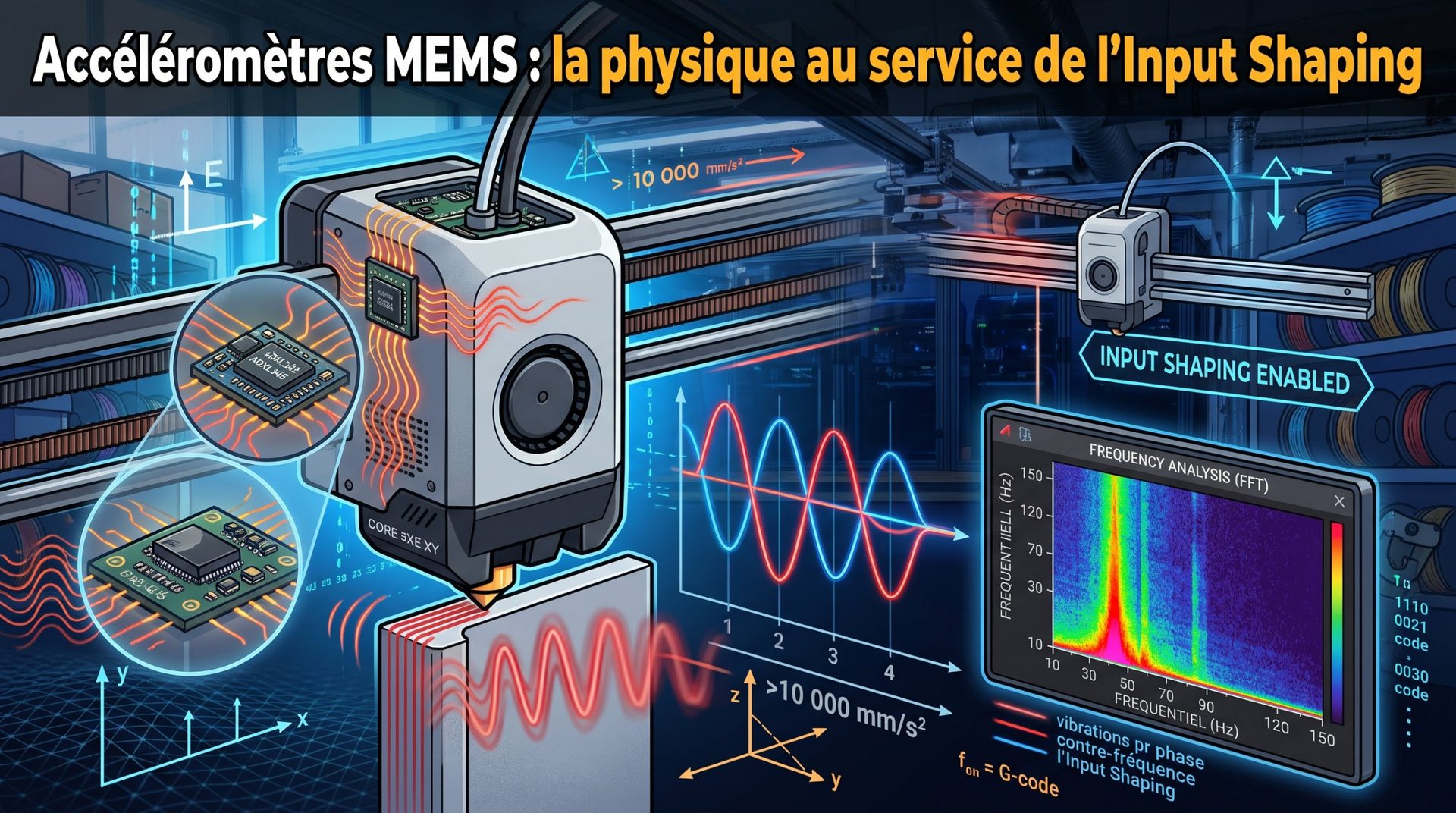
- High-Speed Printers: Modern machines (CoreXY, with vibration compensation systems like Klipper) routinely print at 200–400 mm/s average while maintaining excellent quality thanks to rigidity, advanced electronics, and vibration compensation via input shaping. Manufacturers now claim 600 mm/s, even 1,000 to 1,400 mm/s for the fastest, but these peaks are only reached on long straight lines: see what maximum speed is really achievable.
In summary, to choose your speed, start with the values recommended by your filament manufacturer, then adjust: lower it for visible details (perimeters) and increase it for hidden areas (infill).