How to Learn and Master 3D Printing
3D printing is a booming skill in demand across industry, design, and craftsmanship. Learning it effectively goes far beyond hitting "Print"—it encompasses 3D Modeling (CAD), File Preparation (Slicing), and Machine Maintenance.
Here are the different paths to building complete expertise in Additive Manufacturing.

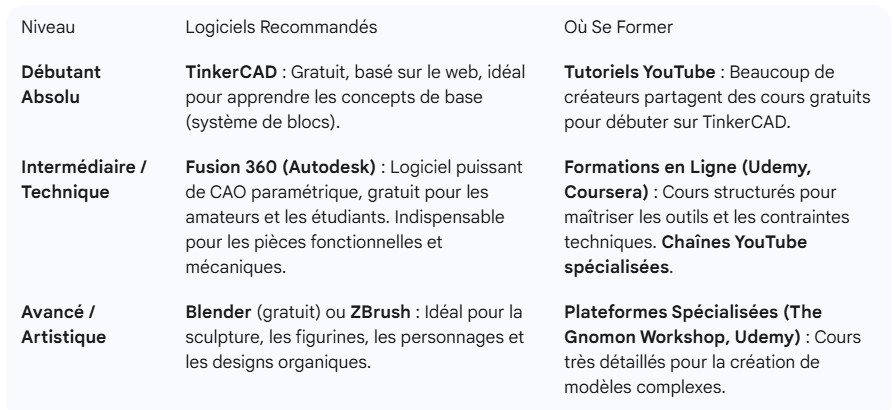
The Foundation: 3D Modeling (CAD)
Modeling is the most critical step. If you can't create an optimized model, you'll always depend on other people's files.
Master Your Printer: Slicing, Materials & Maintenance
Once your model is ready, you need to prepare it for the machine (the slicing step).
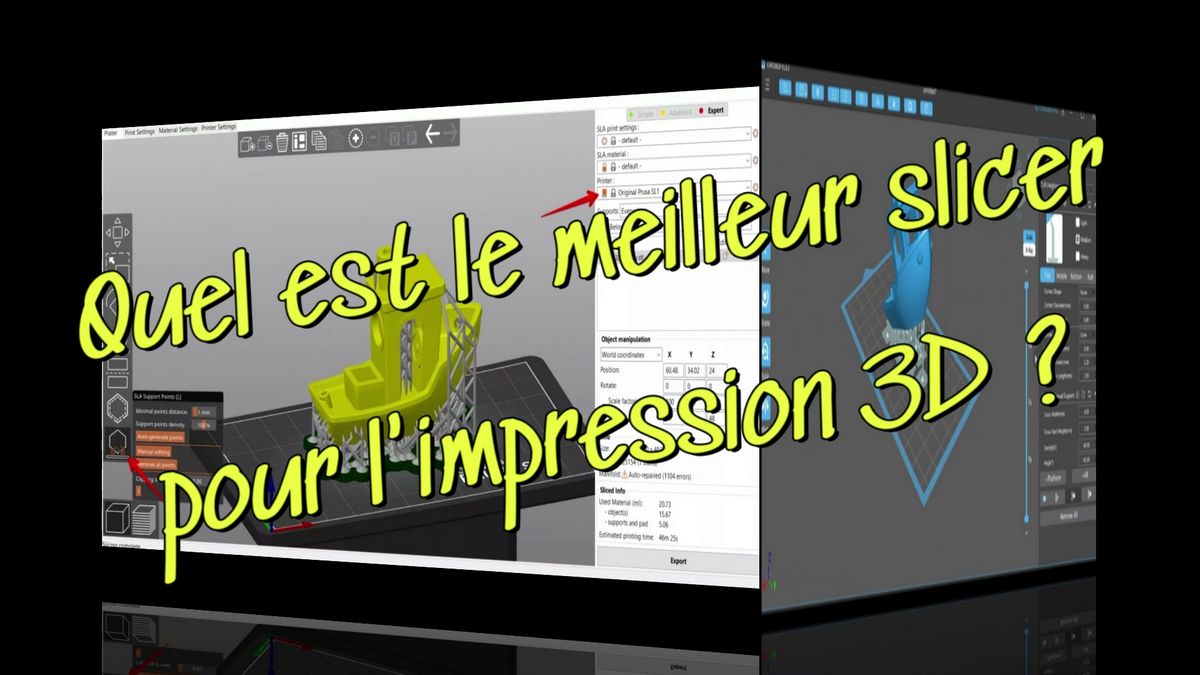
A. Slicing Software
The slicer is the translator between your 3D model and your printer.
- Popular Software: PrusaSlicer, UltiMaker Cura, Bambu Studio (for Bambu Lab machines), and Chitubox (for Resin).
- Training: The best learning comes through hands-on experimentation and video tutorials focused on specific problems (like "How to prevent warping" or "Settings for TPU"). Each printer has unique slicing profiles.
B. Hands-On Practice & Maintenance
- Calibration: Learn the basic calibration protocols for your machine type (temperature, flow rates, belt tension). Trial and error is inevitable!
- Community Documentation: Specialized forums (Reddit /r/3DPrinting, manufacturer forums) are excellent resources for solving common problems.
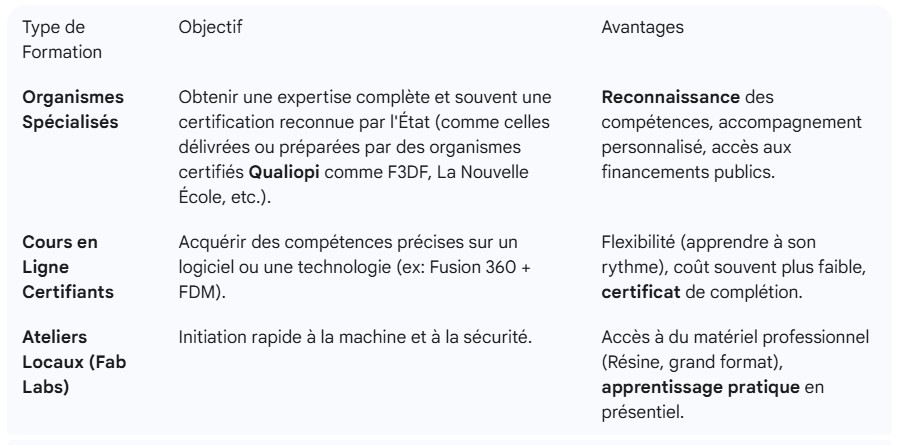
Structured Training & Certification Options
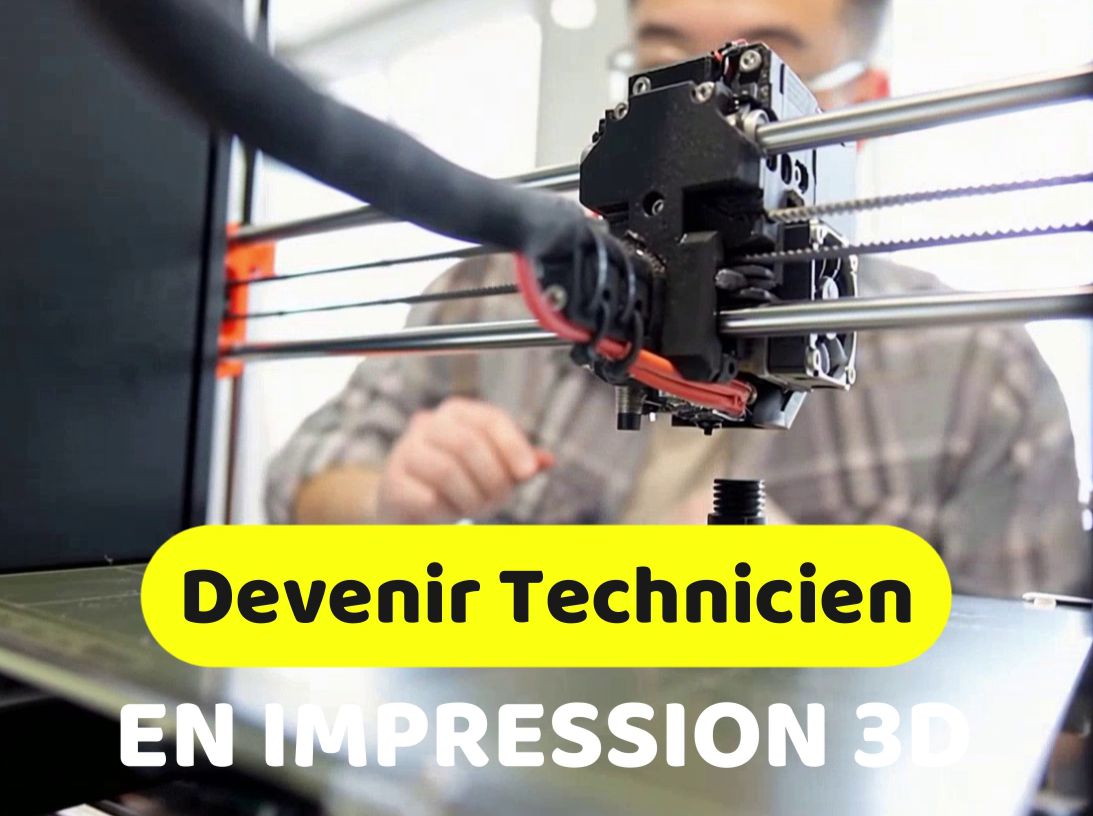
If you want to build professional credentials, a structured approach is essential and can be funded through training programs (CPF, OPCO, France Travail).
Free Resources (Must-Haves)
You can build solid expertise without spending a dime using these resources:
- YouTube Tutorials: Your primary source for tips, machine reviews, and troubleshooting solutions.
- STL Libraries: Download free models from Thingiverse, Cults3D, or Printables. This is the best way to test your printer settings and understand how successful models are designed. Read our article: "Where to Find Free 3D STL Files for 3D Printing? The Best Platforms"
- Manufacturer Documentation: Carefully read the manuals and documentation from machine makers (Prusa, Bambu Lab, Creality). This is often where you'll find the most precise tuning advice.
In conclusion: Mastering 3D printing combines theoretical knowledge (modeling), technique (slicing), and hands-on experience (troubleshooting). Start with beginner modeling, then gradually increase the complexity of your projects!