Can You Build a 5-Axis 3D Printer?
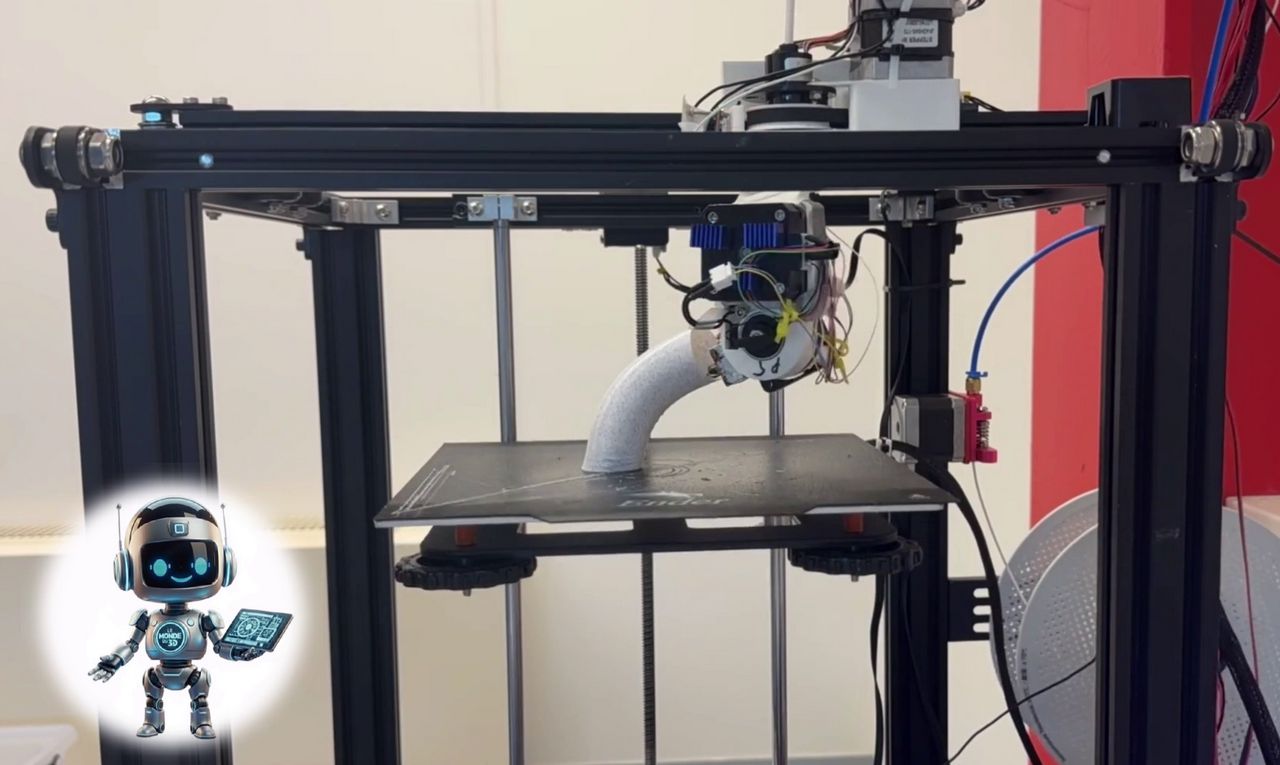
Yes, it is absolutely possible to build a 5-axis 3D printer, but it's a technical challenge that takes DIY (Do It Yourself) to the next level. Unlike standard printers that work on X, Y, and Z axes, a 5-axis machine typically adds two rotations (often noted A and B or C).
Here's an overview of what you need to know to take on such a project.

✅ Why Move from 3 to 5 Axes?
The interest goes beyond just making things "more complex"—it solves fundamental problems with traditional 3D printing (FDM) :
-
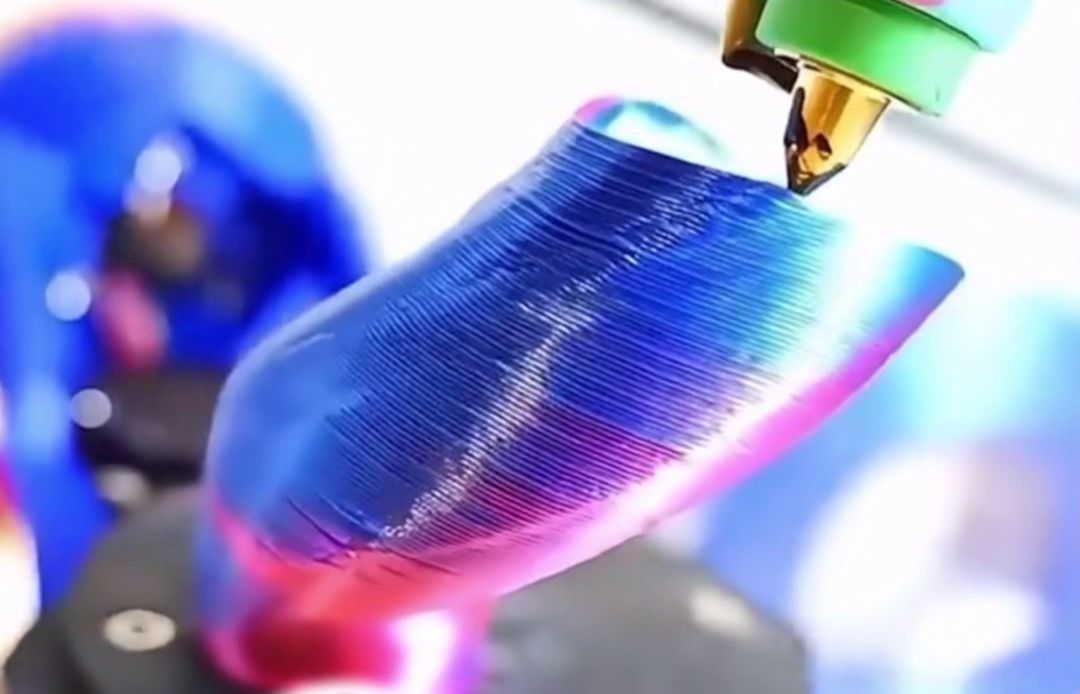
Eliminating supports: By tilting the nozzle or build plate, you can print overhangs without needing removable support structures.
-
Mechanical strength: You can orient plastic layers along the stress lines of the part, making the object much more durable.
-
Surface finish: Printing on curved surfaces becomes smoother because the nozzle can stay perpendicular to the shape.
✅ The Construction Challenges
1. Kinematics (The Structure)
There are two main configurations for DIY builds:
-
Tilting Head (Head-Head): The nozzle moves on 5 axes. It's heavy and complex to stabilize.
-
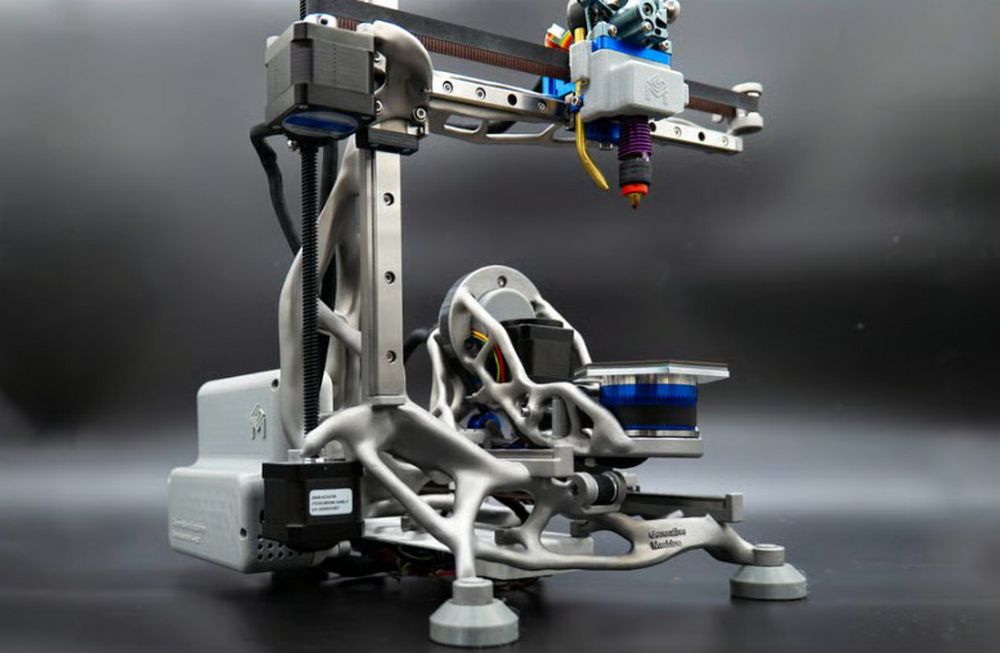
Rotating Build Plate (Table-Table): The printer keeps a classic XYZ architecture, but the plate is mounted on a support capable of tilting and pivoting (swing cradle). This is often the preferred DIY option.
2. Electronics
A standard motherboard (like Ender 3) won't cut it. You'll need:
-
A board supporting at least 6 stepper motors (X, Y, Z, E + 2 rotation axes).
-
Powerful controllers (32-bit minimum) to handle non-linear trajectory calculations in real time.
3. The Slicer Software: The Real Bottleneck
This is where the project gets tricky. Free slicing software (Cura, PrusaSlicer) is designed for 3 axes. For 5 axes:
-
Open Source: Projects like FullControl GCode Designer or experimental plugins exist, but require solid programming skills.
-
Proprietary: Industrial software capable of handling 5-axis printing often costs thousands of euros.
✅ Resources to Get Started
If you want to see what the "Maker" community is accomplishing:
-
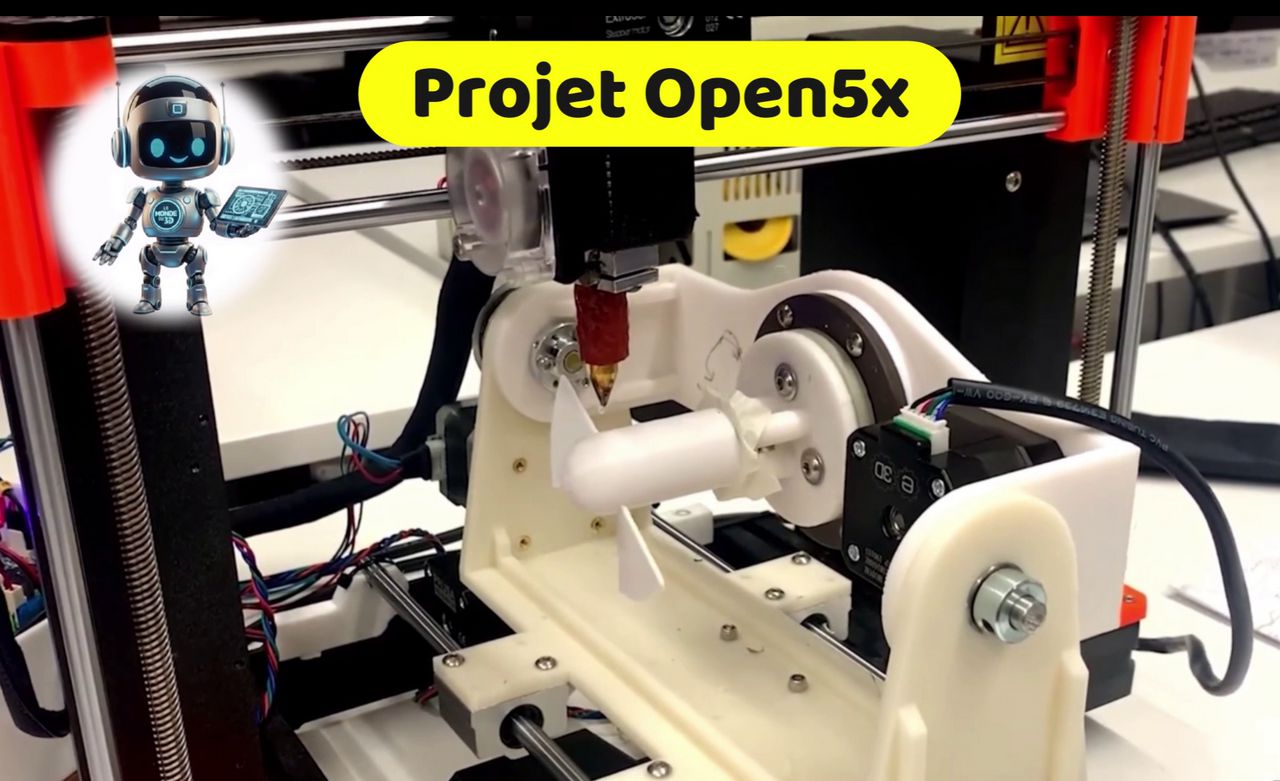
Open5x Project: This is the current reference. It's a modification for the famous Ender 3 printer that adds a rotating build plate and uses a specific script to transform G-code.
-
Duet3D: Their motherboards and firmware (RepRapFirmware) are among the best suited for handling exotic kinematics.
Peer-to-peer tip: If this is your first machine, start by mastering a 3-axis printer. Moving to 5 axes requires completely relearning collision management (the nozzle can hit the part or plate when pivoting).
In Summary
-
Accessibility: Yes, it's doable via projects like Open5x.
-
Complexity: High, especially for G-code generation (slicing).
-
Reward: Parts with unprecedented structural strength and zero support material.
So, are you ready to pivot your view of 3D printing and take on this challenge?
✅ The Challenges of This Generation
It's not just about mechanics. The real challenge of GenerationOne lies in the software (Slicer/CAM). Computing the tool path for something moving simultaneously on 5 axes requires far more computational power and sophisticated algorithms than 3-axis printing. The learning curve for operators is also steeper.