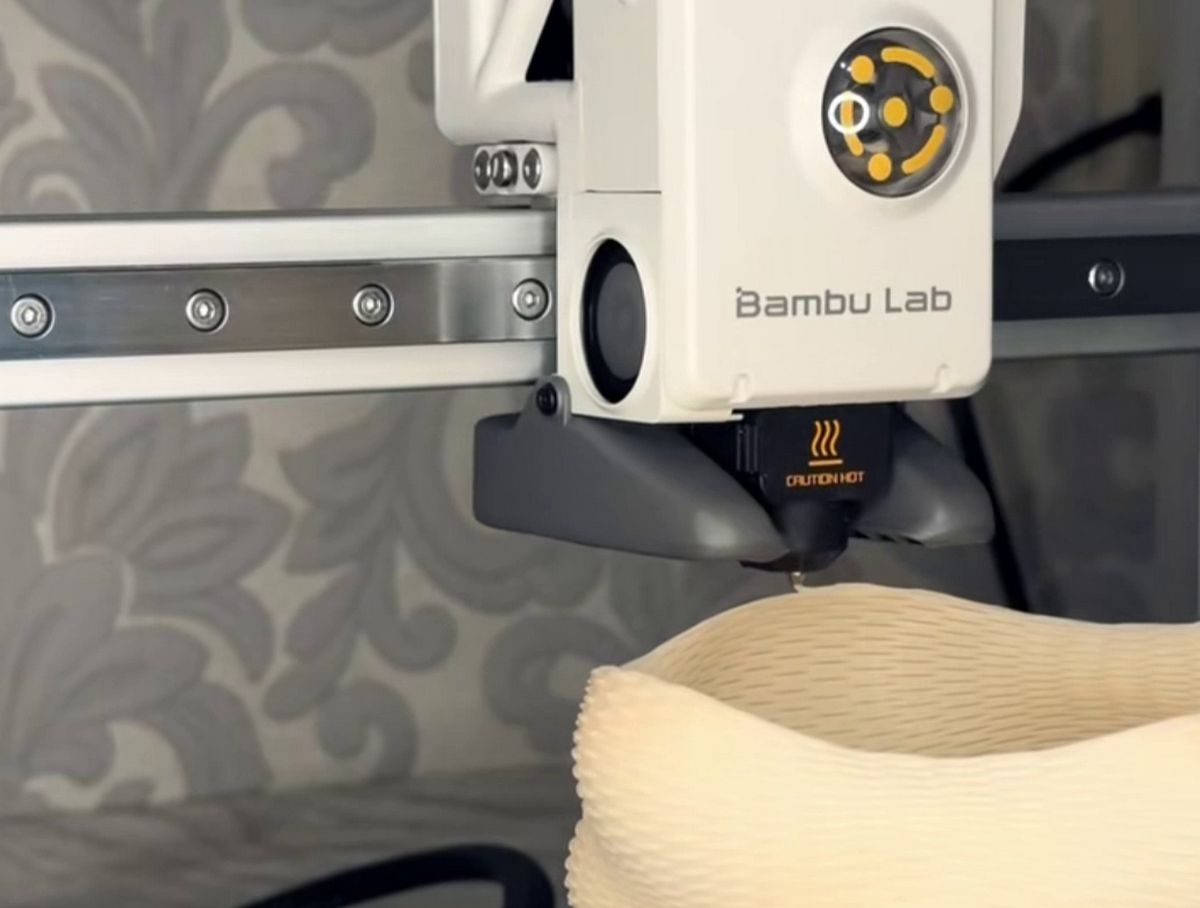
👀 Upside-Down 3D Printing with an FDM Printer
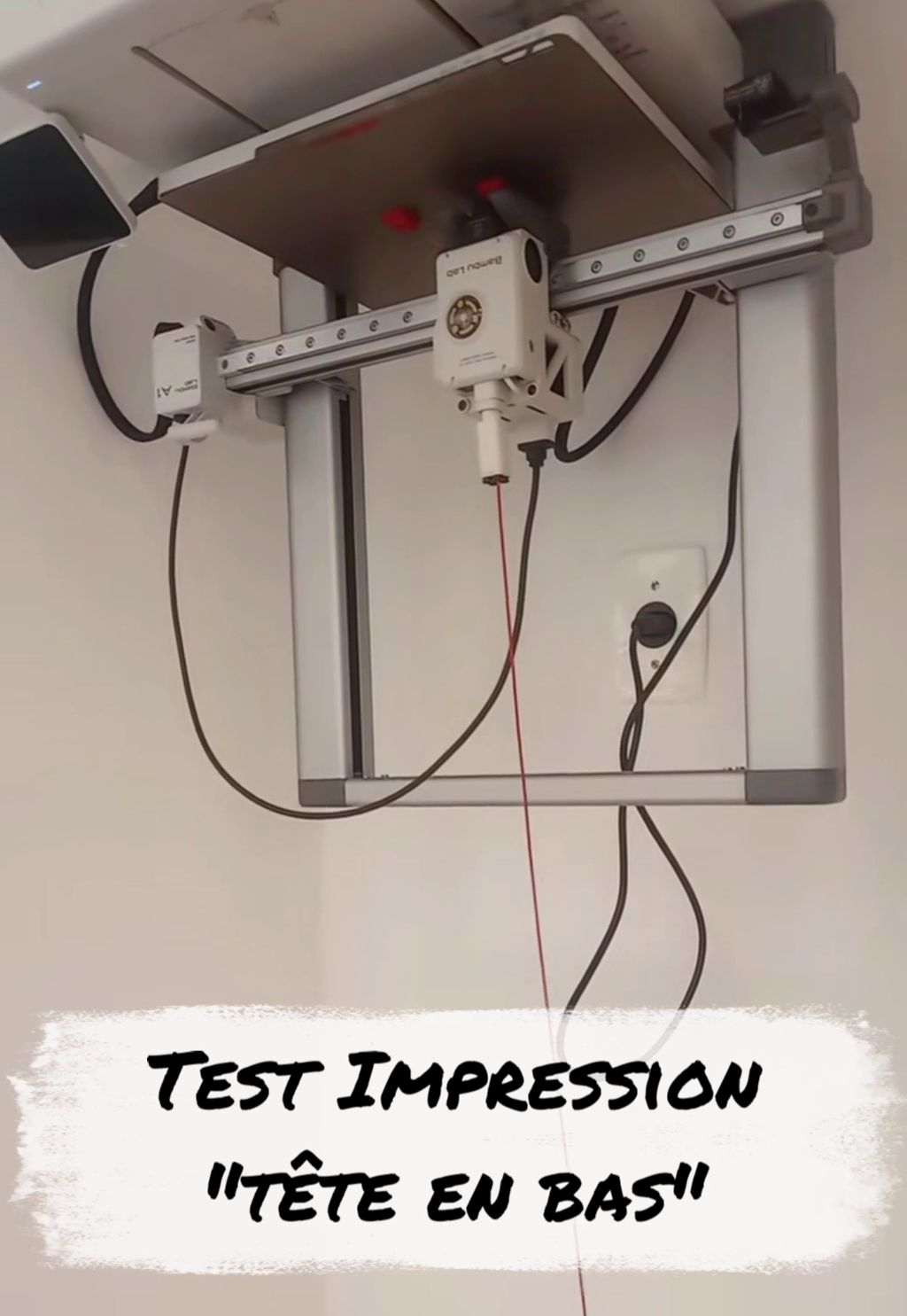
Printing upside-down with an FDM (filament-based) 3D printer is a fascinating experience that transforms your machine into a sort of permanent gravity-defying challenge. While technically possible, it demands far more rigorous tuning than a standard print.
Here's how to tame gravity in FDM mode.

✅ Why Print Upside-Down in FDM?
Though it sounds counterintuitive, this configuration offers a few technical advantages:
-
Heat Management: Heat rises. In a normal setup, heat from the build plate and nozzle rises toward the part, which can slow cooling of thin layers. Upside-down, heat escapes upward, away from the print zone.
-
Sagging Reduction: On certain bridges, gravity can paradoxically help tension the filament differently, though this is debated among makers.
-
Space Optimization: For specific integration projects.
✅ The 3 Pillars of Inverted Printing
To keep your part from hitting the floor in the middle of the night, three elements are non-negotiable:
1. Bed Adhesion (The Critical Point)
It's your only defense against failure.
-
The First Layer: It must be absolutely perfect. Squish on the build plate must be sufficient to create an almost molecular bond.
-
Surface: Using PEI, adhesive, or lacquer is strongly recommended to secure the part.
-
Brim/Raft: Systematically use wide brims to increase contact area.
2. Printer Mechanics
Not all printers are created equal when facing gravity:
-
Motors: Motors on the axes (especially Z) must deliver constant torque to hold the bed or head without "slipping."
-
Guides: Linear rail systems are preferable to V-slot rollers, as they maintain better alignment when forces are reversed.
3. Cooling
Upside-down, you must freeze plastic faster than ever. A powerful part cooling fan is essential so filament hardens before it has time to sag under its own weight.
✅ Risks to Watch For
-
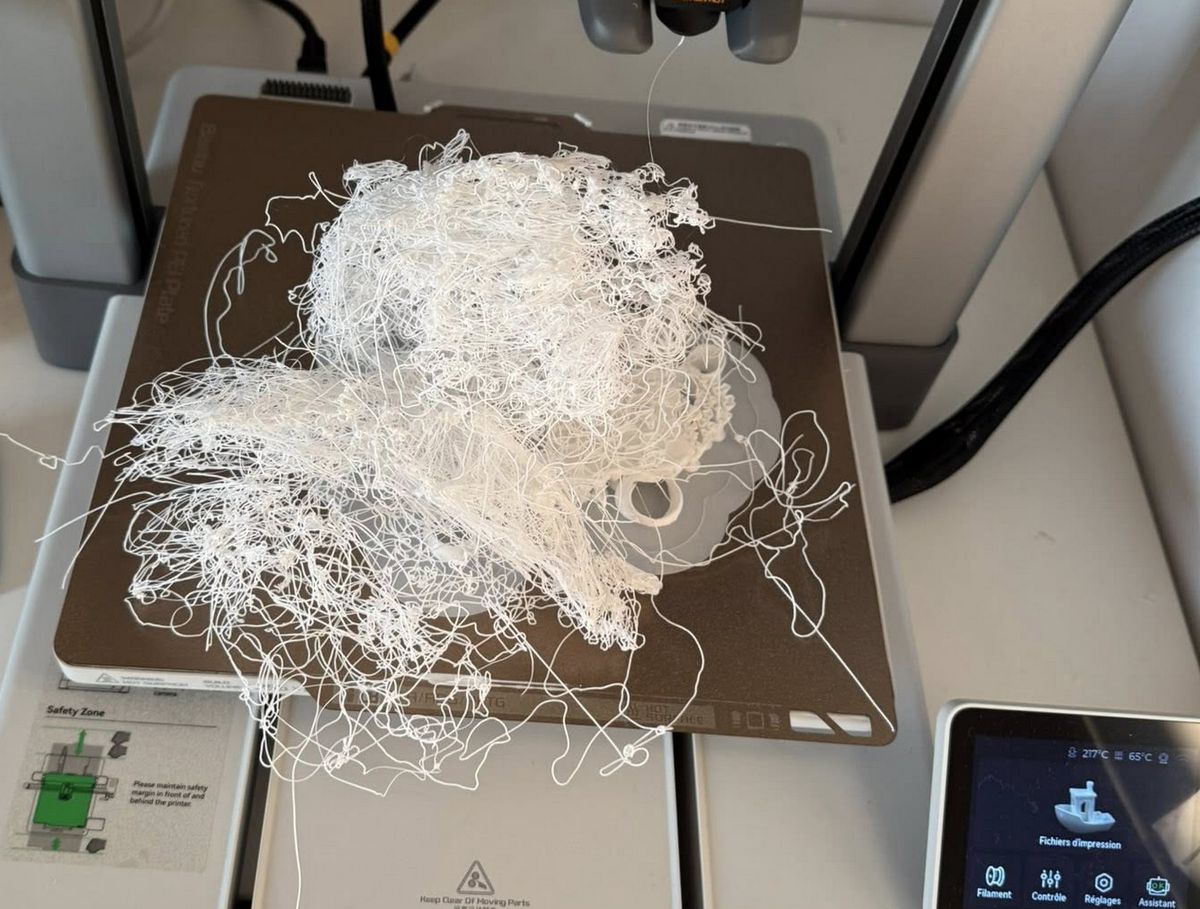
Delamination (Warping): If a corner lifts, gravity will exploit the gap and tear the rest of the part much faster than it would right-side up.
-
Premature Wear: Bearings and belts work on force vectors they weren't necessarily designed for.
-
Safety: Make sure your mounting (the printer's support structure itself) can handle the machine's vibrations in this position.
✅ Precautions to Take
-
Speed: Reduce print speed. Synchronized movement across 3 axes is more demanding on motors.
-
Cooling: Make sure your fan doesn't hit anything.
-
Calibration: Your bed must be perfectly level, as there's virtually no margin for error.
⚠️ Safety Warning
ATTENTION: Commercial FDM 3D printers are designed, balanced, and ventilated to operate right-side up. Using them upside-down deviates from their intended purpose.
This experiment should only be attempted by experienced users and exclusively in a secure setting:
-
Constant Supervision: Never leave the machine unattended; a part that lifts falls directly onto the hot nozzle, creating an immediate fire risk.
-
Mechanical Anchoring: Ensure the printer's frame is securely fastened to its support to prevent the machine itself from falling.
-
Isolated Electronics: Check that filament debris won't fall into the power supply fans or motherboard.
Take on this challenge with care: gravity shows no mercy to shortcuts.