Modeling with Tinkercad: Your First Steps into 3D Design
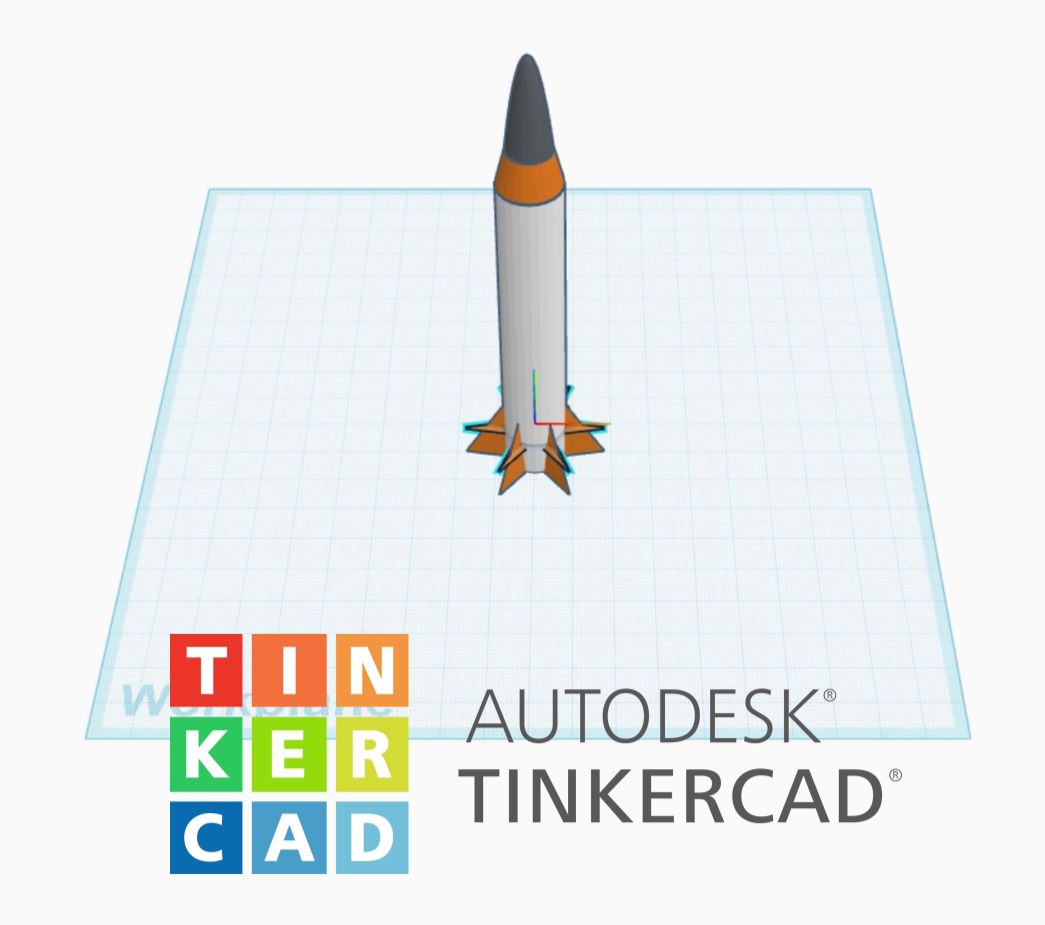
You have a 3D printer and a brilliant idea, but you don't know where to start to model it? Look no further! Tinkercad is the ideal solution. This free, intuitive online software is the perfect gateway for anyone looking to take their first steps in 3D design, whether you're a beginner, student, or maker.
What is Tinkercad?

Developed by Autodesk, a global leader in design software, Tinkercad is a 3D modeling application that runs entirely in your web browser. Its strength lies in its simple philosophy: instead of manipulating complex lines and surfaces, you work with basic geometric shapes that you add, combine, and subtract.
The Building Logic: Stack and Carve
Tinkercad's approach is accessible to everyone. It's based on two fundamental principles:
- Add shapes: You start by selecting a basic shape (cube, cylinder, sphere, etc.) and dropping it onto your workspace. You can then resize it, rotate it, and move it however you like.
- Subtract shapes (The "holes"): This is where the magic happens. You can transform any solid shape into a "hollow" shape, which Tinkercad calls a hole. By layering a hole over another shape and then combining them, you "subtract" the material. For example, to create a window in a wall, you layer a hole-cube over a solid cube, then group them together.
This simple building logic allows you to create complex shapes, from electronic enclosures to detailed figurines.
Features for Everyone
Despite its simplicity, Tinkercad is packed with practical tools:
- Drag-and-drop interface: It's almost instantly intuitive. You move, resize, and manipulate objects with your mouse.
- Group and align: You can combine multiple shapes to merge them into a single object, and align them precisely for a polished design.
- Import/Export: You're not limited to your own creations. Tinkercad lets you import existing 3D files (STL, OBJ format) to modify them. Once your design is complete, you can easily export it as an STL file, ready to print.
- The workplane: An essential tool for placing objects on any face of your creation, making it easier to work on complex angles.
Who is Tinkercad For?
Tinkercad is the ideal platform for:
- Complete beginners: Before diving into more complex software like Fusion or Blender, Tinkercad offers you the perfect playground to understand the basics of 3D modeling.
- Educators and students: Its playful and visual approach makes it the tool of choice for schools and technology classes.
- Makers: For quickly designing a support, a simple replacement part, or personalizing an existing model.
While Tinkercad isn't designed for organic shapes or ultra-detailed creations, it's proof that you don't need to be an expert to turn an idea into a physical object. It's the perfect tool to go from concept to reality in minutes.
👉 Ready for the next step? Check out our overview of 3D modeling software, both free and paid options.