FreeCAD: Free and Powerful 3D Modeling Software for Your Projects
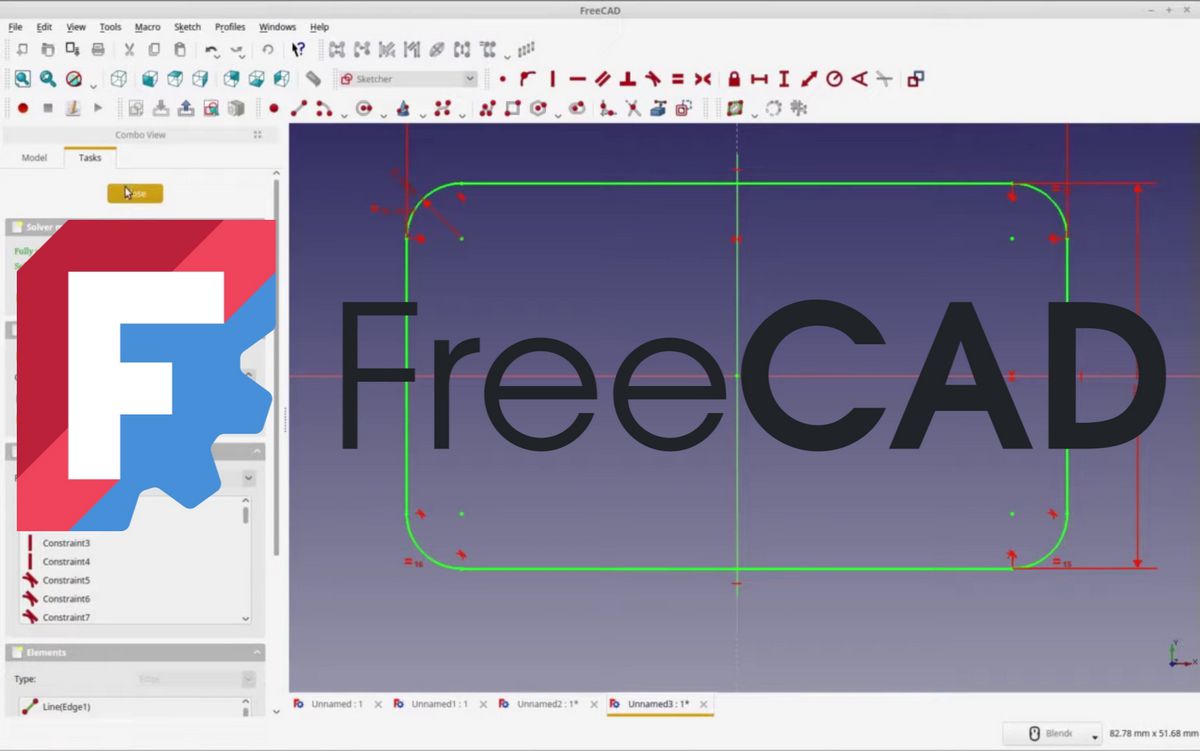
In the world of 3D printing and engineering, modeling is an essential step. While many expensive software tools dominate the market, FreeCAD has established itself as a serious and increasingly popular alternative. Completely free and open-source, this CAD (Computer-Aided Design) software offers professional capabilities without the price tag.
What is FreeCAD?

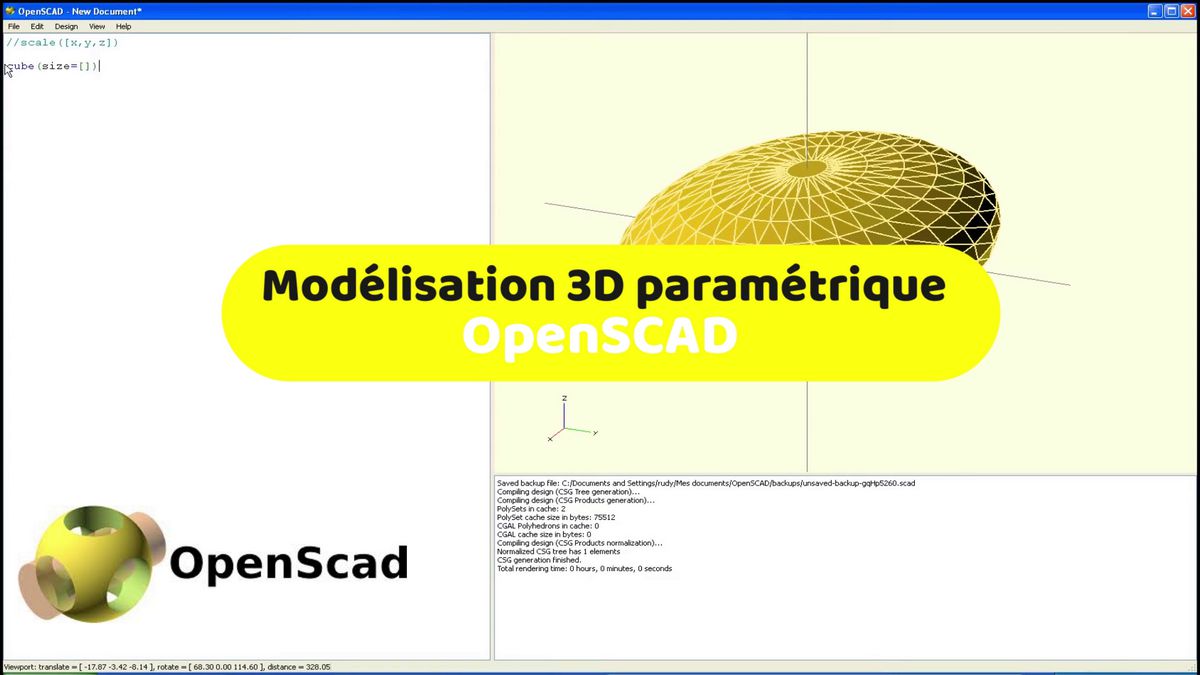
FreeCAD is a parametric 3D modeler. What does that mean? Unlike software that manipulates "meshes" (like Blender), FreeCAD is based on parameters. You can draw a cube by defining its dimensions (length, width, height), and modify them anytime. The part adapts automatically, which is ideal for creating precise and adjustable mechanical parts.
Free and developed by a community of enthusiasts, it's available on Windows, macOS, and Linux.
FreeCAD's Strengths
- Free and open-source: This is its main advantage. No license fees, no subscriptions, and no features hidden behind paywalls.
- Powerful and professional: Don't be fooled by its free status. FreeCAD is a powerful tool capable of handling complex projects, from mechanical part design to architecture.
- Parametric modeling: This is its core feature. It lets you create designs with absolute precision, modify them easily, and get perfectly fitted parts for your 3D printing or engineering projects.
- Multiple workbenches: The software is organized into workbenches (Part Design, Sketcher, TechDraw, etc.), each dedicated to a specific task. This makes it extremely versatile.
Weaknesses to Know
- Steep learning curve: FreeCAD isn't the most intuitive software for beginners. Its interface can seem complex and it takes time to master parametric modeling logic.
- Stability and performance: Like any open-source project, it can sometimes suffer from bugs or stability issues, especially with very complex models. It also requires a fairly powerful computer for smooth operation.
Who is FreeCAD for?
- Advanced makers and hobbyists: If you want to design functional parts, prototypes, or fixtures for your projects, FreeCAD is an excellent long-term option.
- Students and engineers: It's a perfect tool for engineering students who need professional CAD software without the budget for a license.
- Those willing to invest: If you're ready to spend time learning software, FreeCAD will reward you with unmatched power and creative freedom.
In conclusion, FreeCAD is much more than just free software. It's a robust solution for anyone serious about technical and precise 3D design. It demands personal investment, but the return in knowledge and possibilities is enormous.
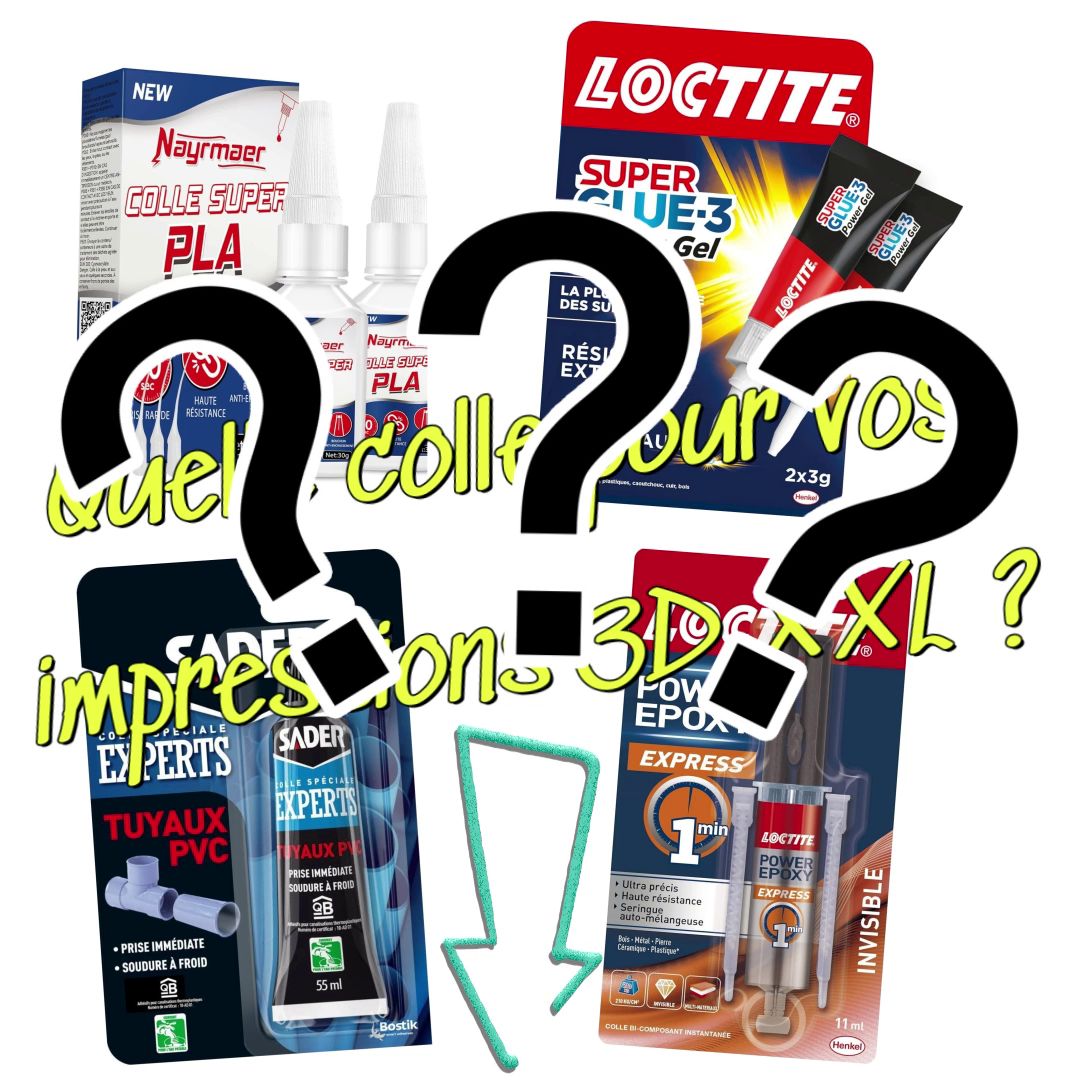
Tips for Perfect Bonding
- Prepare surfaces: For optimal results, lightly sand the areas to be bonded with fine-grit sandpaper. This improves adhesion.
- Clean: Degrease and clean surfaces with isopropyl alcohol. They must be perfectly clean and dry before applying glue.
- Apply pressure: Use clamps or rubber bands to hold parts together during drying time. Pressure is as important as the glue itself for a strong bond.
👉 FreeCAD, Fusion, Onshape… all software tools are compared on our 3D modeling software page.