Overhang Test for 3D Printing 🌀
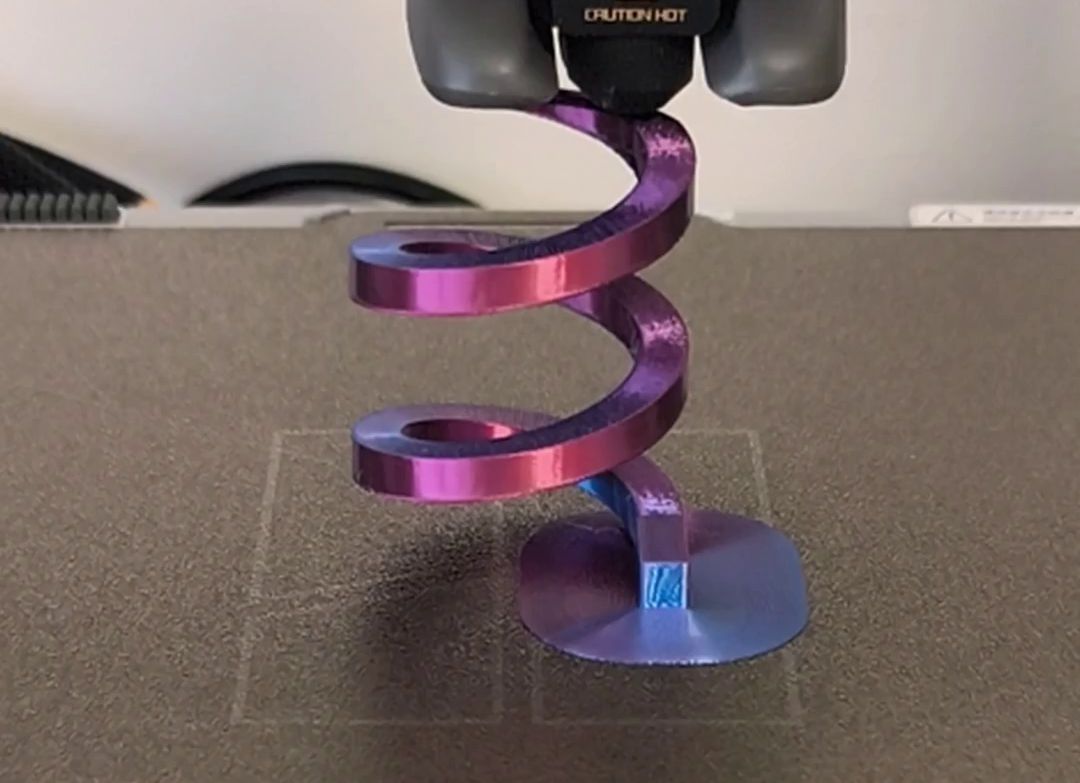
In the world of 3D printing, overhangs are one of the greatest technical challenges. An overhang test is a diagnostic part designed specifically to evaluate your printer's ability to build sloped angles without support. It's an essential tool for any enthusiast looking to push their machine to its full potential.
Download this overhang test here: @SavageLau via Markeworld

What is an overhang test for?
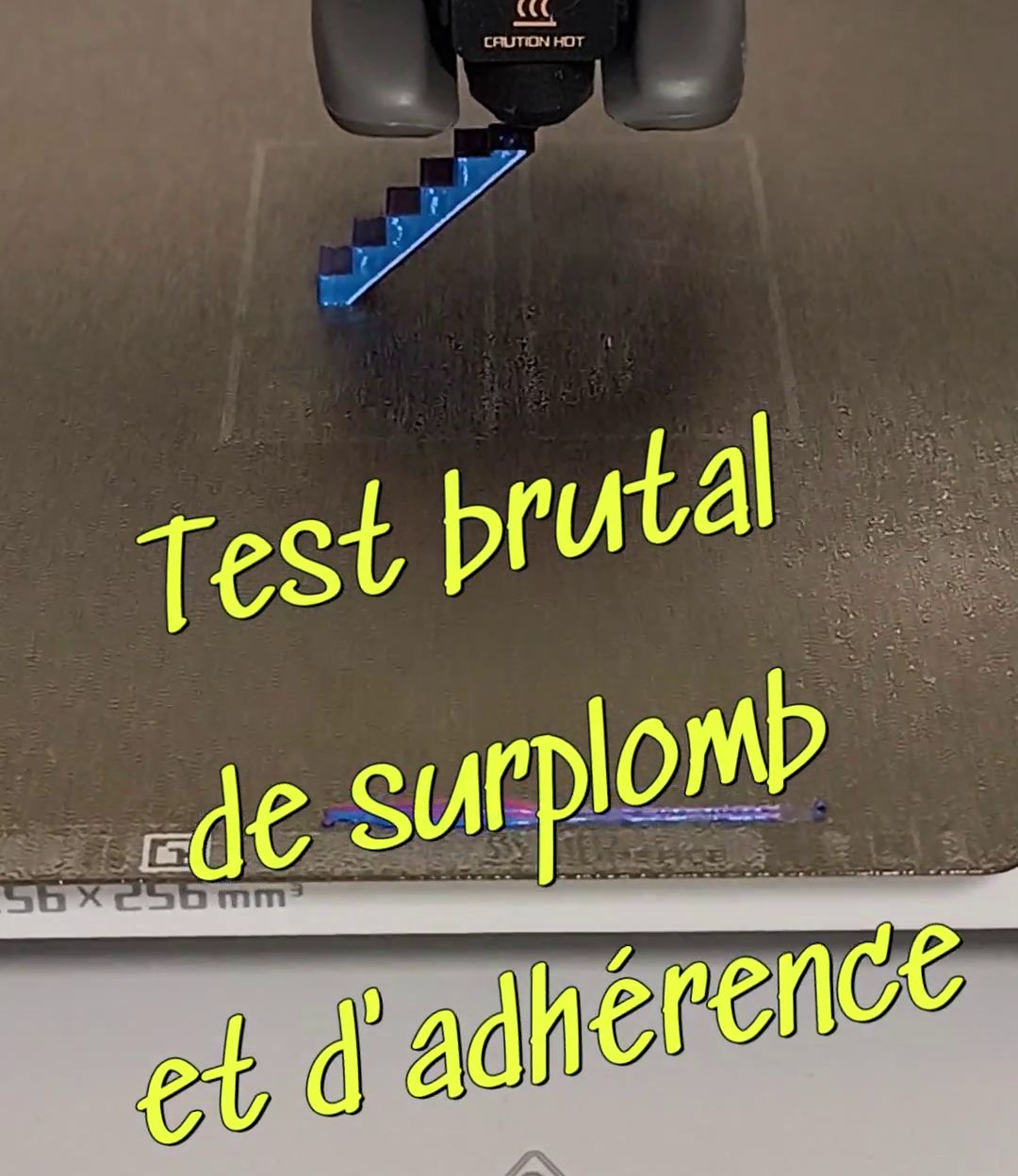
An overhang test takes the form of a model with increasingly sloped angles, ranging from 45° to 80°, even 90°. The way your printer handles these angles gives you valuable insights into:
- Cooling effectiveness: Cooling is the most important factor. A good cooling system must solidify each new layer of filament before it sags under its own weight. A successful overhang is a sign of effective cooling.
- Machine calibration: A failed test can also reveal extrusion or temperature issues. Printing too hot, for example, prevents the filament from hardening in time, causing layers to sag.
- Settings optimization: It's an excellent way to find the ideal parameters (speed, temperature, retraction) for a new filament or after modifying your printer.
How to read the results?
Once your overhang test is printed, carefully inspect each angle:
- Perfect and smooth angles: If the surface of all overhangs is clean, with no signs of sagging or deformation, your machine is well calibrated and your cooling is optimal.
- Sagging or "spaghetti": If layers sag and dangle, it means the filament didn't have time to cool and harden before the print head returned for the next layer. This is a sign of insufficient cooling or printing temperature that's too high.
- Rough or messy surface: Imperfections can be caused by over-extrusion (too much material deposited) or a mechanical problem on one of the axes.
Tips to improve your overhangs
If your test reveals weaknesses, here are the main factors to adjust:
- Increase cooling: Make sure your part cooling fan is set to 100%. If you can, invest in a more powerful fan or a more efficient air duct system.
- Lower the temperature: Print at the lowest temperature recommended by your filament manufacturer. A lower temperature allows the plastic to harden faster.
- Reduce the speed: A slower print speed gives the filament more time to cool, which is especially important for the most extreme angles.
In conclusion, the overhang test is an essential diagnostic tool. It gives you a snapshot of your printer's real performance and guides you to optimize it, ensuring success with your most complex future prints.