OrcaSlicer: Overview of the Latest Major Updates
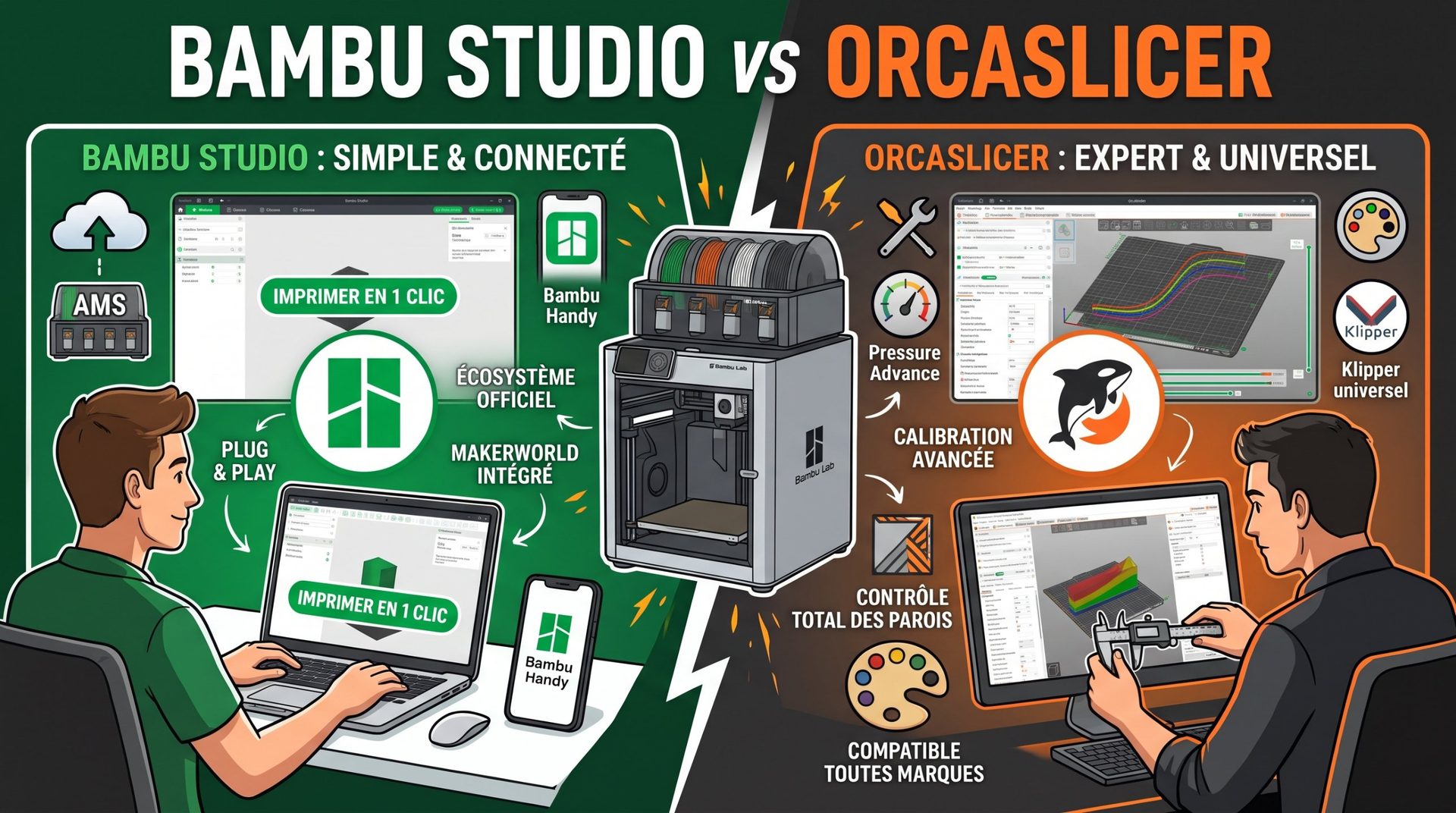
Born as a community version of Bambu Studio (itself derived from PrusaSlicer), OrcaSlicer has become the essential free and open-source slicer for demanding makers. Between version 2.4, released this year, and 2.5, currently in testing, the software takes a major step forward: surface quality, multi-material support, new machines, and customization tools.
Note: at the time of writing, version 2.5 is still in testing phase (alpha, beta, then release candidate). Its features may evolve before the stable release.
1. Print Quality and Surface Finish
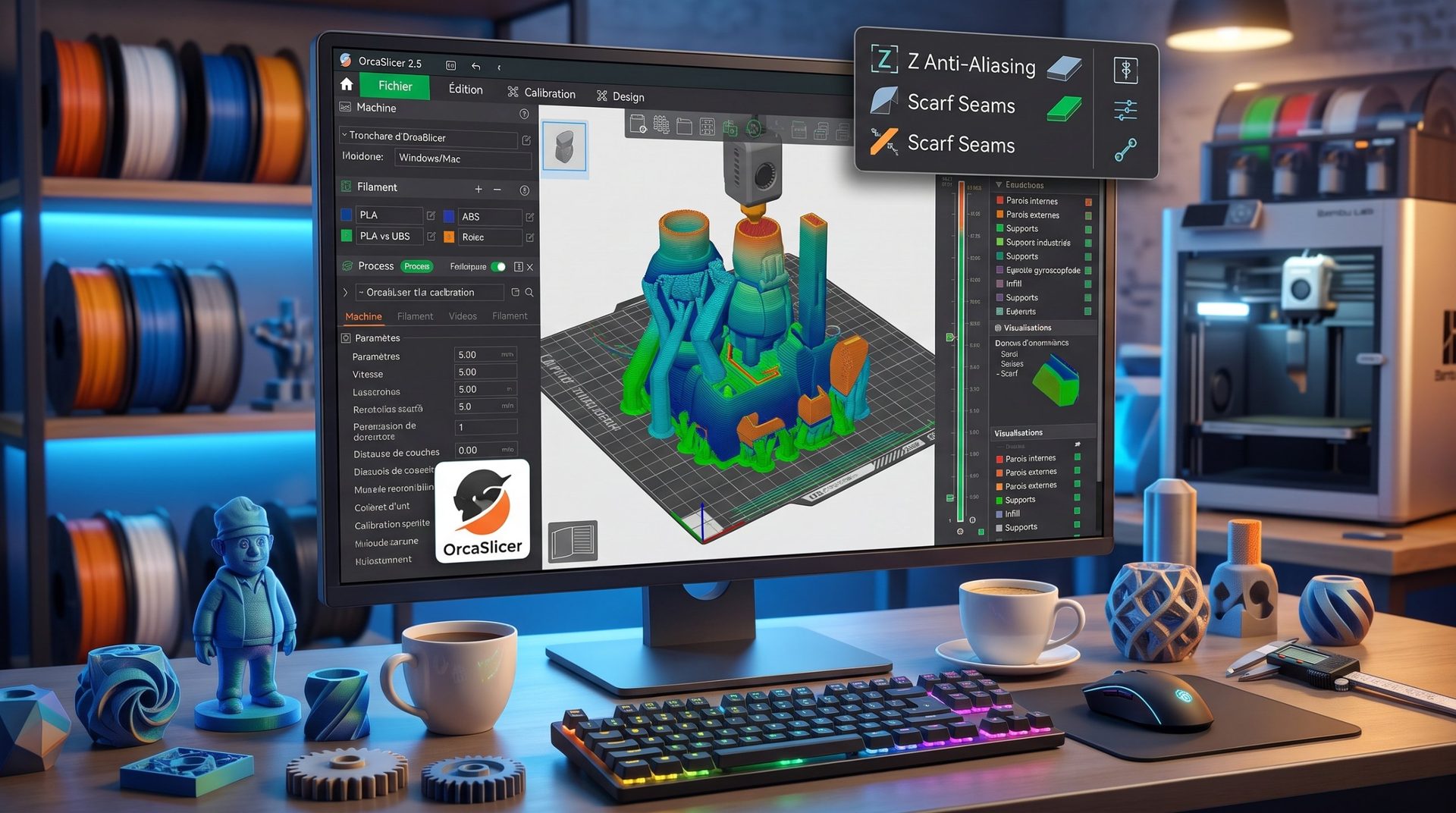
- Z Anti-Aliasing (ZAA), version 2.4: it reduces the "stair-step" effect on gentle slopes, chamfers, and domes. The slicer slightly adjusts nozzle height within a single layer to follow the true shape of the model. Trade-off: slicing takes longer, and the improvement is most visible on simple parts with rounded surfaces.
- Scarf seams: already present for several versions and regularly improved, they taper the start and end of each wall pass with a gentle slope. The seam becomes nearly invisible on round parts.
- Texture Displacement, version 2.5: it applies a relief texture directly in the slicer (leather effect, hammered, striations…), with over 40 included textures, without increasing the original model size. An approach similar to fuzzy skin, but far more varied.
- Optimized gyroid infill, version 2.4: the pattern has been revised to improve strength and print speed.
2. Multi-Material and New Machines
- Different material per model element: you can choose a different filament for outer walls, inner walls, or infill. For example, UV-resistant ASA outer walls with a more economical interior.
- Color blending, version 2.5: using two or three loaded filaments, OrcaSlicer creates new shades by alternating thin layers.
- Parallel printing on IDEX and IQEX, version 2.5: on printers with 2 or 4 independent heads, it prints multiple copies or mirrored parts simultaneously.
- Multi-nozzle machines: support for the Bambu Lab H2C and its nozzle changer, and different nozzle sizes on certain Bambu Lab machines.
- Belt printers, version 2.5: for printing very long parts or running series without build plate intervention.
3. A Richer Ecosystem
| Feature | What It Does | The Benefit |
|---|---|---|
| Orca Cloud (2.4) | Syncs your printer, filament, and setting profiles. | Find your calibrated settings on any computer and share profiles with others. |
| Python Plugins (2.5) | Add functions without modifying the software. | Custom scripts, G-code processing, new panels. |
| "Design" Tab (2.5, experimental) | A lightweight CAD tool built in, with boolean operations. | Drill, hollow out, or merge a part without switching to CAD software. Enable in preferences. |
| Speed Dial (2.5) | A search bar that opens with the Space key. | Instantly find any setting or command without digging through menus. |
4. Calibration Tools at Their Best
OrcaSlicer remains the best-equipped slicer for fine-tuning your printer, with no external scripts needed:
- Flow Rate: a two-pass calibration with test parts to compare.
- Pressure Advance: line, loop, and corner pattern tests to eliminate blobs and rounded corners at high acceleration.
- Input Shaping: tests to measure and compensate for machine vibrations on compatible firmwares.
- Temperature, retraction, and max speed, with ready-to-print test towers.
These settings complement hole compensation and shrinkage offset, which we detail in our article on dimensional tolerances.
Should You Switch to OrcaSlicer?
If you're using a Bambu Lab, Prusa, Creality, or Klipper-based machine, OrcaSlicer is free and well worth trying, especially for its calibration tools. For 2.5 features, wait for the stable release if you're printing for clients or in production. To compare with other slicers, check out our guide to the best slicer.