Fuzzy Skin in 3D Printing: Unique Textures and Original Finishes

One of the promises of 3D printing is to produce smooth and flawless surfaces. Yet a setting in your slicing software allows you to do exactly the opposite: deliberately create a rough, textured surface. This is Fuzzy Skin, a visual and functional effect that transforms the "flaw" into a major asset.

What is Fuzzy Skin and how does it work?
Fuzzy Skin is a slicer parameter that generates random texture on the external walls of your print. Instead of following a straight line to print the walls, the printer's nozzle performs tiny chaotic movements (called "wiggles"), creating a surface that looks as if it's been sanded or hand-sculpted.
The effect is entirely controlled by two main parameters:
- Distance: defines the spacing of nozzle movements.
- Thickness: determines the depth of the effect into the wall.
The benefits of Fuzzy Skin
Far from being a gimmick, this setting offers many practical and aesthetic benefits.
- Hide imperfections: Fuzzy Skin is an excellent way to conceal printing flaws such as overly visible layer lines, ghosting, or minor surface defects. The texture masks small printing imperfections, delivering a more uniform and professional-looking final result.
- Improve grip: The rough surface created offers excellent grip. It's ideal for objects that need to be held in hand, such as tool handles, game controller shells, or buttons.
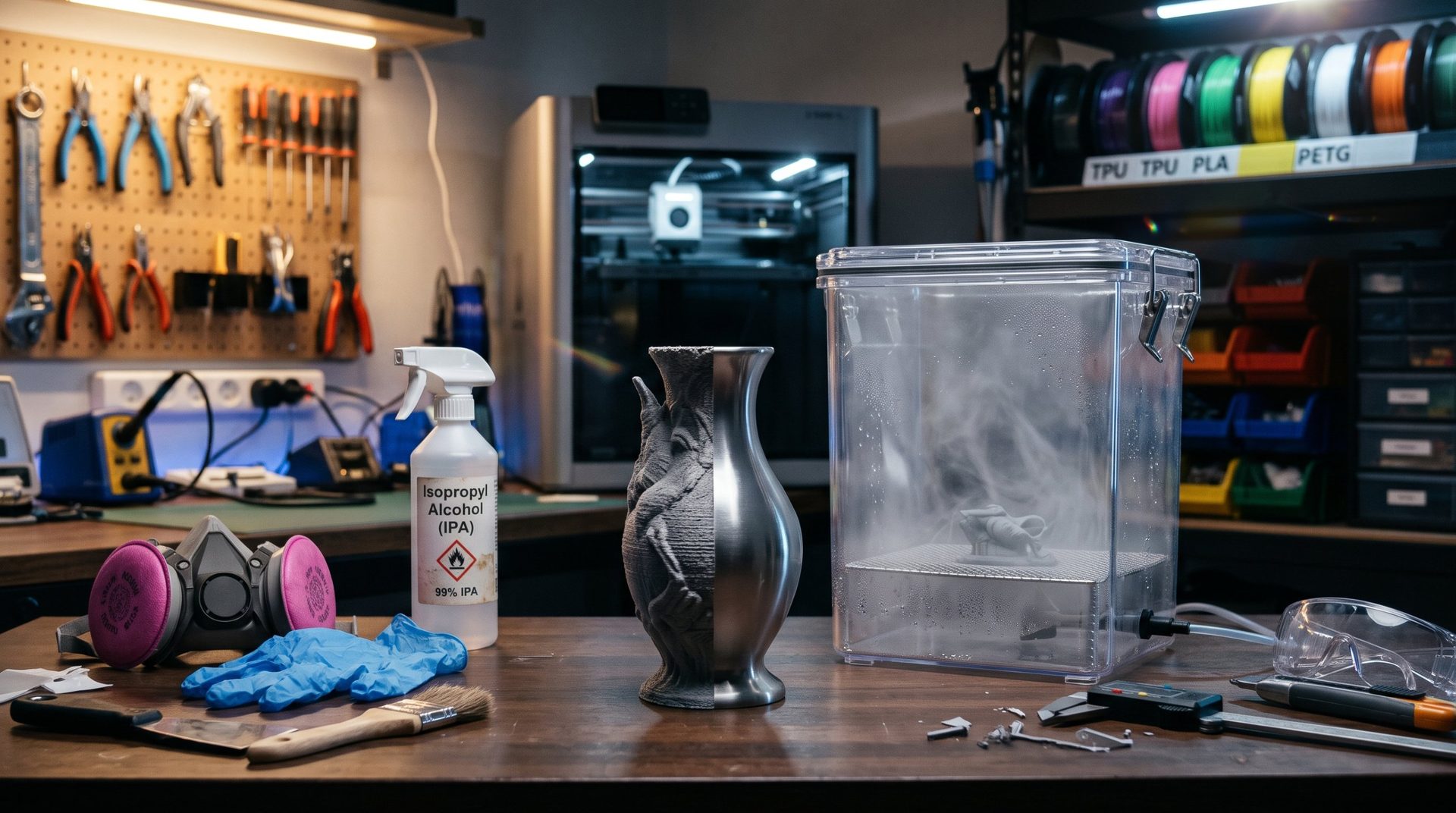
- Visual and creative effect: It can be used for purely aesthetic purposes. It gives your prints a unique look, sometimes comparable to stone, leather, or pottery. Perfect for vases, flower pots, or figurines.
When and how to use it?
Fuzzy Skin is a parameter to enable with discretion.
When to use it?
- For objects that don't need a smooth surface.
- For parts that require better grip.
- For decorative creations where original texture is desired.
- For electronic cases, covers, or supports where the external surface isn't critical.
Key slicer settings:
- Enable the "Fuzzy Skin" option.
- Apply the effect only to external walls.
- Adjust the distance and thickness to get the desired effect. Lower distance makes the effect denser, while greater thickness makes the relief deeper.
In conclusion, Fuzzy Skin is a powerful creative tool that lets you transform a potential flaw into a design feature. It's an excellent illustration of how slicer settings can change the appearance and usefulness of a printed part.