How to Properly Maintain Your 3D Printer

A 3D printer is a precision tool that, like any machine, works best when properly maintained. Regular upkeep isn't just good practice—it's a guarantee of longevity for your equipment, reliability for your prints, and consistent quality for your creations. Neglecting these simple steps can quickly lead to problems, failed prints, and unexpected repair costs.
Let's discover the essential steps to care for your 3D printer.

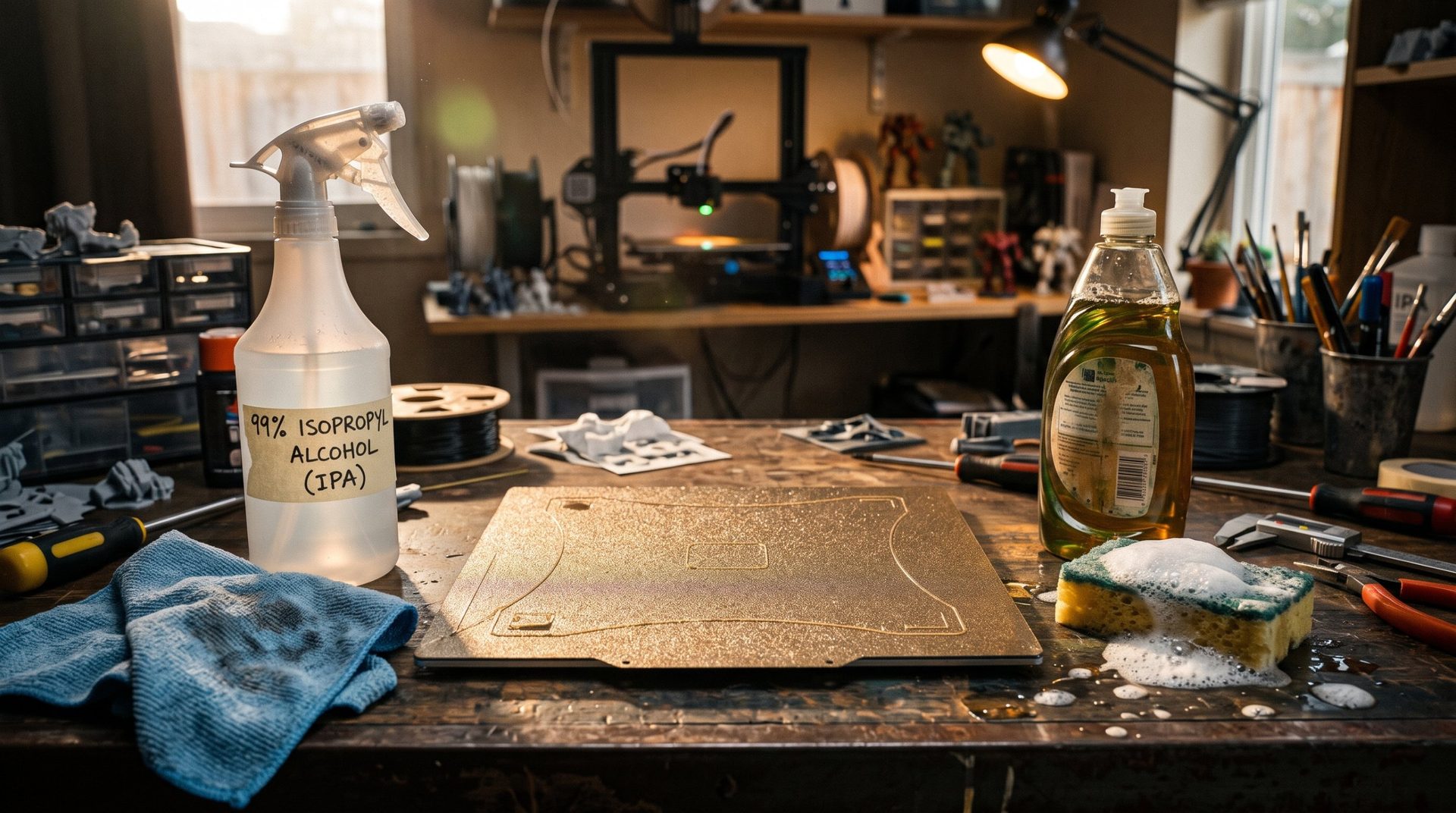
Cleaning the Build Plate: The Foundation of Good Adhesion
The build plate is the starting point for every creation; its condition is crucial for your printing success.
- After each print (or very regularly), clean it thoroughly. Dirt, glue residue, fingerprints, or even dust can prevent your first layer from adhering properly, causing failures right from the start.
- Use isopropyl alcohol (IPA) for glass, PEI, or flex plates. For textured plates, a soft brush can help remove residue.
- If you use adhesion agents (glue stick, hairspray), clean them regularly to prevent buildup that can make the plate uneven.
A clean, well-maintained build plate guarantees optimal first-layer adhesion and hassle-free prints.
Lubricating the Axes: Ensuring Smooth and Precise Movement
The axes of your printer (X, Y, Z) are responsible for all movement. Excessive friction can cause noise, vibrations, and most importantly, a loss of precision that shows on your prints.
- Apply specific grease or oil to smooth rods, linear rails, or lead screws (depending on your printer type).
- Check your printer manufacturer's recommendations regarding lubricant type and application frequency. Some printers need lubrication every few dozen printing hours, others less often.
- Don't over-lubricate, and always wipe away excess to prevent dust buildup.
Smooth axis movement is key to printing precision.
Checking the Belts: Maintaining Stable Movement
The belts on your printer are essential for transmitting motor movement to the X and Y axes (and sometimes Z). A belt that's too loose can cause ghosting or layer shifts, while one that's too tight can prematurely wear motors and pulleys.
- Regularly check their tension. They should be taut, but not so tight they sound like a guitar string.
- Make sure they aren't frayed or damaged.
- Adjust them if needed by following your printer manual's instructions.
Properly tensioned belts guarantee stable movement and consistent prints.
Cleaning the Nozzle and Extruder: Preventing Clogs and Ensuring Smooth Extrusion
The nozzle and extruder are the heart of FDM/FFF printing; they manage filament flow. Burnt plastic residue or dust can clog them, causing under-extrusion, failed prints, or filament breaks.
- Clean the outside of the nozzle regularly with a metal brush (when hot, but carefully).
- Perform "cold pulls" to clean nozzle buildup from inside.
- Check your extruder: Clean the gears that push the filament and ensure there's no filament dust or debris.
- Replace the nozzle if it's worn or irreversibly clogged. Brass nozzles wear faster with abrasive filaments (carbon fiber, wood).
A clean nozzle and extruder mean consistent, reliable extrusion.
Firmware Updates: Optimizing Performance
Firmware is the internal software that controls your printer's functions. Manufacturers regularly release updates that can:
- Improve print performance (speed, quality).
- Fix bugs or known issues.
- Add new features (for example, auto-leveling).
- Improve security or compatibility.
- Regularly check your printer manufacturer's website for the latest firmware versions.
- Follow update instructions carefully to avoid any issues.
Keeping your firmware up to date is like giving your printer new life, making it more efficient and enjoyable to use.
By adding these simple and regular steps to your maker routine, you'll ensure not only a longer lifespan for your 3D printer, but also better-quality prints and fewer frustrations. Take care of your machine, and it will take care of your projects!