FAQ & Makers Support: Your AI Technical Copilot for 3D Printing
A first layer that refuses to stick, warping lifting corners halfway through a print, uncertainty about the right material for an outdoor part—every maker hits a technical wall sooner or later. When it happens, spending hours scrolling forums or randomly clicking through slicer menus wastes precious time.
To provide concrete, immediate, and documented answers to our entire community, Le Monde du 3D brings all its support into one place: FAQ & Makers Support.
1. A knowledge base organized by topic
No more scattered Q&A lists. The FAQ brings together over 70 practical answers, sorted by your workflow stage:
- Get started stress-free: understand how FDM and resin printers work, estimate your budget, and master the basics.
- 3D files and software: the differences between STL, 3MF, and STEP, plus the right settings in OrcaSlicer, Bambu Studio, or PrusaSlicer.
- Filaments and materials: choose between PLA, PETG, TPU, ASA, or carbon-filled filaments with help from our interactive filament selector.
- AI and 3D design: go from a photo or description to a printable model using AI generators like Tripo AI or Meshy, then refine your assemblies in CAD.
- Finishing, safety, and maintenance: surface treatment, threaded inserts, workshop air filtration, and machine upkeep.
2. Quick visual diagnosis: fix a defect in 3 clicks
Pinpointing what went wrong with a failed print isn't always obvious when you're starting out. Visual diagnosis cuts through the confusion:
- Compare your part to photos of the 8 most common defects: warping, under-extrusion, stringing, Z-banding, failed first layer, elephant's foot, failed overhangs, over-extrusion.
- Click on the one that matches your part.
- Fix it: instantly get the 3 slicer settings to adjust (temperature, retraction, speed, first-layer height…) so you can restart your print on the right track.
3. Makers Support, with AI that answers right away
The real innovation is Makers Support. If your issue or machine isn't yet in the FAQ:
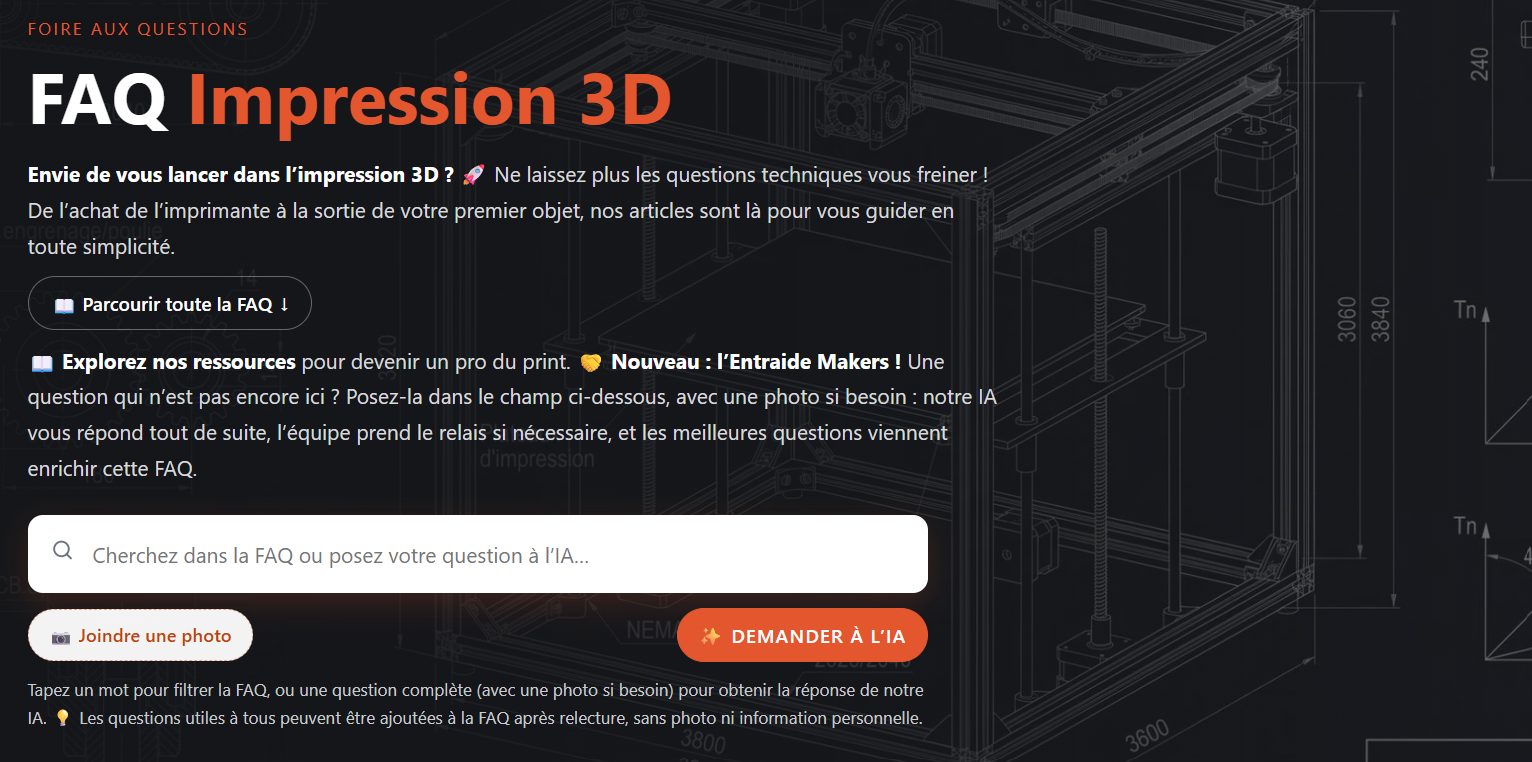
- Ask your question in the search field at the top of the FAQ—it also filters existing answers as you type.
- Attach a photo of your part or setup if needed: the AI analyzes it to spot extrusion or adhesion problems.
- Get an instant answer: our AI assistant draws on our articles and FAQ to give you a step-by-step solution, with links to relevant posts.
- Our team takes over if the answer doesn't fully help: one click on "Contact us," and your question reaches us directly.
- The community benefits: the most helpful questions are reviewed, refined if needed, and added to the FAQ—without photos or personal info.
Like any AI-generated answer, it's given for guidance only: always double-check important points before adjusting your settings.
A living resource for your workshop
Built by enthusiasts for enthusiasts, this space grows constantly as you ask questions and new 3D printing technologies emerge. Whether you're just discovering 3D printing or pushing your machines to new precision levels, you never print alone.