Why STL Format Is Dying: The Rise of 3MF and Smart Formats
Since the early days of consumer 3D printing, the .STL file (short for stereolithography) has been king. Designed in the late 1980s for the first 3D Systems machines, it did the job well. But in an era of multi-material ultra-fast printers, tool changers, and cloud-connected slicers, this old workhorse is showing serious cracks.
1. The Limits of the STL File
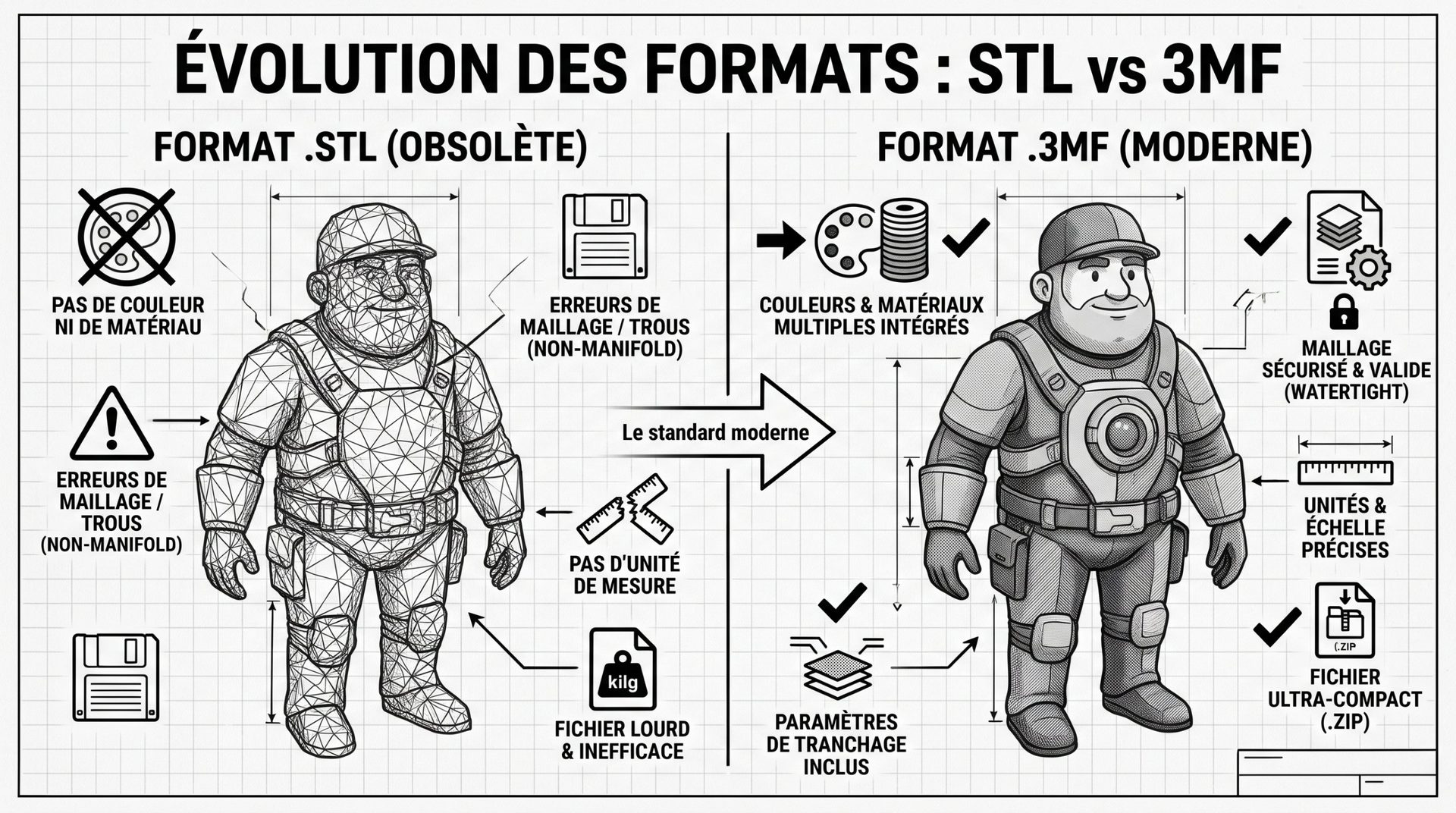
STL works on a simple principle: it describes an object's surface as a mosaic of flat triangles, nothing else. This simplicity creates several problems today:
- No color or material info: the standard format knows nothing about colors, textures, or plastic types. There's no way to specify which area should be printed in soft TPU or rigid PETG without repainting everything in the slicer.
- No units of measurement: STL contains only numbers. If your CAD software exports in inches and the slicer reads in millimeters, your part ends up 25.4 times too small—with no warning.
- Very heavy files: to get smooth curves without visible facets, you need countless triangles. Files grow fast, and slicing slows down just as much.
- Broken meshes are common: flipped faces or poorly joined edges create tiny holes that the slicer must repair—with varying success.
2. 3MF: A Format Built for Manufacturing
Launched in 2015 by the 3MF Consortium (founded by Microsoft, Autodesk, HP, Dassault Systèmes, and Shapeways, among others), .3MF (3D Manufacturing Format) works like a compressed archive that carries an entire project. Today it's the standard project format for most slicers: Bambu Studio, OrcaSlicer, PrusaSlicer, and Cura.
| Criterion | STL File | 3MF File |
|---|---|---|
| Geometry | Raw triangles | Triangles too, but with units and scale |
| File Size | Heavy for fine details | Compact (ZIP-style compression) |
| Colors | None (in standard format) | By face, zone, or material |
| Multi-material | One STL file per part | Everything in a single file |
| Print Settings | None | Can include profiles, supports, and orientation |
| Mesh Reliability | Frequent errors (holes, loose edges) | Stricter rules, fewer errors |
Full comparison: STL vs 3MF, what's the difference.
3. A Project Ready to Print
The real power of 3MF is that it carries not just the object, but also how to print it:
- Orientation: the creator records the ideal position of the part on the build plate—for example, to make it strong in the right direction.
- Supports and colors: which areas need support, don't need support, or should be printed in a different color are already saved.
- Settings: layer height, reinforced infill in certain spots, wall speed… everything is passed on to whoever downloads the file.
On platforms like MakerWorld or Printables, downloading a 3MF profile lets you launch a complex part in one click, with settings validated by the creator. That's exactly what we do with our free 3D files, published on MakerWorld.
See it in action:
Build the Right Habits
STL won't vanish overnight: it's still readable by every tool and handy for sharing simple shapes. But to push forward, two formats take over:
- 3MF, to share a model ready to print, with colors and settings included;
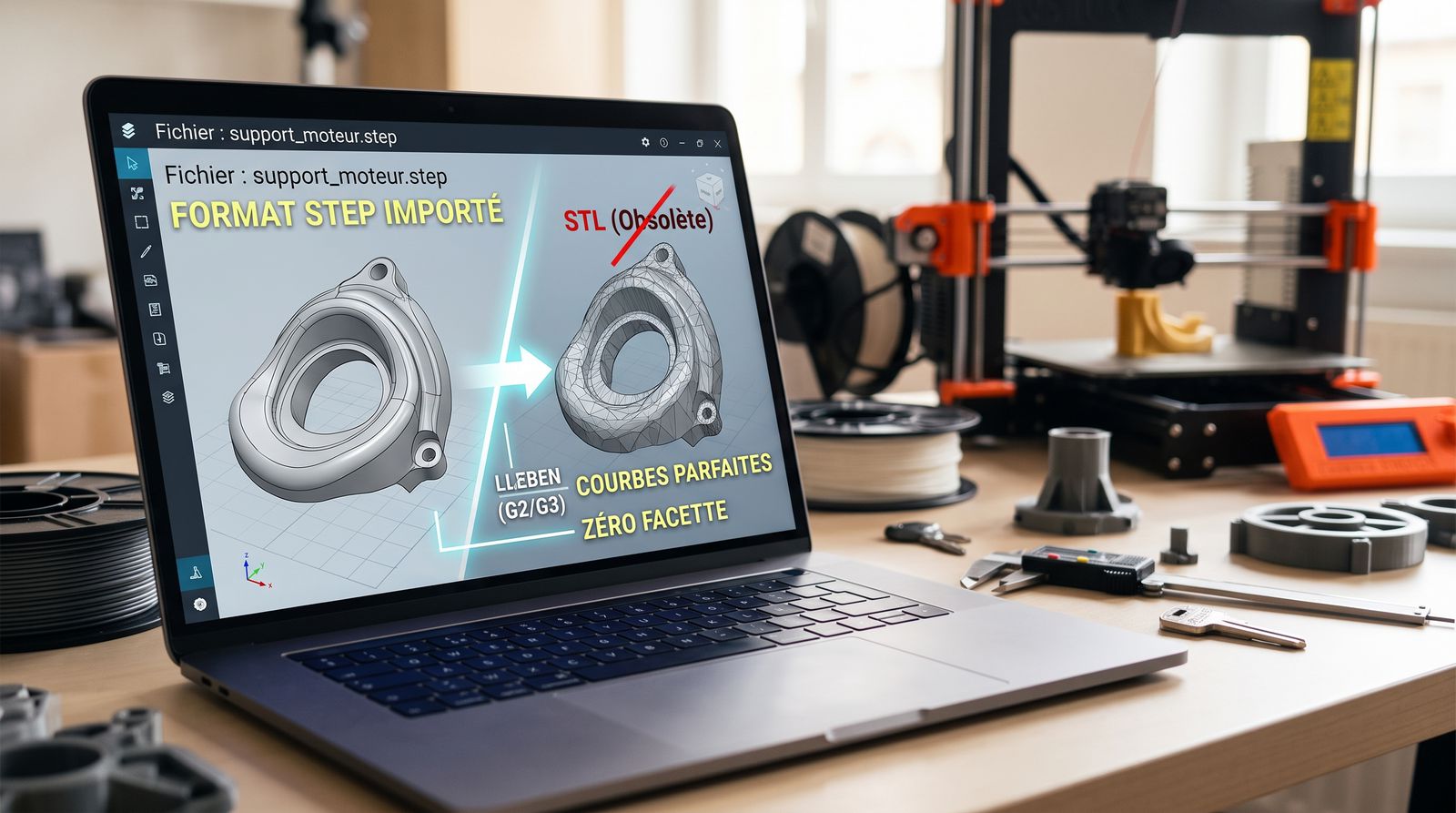
- STEP, to preserve the precision of curves in a CAD-designed part. Modern slicers can now open it directly—see our article on the end of STL versus the rise of STEP.
Sticking with STL out of habit is like sending a 4K video on a VHS tape: it works, but you lose all the detail along the way.