
Should You Dry 3D Printer Filament?

Updated November 15, 2026
FDM 3D printing (Fused Deposition Modeling) is fantastic technology, but it can sometimes be temperamental. A common problem—and often underestimated—that affects print quality is moisture absorbed by filament. Yes, your favorite filament spool can become your worst enemy if it isn't stored properly or has been exposed to open air for too long.
So the short answer is a resounding YES: you need to dry 3D printer filament. Understanding why and how is essential to guarantee high-quality prints and avoid countless headaches.
Why Does Filament Absorb Moisture?
Most 3D printer filaments are hygroscopic, meaning they can absorb moisture from the surrounding air. This is especially true for materials like:
- PLA (Polylactic Acid): While less critical than others, PLA can absorb moisture and see print quality degrade.
- PETG (Polyethylene Terephthalate Glycol): Highly hygroscopic.
- ABS (Acrylonitrile Butadiene Styrene): Also sensitive to moisture.
- Nylon (Polyamide): Extremely hygroscopic and must be stored and printed in very dry conditions.
- PVA (Polyvinyl Alcohol): Used as a water-soluble support material, it's inherently very sensitive to moisture.
- TPU/Flexibles (Thermoplastic Polyurethane): Highly affected by moisture, making printing difficult and results poor.
Moisture in the air, even invisible, is enough to be absorbed by the filament polymer. The higher the environmental humidity and the longer the exposure time, the more water the filament will absorb.
Consequences of Moisture on Your 3D Prints
When moist filament is heated in the printer nozzle, the absorbed water turns to vapor. This vapor creates bubbles and microscopic explosions that degrade print quality in various ways:
- Degraded surface: Appearance of "bubbles" or "small craters" on the print surface, rough or "foamy" texture.
- Stringing between parts: Moisture causes vapor bubbles that force plastic out of the nozzle uncontrollably, creating strands between print sections.
- Weaker parts: Bubbles reduce layer adhesion and material cohesion, making the final piece more fragile and less resistant to stress.
- Underextrusion and clogs: Vapor bubbles can cause uneven pressure buildups, leading to underextrusion or partial or complete nozzle clogs.
- Unusual noises during printing: You'll hear clicking, hissing, or crackling from the nozzle—signs that moisture is escaping as vapor.
- Poorly bonded layers: Layers don't bind correctly, which can cause delamination or part separation.
- Dull colors or changed appearance: Especially for translucent filaments, moisture can make the part more opaque or reduce color vibrancy.

How to Effectively Dry Your Filament
Several methods exist to remove moisture from your filament:
- Filament dryer: The most practical and safest solution. These dedicated heated boxes maintain stable temperature, and most allow you to print directly from the box while drying.
- Food dehydrator: An effective and affordable method. Place the spool in the dehydrator at the temperature suited to your material for several hours. Check that your model reaches high enough for ABS, nylon, or PC.
- Kitchen oven: Not recommended. Most ovens deviate 10°C or more from the displayed temperature, with peaks near heating elements—enough to warp a PLA spool. If you have no other option, monitor temperature with a thermometer and leave the door slightly ajar to release moisture.
- Desiccant packs (silica gel): Useful for storage, but not for deeply drying already very moist filament. They prevent moisture from returning without eliminating it.
Indicative temperatures and times (dryer or dehydrator):
- PLA: 45 to 55 °C, 4 to 8 h (do not exceed 55 °C);
- PETG: 60 to 70 °C, 6 to 8 h;
- TPU: 60 to 70 °C, 6 to 12 h;
- ABS and ASA: 70 to 80 °C, 4 to 8 h;
- Nylon: 80 to 90 °C, 8 to 12 h (up to 16 h if very moist);
- PC: 80 to 90 °C, 6 to 8 h;
- PVA: 45 to 55 °C, 8 to 12 h.
Above 60 to 70 °C, verify your spool can handle the heat: some cheap plastic spools warp. To get your material settings in one click, including recommended storage humidity levels, use our drying parameters selector.
Filament Storage
Once your filament is dry, proper storage is crucial to maintain quality:
- Vacuum seal bags: The best method. Place the dried spool in a vacuum-sealed bag with a reactivated silica gel pack.
- Airtight containers: Use airtight plastic boxes with silica gel.
Drying your 3D printer filament isn't optional—it's a fundamental step for any maker serious about print quality. Investing in a food dehydrator or dedicated drying box will eliminate stringing problems, improve layer adhesion, strengthen your parts, and dramatically reduce print failures. It's a simple gesture that will make a huge difference in your 3D print quality.
To find the ideal material for your project, try our filament selector.
Read also
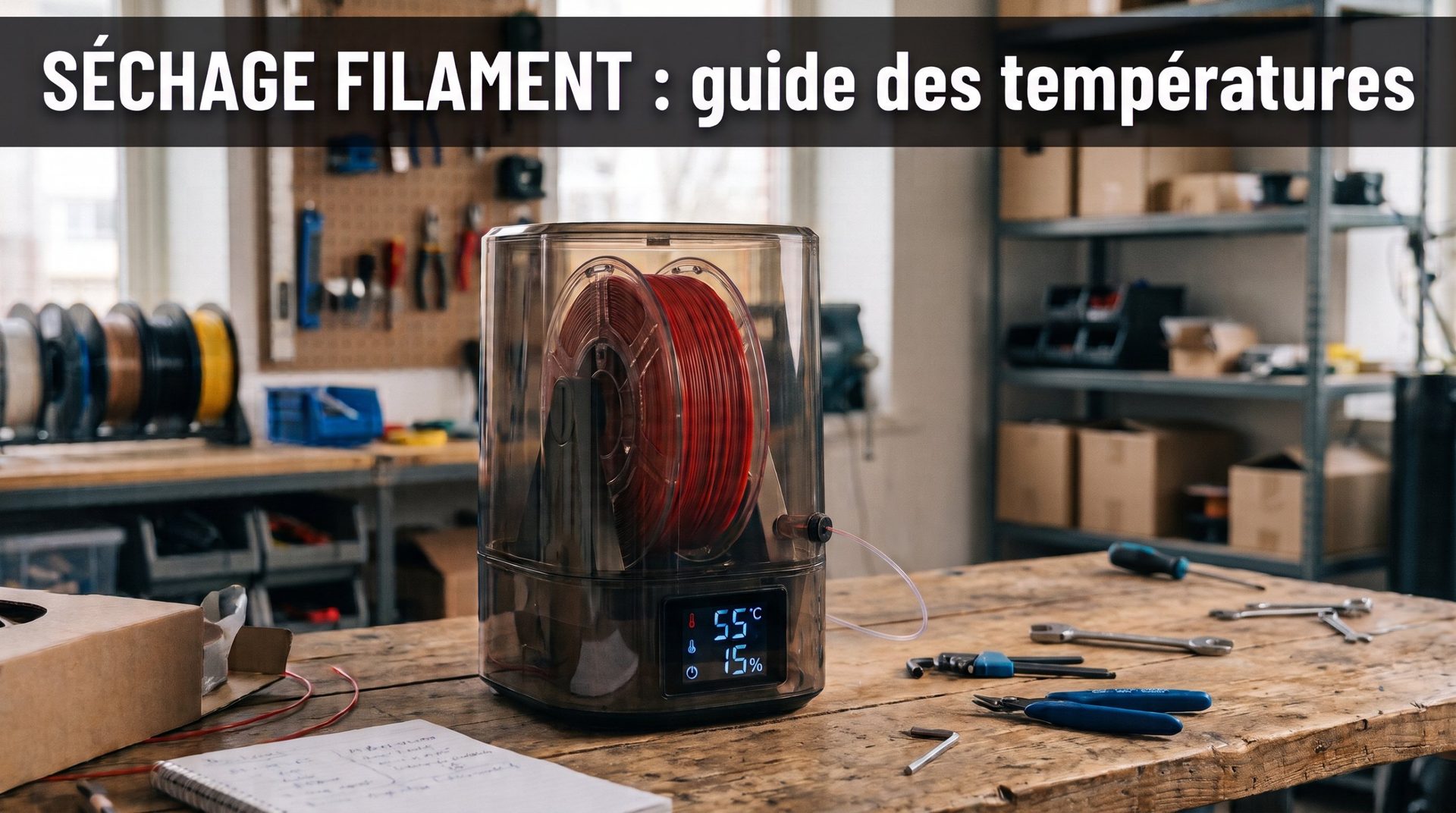 Filament Drying Temperature Selector: Complete Guide to Rescue Wet Filaments
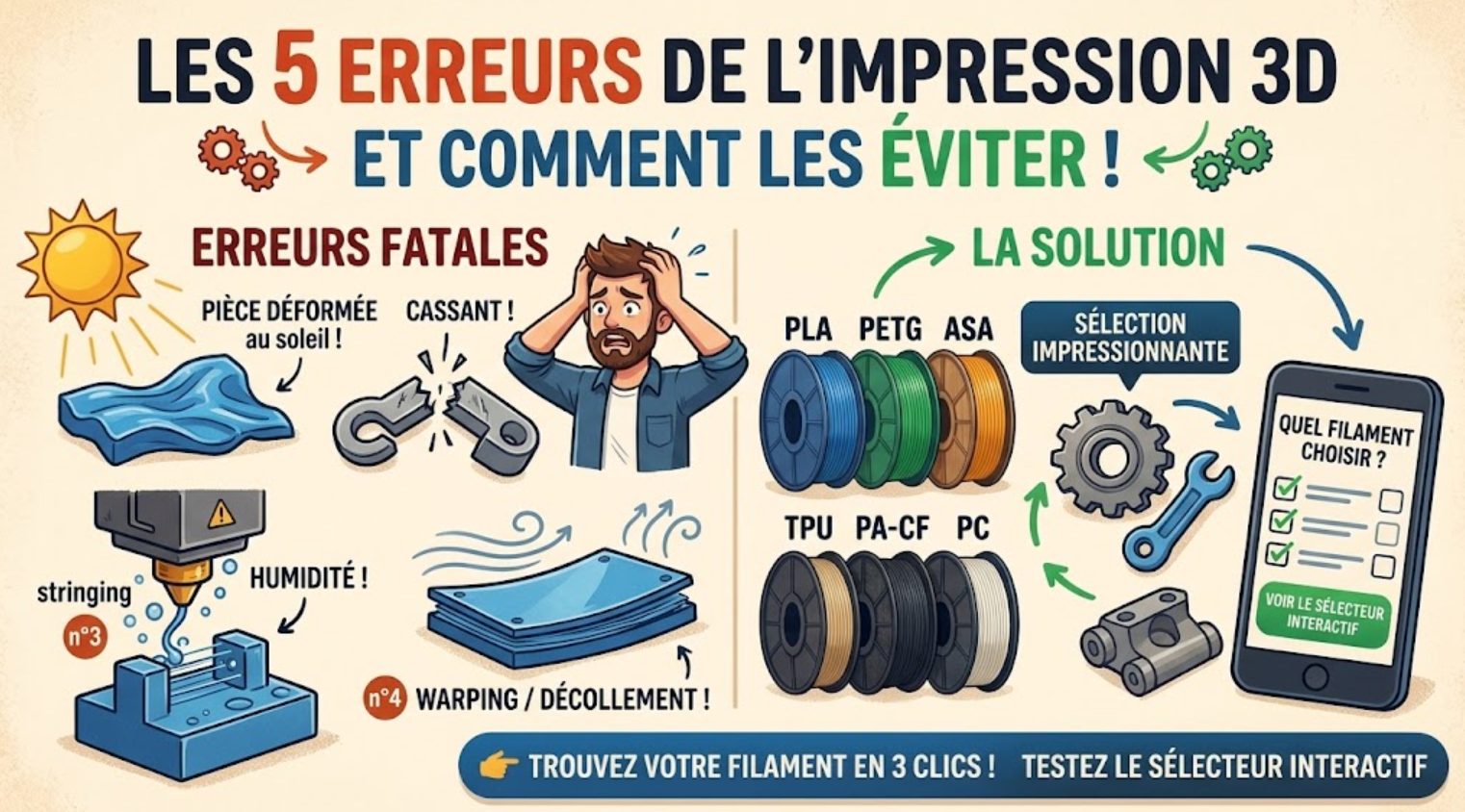 5 Fatal Mistakes Ruining Your 3D Prints (and How the Right Filament Solves 80% of the Problem)
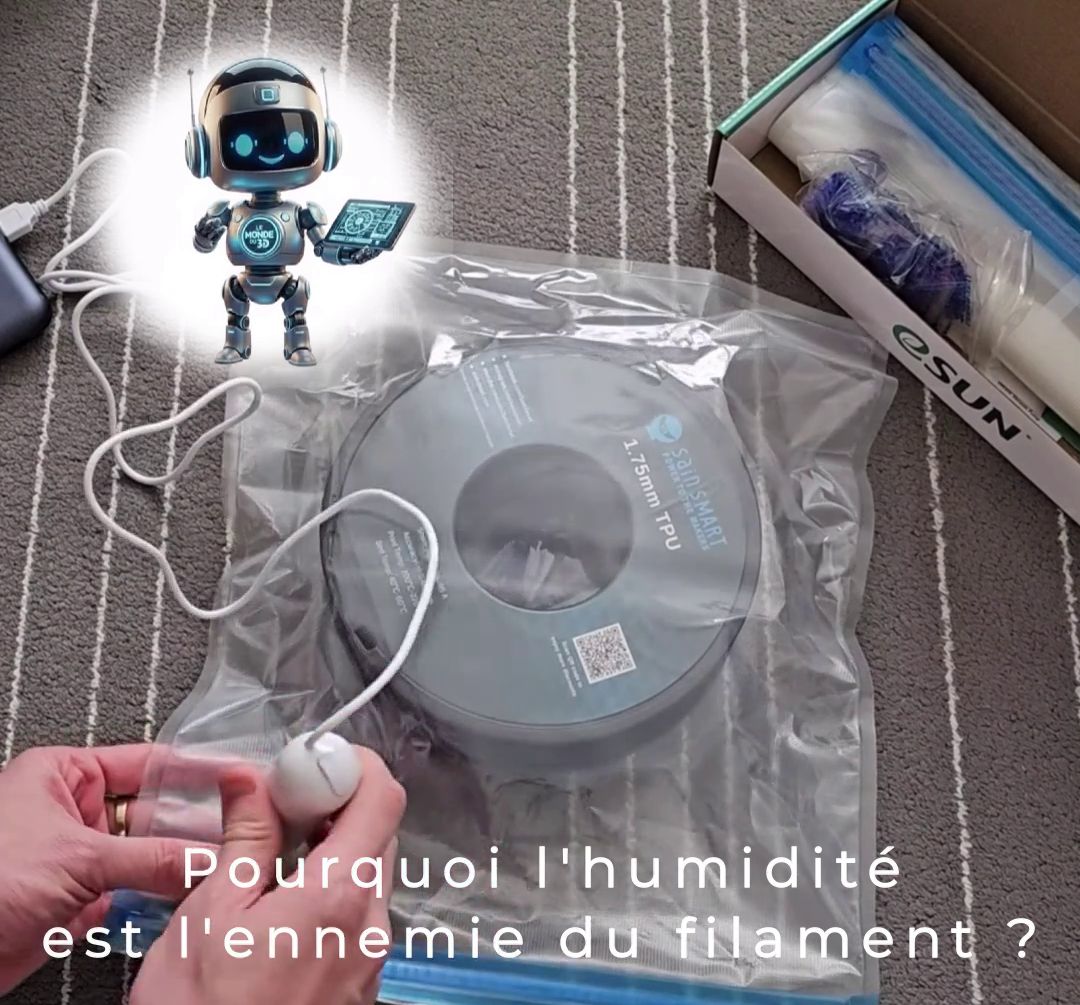 Vacuum Seal Your 3D Filament: The Secret to Perfect Prints
 The World of 3D Filaments: Choosing the Right Filament for Your 3D Printing