Why Claude Excels in 3D Printing

Integrating Claude artificial intelligence (developed by Anthropic) into the additive manufacturing and 3D printing ecosystem opens new perspectives for modeling.
While image generators convert text into 2D renders, Claude stands out as a privileged AI assistant for moving from natural language to a printable physical object.
Contrary to popular belief, a language model (LLM) like Claude doesn't directly "draw" a 3D volume: it writes vector and parametric code that CAD software (Computer-Aided Design) translates into 3D parts.
[Prompt] ➔ [Claude] ➔ [OpenSCAD] ➔ [File] ➔ [Printer]
✅ The Perfect Pair: Claude + OpenSCAD
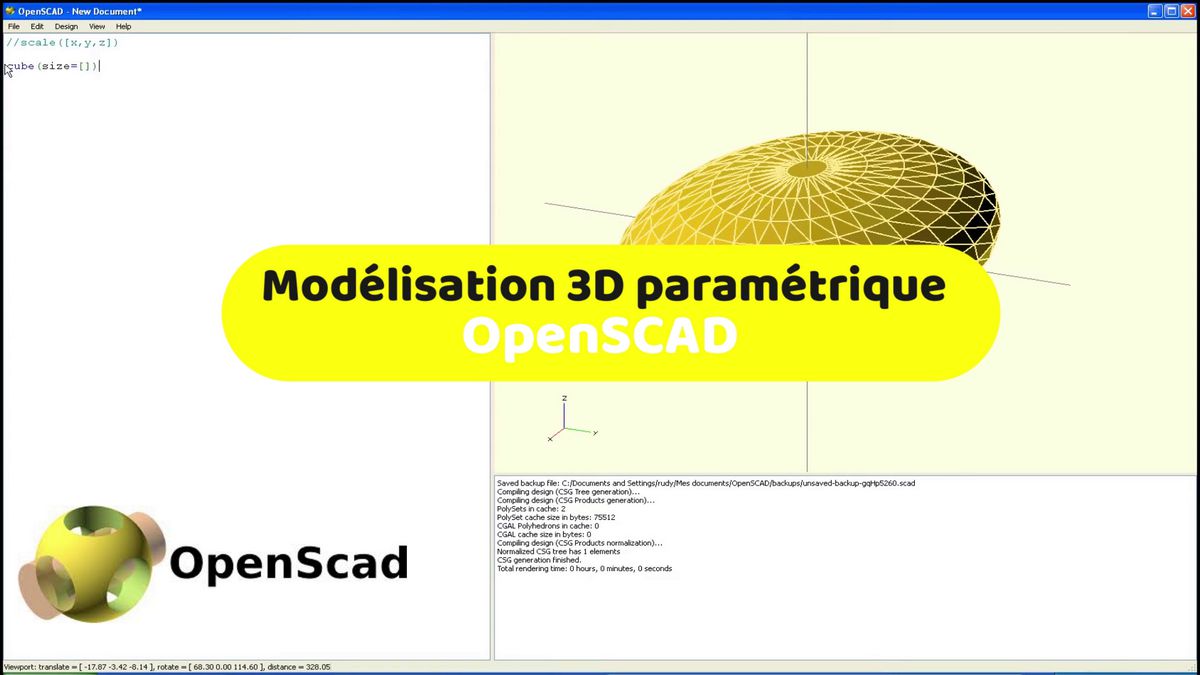
OpenSCAD is free software that lets you design 3D objects using lines of code (geometric programming).
-
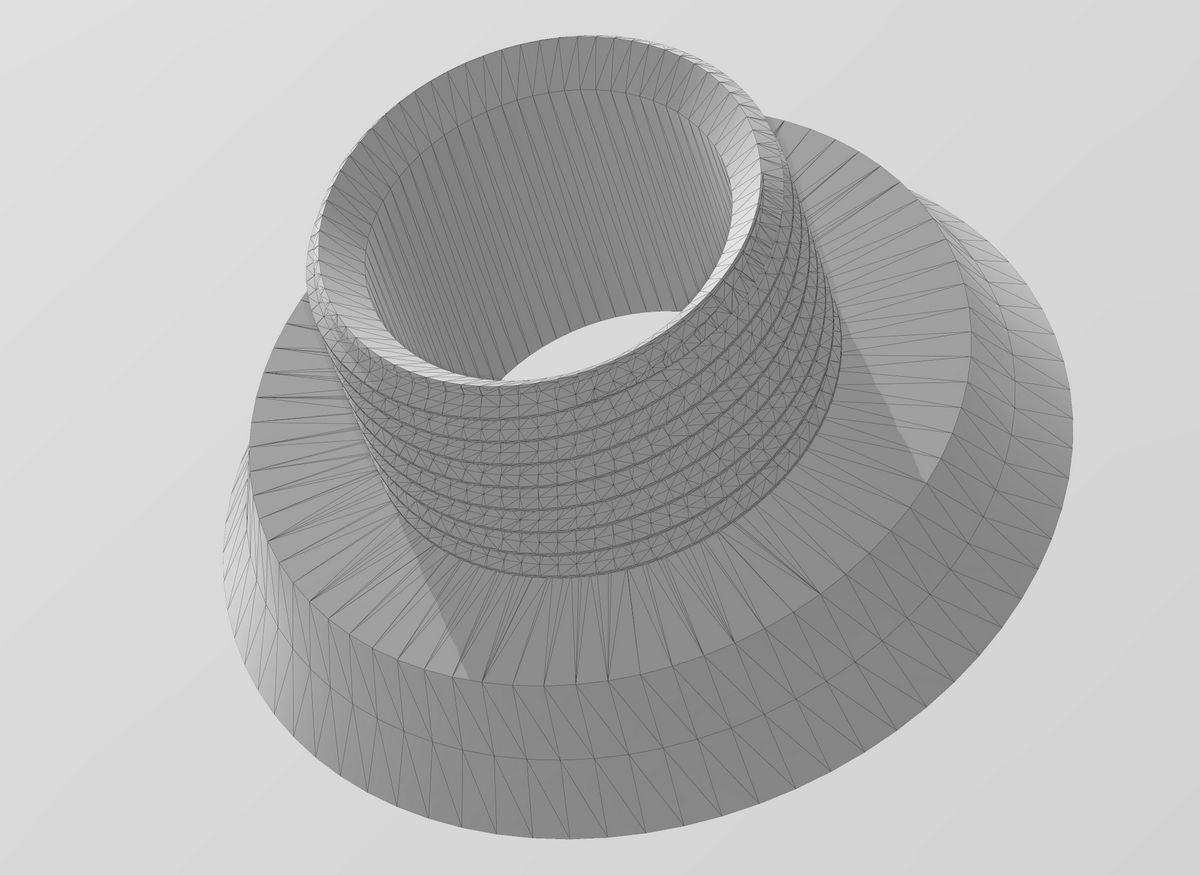
What Claude does: By describing a part to it (e.g., "Create a cylindrical adapter 30 mm in diameter to a 40 mm hose with 2 mm wall thickness"), Claude instantly generates the
.scadscript. -
The result: Simply paste the code into OpenSCAD and export the STL or 3MF file ready for slicing.
✅ Direct Integration via MCP (Model Context Protocol)
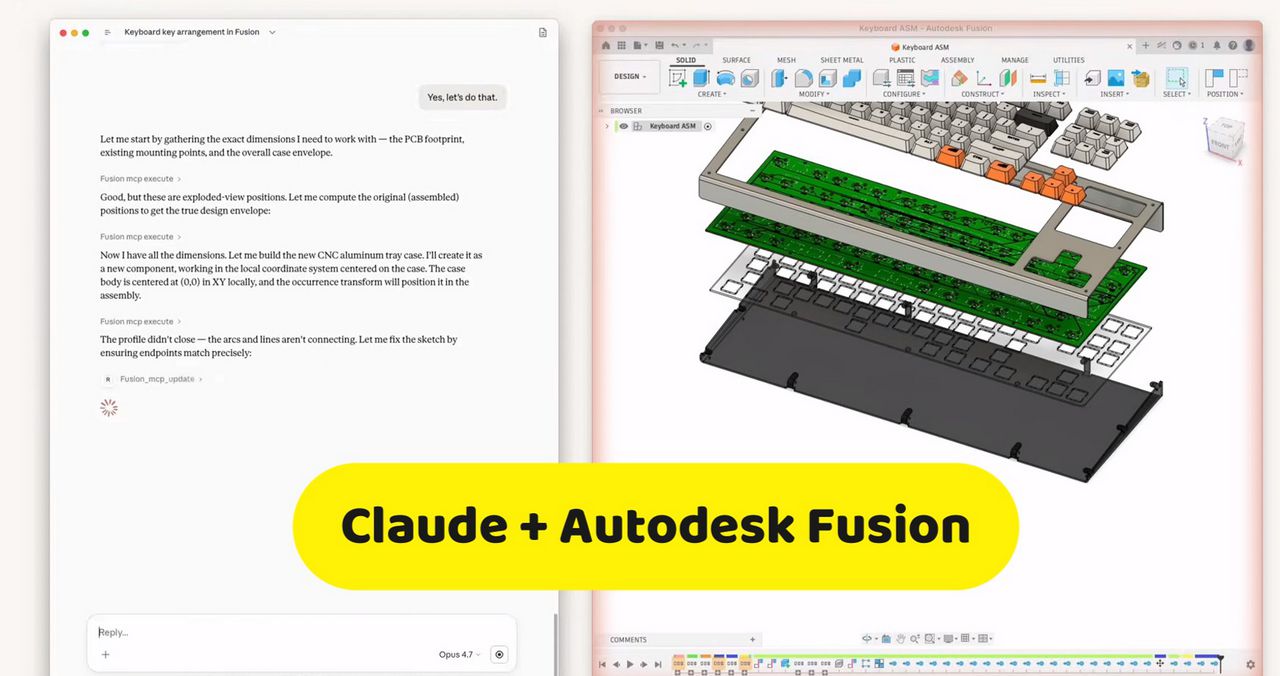
Thanks to Anthropic's connection protocol (MCP) and automation scripts, Claude now interacts directly with major software:
-
Autodesk Fusion: Claude automates repetitive CAD tasks, generates parametric drafts, and verifies printability constraints.
-
Blender & SketchUp: Via Python extensions, Claude can build complex 3D scenes step by step or execute custom modeling scripts.
✅ The Visual Feedback Loop
One of the most impressive advances lies in using Claude's vision:
-
Claude writes the 3D script.
-
The environment executes an image render (PNG) of the model from multiple angles.
-
Claude visually analyzes the render to spot if a wall intersects another or if a hole is misaligned.
-
It corrects its own code before final export to the printer.
✅ Comparison Table: Traditional Approach vs Claude-Assisted Approach
| Creation Step | Traditional Method | With Claude AI + CAD |
| CAD Learning | Requires dozens of hours on Fusion or FreeCAD | Immediate mastery by describing the part in English |
| Parametric Parts | Complex manual coding or geometric constraints | Instant dimension adjustment with simple text instruction |
| Rapid Prototypes | Creating the sketch from scratch | First version generated in 10 seconds |
| Error Correction | Manual search for blind holes or inverted facets | Automatic diagnosis and script correction by AI |