Claude + Autodesk Fusion: MCP Connector

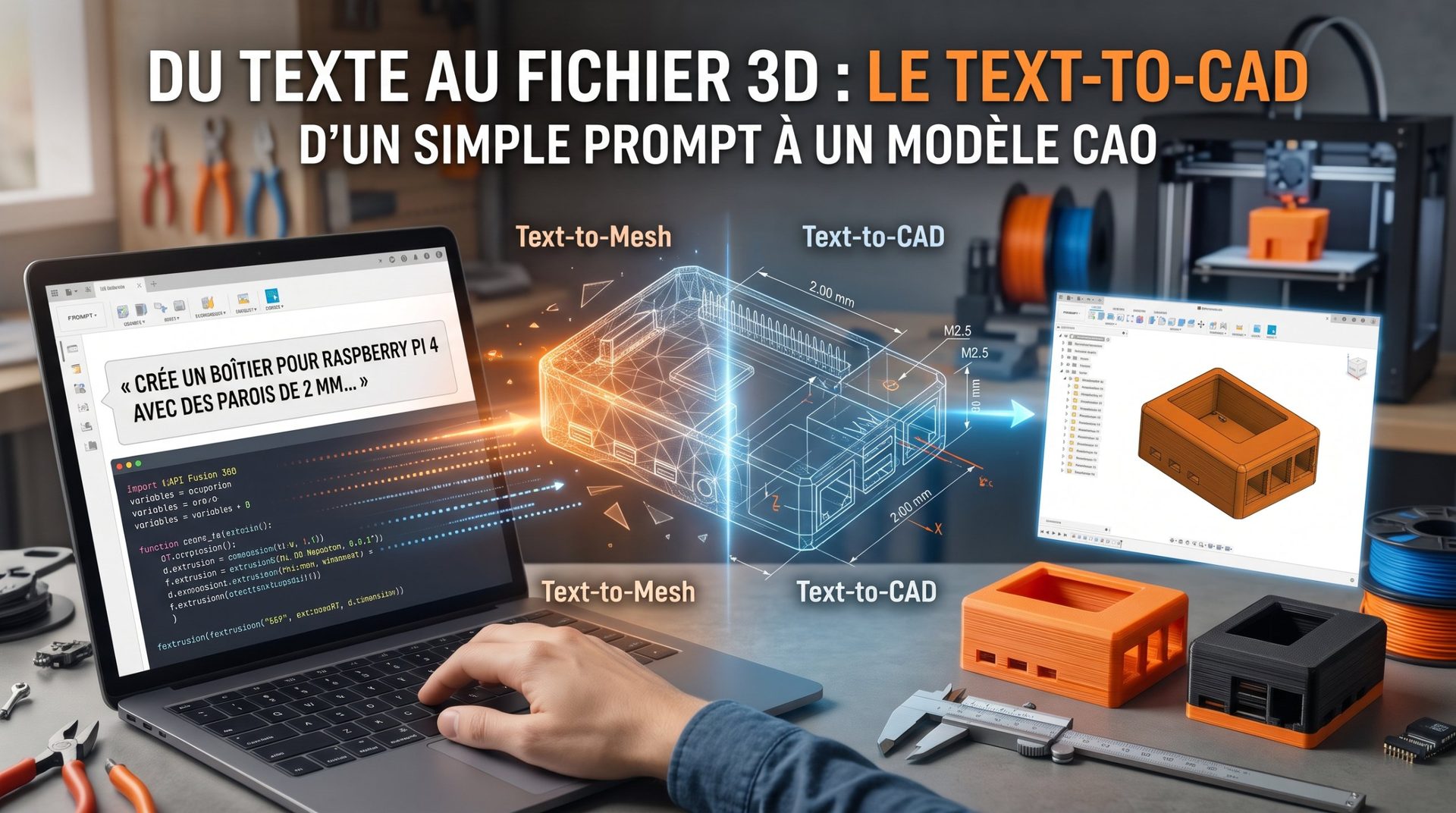
As of April 28, 2026, the boundary between text-based artificial intelligence and computer-aided design (CAD) has vanished. Thanks to the new MCP connector, Claude no longer simply advises you: it now manipulates Fusion's workspace in real time.

✅ What is the MCP connector?
The Model Context Protocol (MCP) is an open standard that allows an AI to "see" a software's context and execute secure actions within it. Unlike old scripts you had to manually copy and paste, the connector establishes a direct bridge between the Claude Desktop application and your Autodesk Fusion session.
✅ The new capabilities: "Text-to-CAD"
With this integration, you can control Fusion using natural language:
-
Geometry creation: "Generate an aluminum heat sink with 15 fins, 2mm thick." Claude instantly creates the object in your active window.
-
Contextual edits: "All the holes in this plate are too small, make them M5." The AI identifies the functions in your design history and updates them.
-
Analysis and debugging: You can ask Claude to analyze your model and check manufacturing constraints (e.g., "Is this model 3D printable without supports?").
✅ How to enable it?
Setup requires a few specific steps that appeared in the May 2026 updates:
-
In Fusion: Go to
Preferences > General > APIand check the "Fusion MCP Server" box. This opens a local communication channel (usually on port27182). -
In Claude Desktop: Add the Autodesk MCP server to your configuration file (
claude_desktop_config.json). -
Pairing: A security notification will appear in Fusion to authorize Claude to access the current document.
✅ Why does this matter?
It's not just a time saver. This integration transforms Fusion into a hybrid tool:
-
For beginners: No more spending 10 minutes figuring out how to create a complex thread; just ask.
-
For professionals: Automating repetitive tasks (renaming components, creating part variants) happens in seconds, leaving more room for pure creativity.
Security note: Autodesk has clarified that all actions performed by Claude stay within the bounds of your user permissions. The AI cannot save or modify files without your explicit approval through Fusion's interface.
In short, the arrival of this connector marks the end of the era when AI was just a simple technical encyclopedia and the beginning of its role as a true extension of the designer's hand.
Here's what you need to know about the future of your Fusion projects:
-
From tool to collaborator: You no longer simply "operate" a CAD program—you dialogue with an assistant that understands the design intent behind every click.
-
Democratizing complexity: Complex functions (parametric geometry, weight optimization) that once required years of expertise are now accessible with a simple sentence.
-
Radical productivity gains: By delegating tedious tasks (naming, repetitive holes, standards compliance) to Claude, you can focus on what matters: innovation and aesthetics.
This is no longer science fiction: with the MCP protocol, your keyboard becomes as powerful as your mouse. The question is no longer how to draw a part, but to have the best idea so the AI can bring it to life instantly.
So, ready to dictate your next design instead of drawing it?
👉 Fusion isn't your only choice: compare it to Onshape, FreeCAD, or Tinkercad in our guide to 3D modeling software.