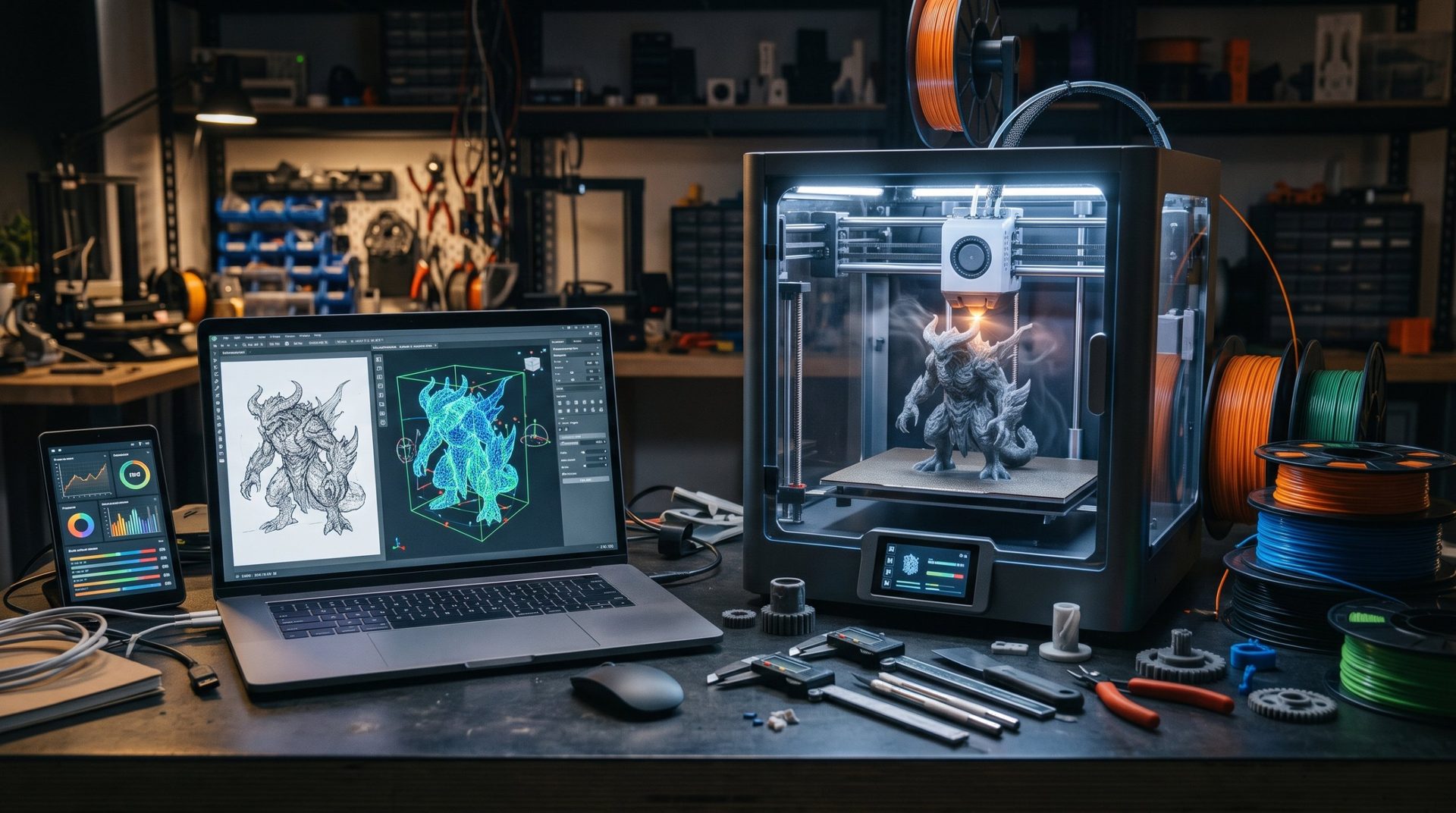
📸 From Photo to Reality: Create Your 3D Figurine with PrintU on MakerWorld!

Ever dreamed of turning a simple sketch, a profile photo, or an imagined character into a real, tangible figurine? Until recently, that required hours of digital sculpting or mastery of complex software.
But that was before! At Le Monde du 3D, we tested for you the feature that's making waves on MakerWorld: PrintU.

✅ PrintU: What Is It?
Built directly into the MakerWorld ecosystem, PrintU is a revolutionary "model generation" tool that bridges the gap between 2D and 3D. Its promise is simple: "From image to figurine, crafted in unique styles."
No need to be a CAD (Computer-Aided Design) expert. The tool's intelligence analyzes your image to give it volume, texture, and soul.
🛠️ How to Create Your Figurine in 3 Steps?
This is where the magic happens. The process is surprisingly simple:
-
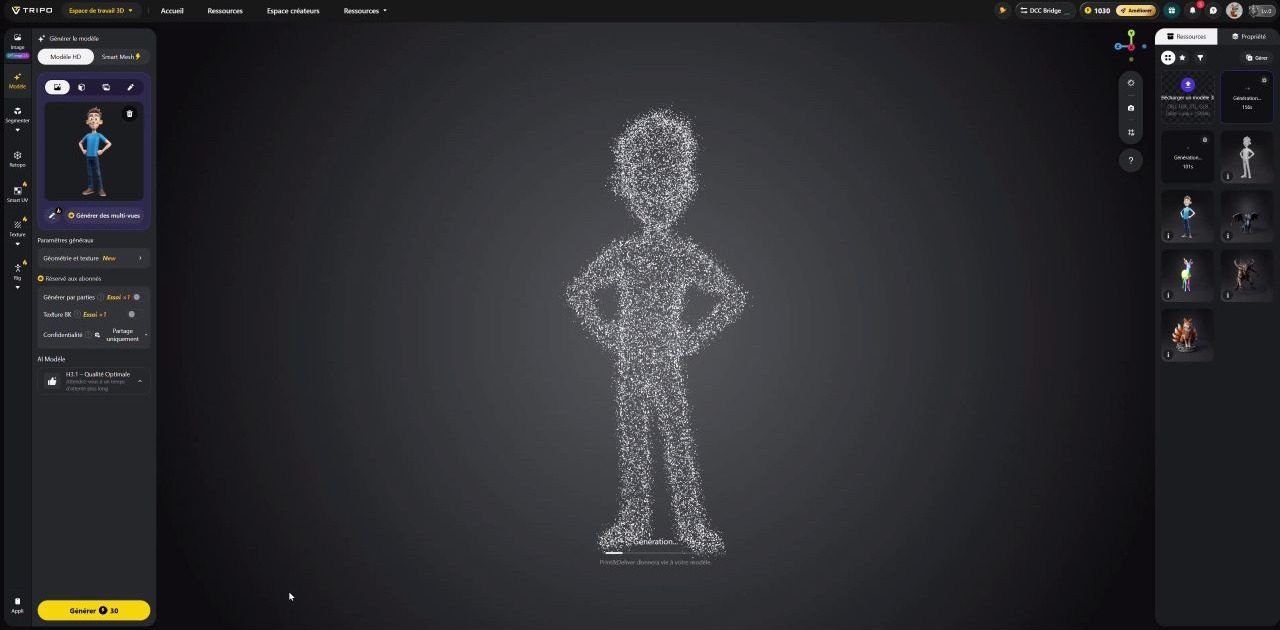
The Upload: Head to MakerWorld in the PrintU section (🔗https://makerworld.com/fr/makerlab/printU). Upload your source image (a sketch, logo, or photo).
-
Choose Your Style: This is PrintU's strength. The tool doesn't just extrude the image. It offers you different artistic styles and finishes (cartoon style, realistic, bas-relief, or stylized low-poly). You pick the vibe that matches your project.
-
Print It: Once the model is generated, PrintU gives you an optimized file for printing (often in .3mf or .stl format). All that's left is to send it to your 3D printer (Bambu Lab or other)!
💡 Why We Love It
-
Total Accessibility: No modeling skills needed. If you have an image, you have a figurine.
-
Customization: It's the perfect tool for creating custom board game pieces, unique tree decorations, or little gift figurines for your loved ones.
-
Speed: In just minutes, you go from idea to a file ready to slice.
Your turn! 3D printing has never been more creative and accessible. Don't let your ideas sit in an "Images" folder on your computer anymore. Give them dimension!
Have you already tried PrintU on MakerWorld? Show us your best "2D to 3D" transformations in the comments! 👇