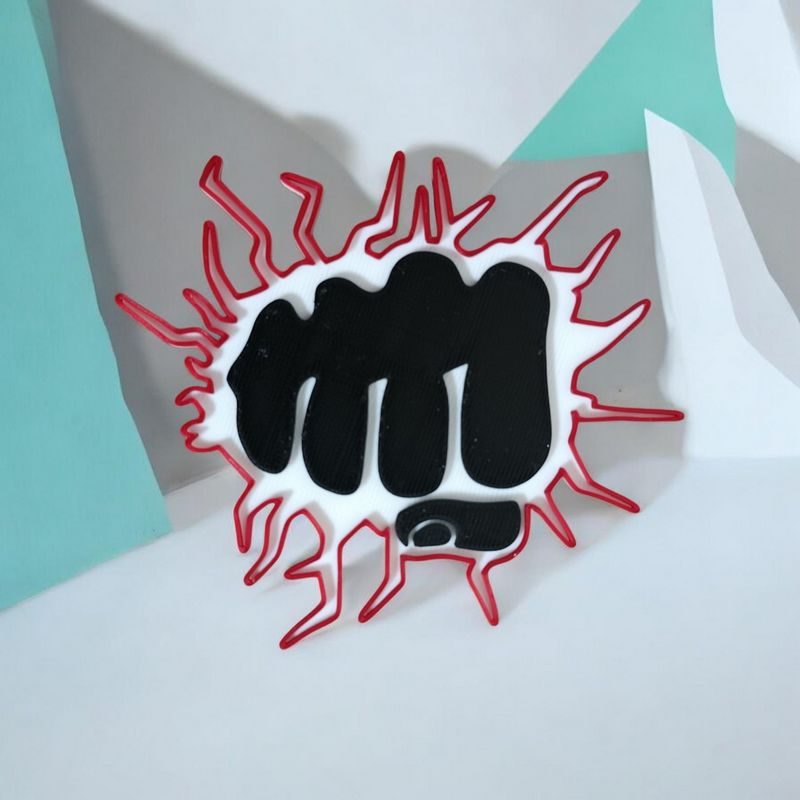
Bambu Lab's Artificial Intelligence Tools in MakerLab

Bambu Lab's MakerLab ecosystem, integrated into the MakerWorld platform, aims to make 3D design accessible to everyone, particularly through automation and Artificial Intelligence.
It's important to note that while basic software like Bambu Studio (the program for preparing prints) and the Bambu Handy app (for control) are completely free to download and use, the online model generation tools operate differently.
✅ Test the tools 👉 https://makerworld.com/fr/makerlab
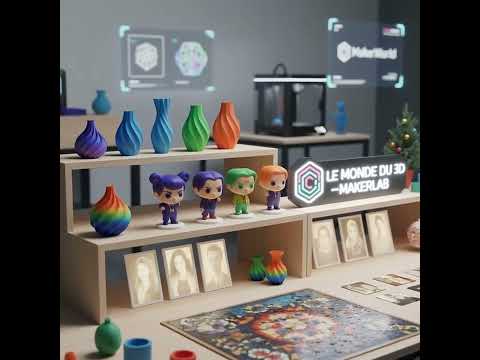
✅ Quick Modeling Tools
These tools rely primarily on parametric models or simple transformations and are accessible to everyone without requiring the use of paid credits. They allow you to customize basic objects very quickly.
-
Make My Sign / Make My Nameplate: Create personalized nameplates and signs in just a few clicks, ideal for offices or bedrooms.
-
Make My Vase: Generates unique custom vases by playing with shapes, textures, and spirals.
-
Pixel Puzzle Maker: A fun tool that transforms any image into a "pixel art" style 3D puzzle model.
-
Christmas Deco Creator: Design decorative ornaments cut in 2D for the holidays.
-
Image to Keychain: Create personalized keychains from an image, perfect for quick gifts.
✅ Generative Artificial Intelligence Tools
Tools that leverage advanced AI computing power to transform complex concepts (like a photo) into printable 3D models use a MakerWorld credit system. These credits are required for each model generation.
-
PrintU (Photo to Figurine): The flagship service that generates a 3D figurine (in various styles such as Chibi or Cartoon) from a simple photograph.
-
Image to Model 3D: A powerful tool capable of converting a 2D image into a 3D printable model with reliefs or color changes.
-
Chroma Canvas / Lithophane: These tools transform photos into artistic 3D prints that reveal the image when light passes through (Lithophane) or into complex multicolor prints (Chroma Canvas).
-
Relief Sculptor: Create detailed and personalized 3D reliefs from a base image.
How to Get Credits?
While credits can be purchased, active MakerWorld users have the opportunity to earn them for free:
-
By sharing their creations: Users are rewarded for uploading their 3D files (STL/3MF).
-
Through community engagement: Models that receive many "Likes" and downloads generate credits for their creator.
-
By participating in events: Regular contests and challenges held on the platform allow you to win credit packages.
In summary, MakerLab offers an easy entry point into 3D design. While simple customization tools are freely accessible, AI-based generators, which are more resource-intensive, operate under a credit model that encourages community engagement.