
Are You a "Maker"… or Just the Mechanic of Your 3D Printer?
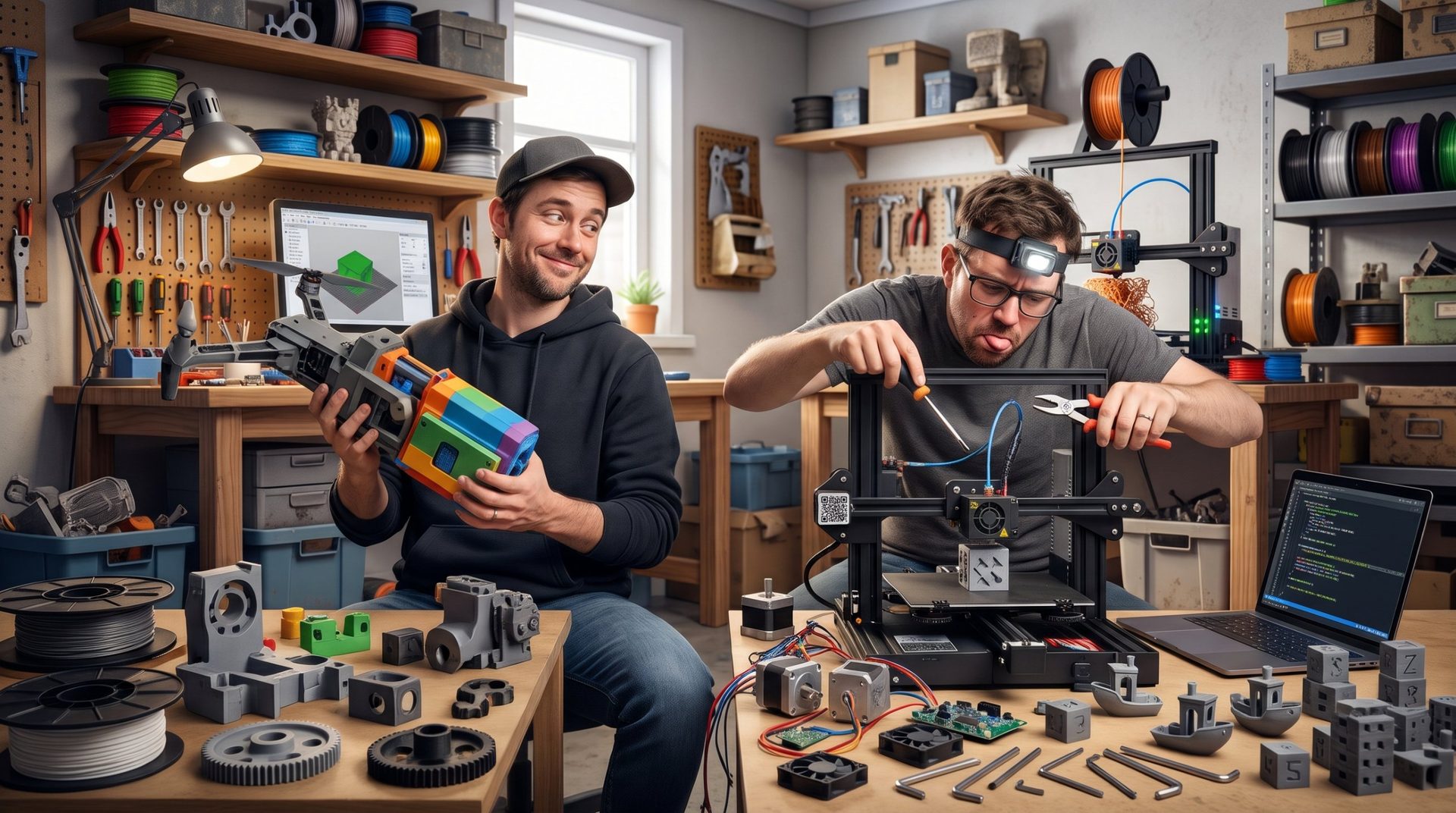
There are two categories of 3D printing enthusiasts: those who print parts, and those who spend their weekends disassembling their extruder, dialing in their build plate with a dial indicator, and flashing alternative firmwares to fix a problem that appeared… after the last modification.
If you own more Allen wrenches and spare nozzles than partially used filament spools, the question deserves to be asked straight up: do you love making objects, or have you fallen in love with endless troubleshooting?
1. The Ender 3 Syndrome: Theseus's Machine
The scenario is universal. You buy a budget printer for under €200, with the noble goal of printing electronics enclosures or replacement parts for your household appliances.
Six months later:
- you've replaced the build plate springs with silicone shims;
- you've swapped the stock hotend for an all-metal model;
- you've installed a direct drive extruder, linear rails, and an automatic leveling sensor;
- you've pulled three all-nighters compiling Marlin or configuring Klipper to eliminate a micro-vibration invisible to the naked eye.
Result: you've spent €300 on upgrades to make reliable a machine… that already worked fine the day you unboxed it, and now you only print cable guides and storage drawers for your printer itself.
2. The Illusion of "Set It and Forget It"
The arrival of ultra-fast closed-chamber printers packed with sensors (lidar, AI-powered cameras, automatic vibration compensation) has split the community into two irreconcilable camps:
- The grease-stained purists: for them, a print has no value unless you've sweated through dialing in the extruder steps (E-steps) and tuning belt tension by ear, tuner app in hand.
- The end-users: they send a file from their smartphone 200 km away without even watching the first layer, and treat the printer like a high-tech toaster.
Yet even on the most automated machines, the optimization demon always strikes: endlessly refined slicer profiles, obsessive quests for zero stringing, temperature towers on repeat…
Two Profiles Face Off: Where Do You Stand?
| Criterion | The Object Maker | The Printer Mechanic |
|---|---|---|
| Ultimate pleasure | Pulling a finished part and installing it around the house | Nailing a perfect vibration tune and hearing the motors sing |
| Most-printed files | Tools, repairs, prototypes, décor | Temperature towers, calibration cubes, Benchy |
| Reaction to a failed print | Pure frustration—hunt down what went wrong in the file | Secret joy: "Finally an excuse to tear it all apart!" |
| Goal for the year | Burn through 15 spools of filament | Install a new touchscreen and swap the motherboard |
The Hard Truth: Is the Calibration Cube Your Most-Printed Object?
Look at your shelves honestly. How many truly useful objects have you designed and actually used in the past month, versus the number of little test boats, trial pyramids, and calibration cubes scattered around your machine?
The line between making a prototyping tool pay for itself and adopting a particularly temperamental mechanical pet is razor-thin.
Workshop Debate: Time for Confessions
- Over the past 30 days, what's your real ratio between actual useful printing time and tuning and maintenance time?
- Have you ever sabotaged a perfectly working printer just to test an "upgrade" you saw on a forum?
- For you, should a 3D printer be a tool you forget about, or an ongoing engineering project?
Tell us your average tuning time per week and defend your camp in the comments!


