What Is Make My LightBox on MakerWorld?
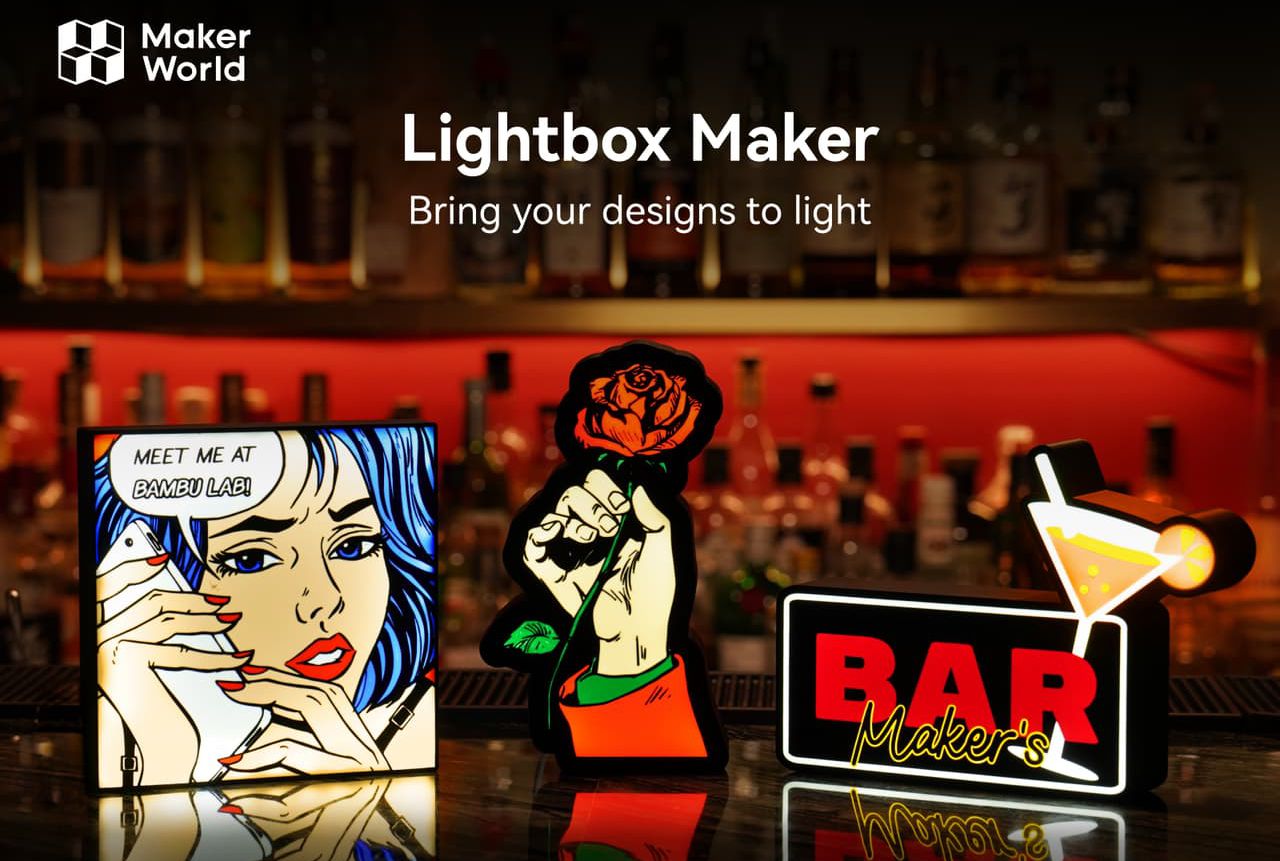
Make My LightBox is an online 3D model generator that allows users to easily create files for 3D printing custom LED light boxes, without needing advanced 3D modeling knowledge.
To try this tool, visit: https://makerworld.com/fr/makerlab/lightboxMaker

✅ Key Features
-
Image Conversion: The main function is to take an image (a logo, simple drawing, or photo) and transform it into a multicolor 3D model optimized for LED backlighting.
-
Ease of Use: The tool is very intuitive and located in the MakerLab section of MakerWorld. It greatly simplifies a process that would otherwise be complex (converting an image into multiple layers for multicolor printing).
-
Multicolor Customization: It's especially well-suited for 3D printers equipped with multi-filament management systems (like Bambu Lab's AMS, since light boxes are often printed with at least four colors to achieve the desired effect (main color, outlines, diffusing background, and housing).
-
Editing Options: You can typically crop the image, automatically remove the background, and define the number of colors you want for your design.
-
Housing Generation: The tool not only creates the front face (the image), but also generates the housing (the box base) with space to insert LED strips, a hole for the power cable, and sometimes mounting locations (keyhole slots).
✅ Simplified Creation Process
The typical process described in tutorials is as follows:
-
Image Preparation: Find the image (SVG or PNG are often recommended) that you want to transform.
-
Using MakerLab: Go to MakerWorld and open the Make My LightBox tool in MakerLab.
-
Upload and Adjust: Upload the image, crop it, and choose design options (thickness, frame, etc.).
-
Model Generation: The tool generates the 3D model of the cover and housing.
-
Slicing: Import the files into slicing software (like Bambu Studio), where filament colors are assigned to different parts of the model.
-
3D Printing: Print the parts (the decorative multicolor face and the housing in one or two colors).
-
Assembly: Place the LEDs in the housing and snap or glue the printed face to finalize the light box.