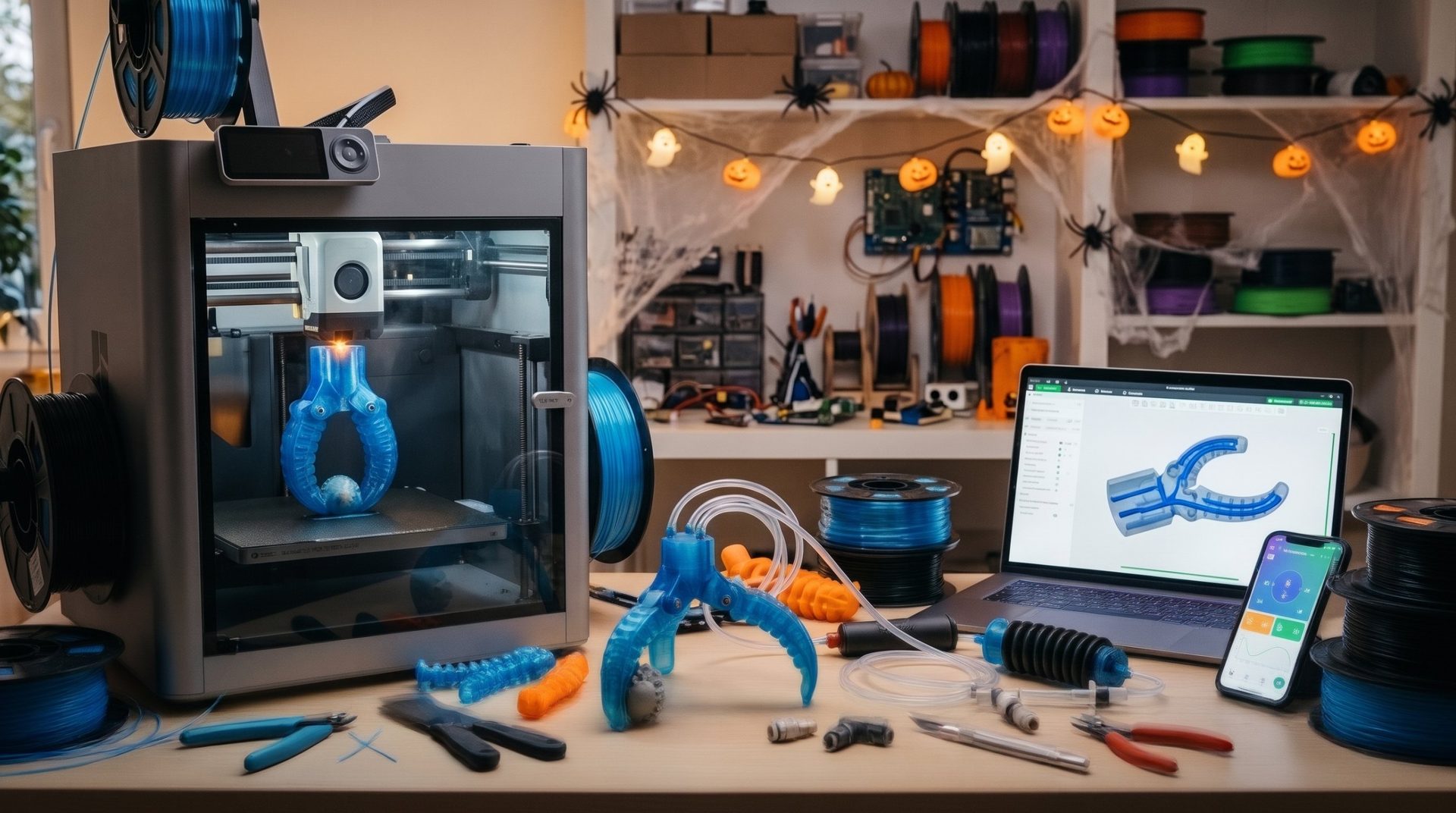
How to Print with Flexible Filament Like TPU?

TPU (thermoplastic polyurethane) is a flexible filament that opens up endless creative possibilities, from manufacturing seals to phone cases. However, its elastic nature can make it challenging to print. The challenge isn't insurmountable: you just need to understand how the material behaves and adapt your approach. Here's a guide to help you master flexible filament printing.

The Challenge: TPU Elasticity
Unlike rigid filaments such as PLA or ABS, TPU tends to deform and compress under the pressure of the extruder. This elasticity can cause jams, under-extrusion, and failed prints. The key is to minimize pressure and mechanical stress on the filament as much as possible.
The 5 Golden Rules for Successful TPU Printing
1. Print Slowly and Steadily
This is the most important rule. A print speed that's too high doesn't give the filament enough time to flow properly and can cause it to buckle in the extruder. To start, set your print speed between 20 and 40 mm/s. Take your time, because "slow and steady wins the race".
2. Reduce or Disable Retraction
Retraction involves pulling the filament backward to prevent "stringing". With TPU, this motion can stretch the filament, which deforms and degrades it, making it harder to push again.
- If your extruder allows it, disable retraction.
- If you must use it, opt for a minimum retraction distance (less than 1 mm) and very low retraction speed (around 20 mm/s).
3. Ensure a Smooth, Snag-Free Filament Path
A short filament path with minimal friction is essential.
- Direct Drive Extruder: If you have a direct drive extruder (mounted directly on the print head), you're at an advantage. This is the ideal setup for TPU.
- Bowden Extruder: If you have a Bowden system (the motor is remote), make sure your PTFE tube is properly seated and has no gaps where the filament could get caught. A shorter Bowden is also an advantage.
4. Adjust Temperature and Flow Rate
- Nozzle Temperature: TPU needs a high temperature to extrude properly. Start with the temperature recommended by the manufacturer, then increase it slightly (5-10°C) if you notice extrusion issues.
- Extrusion Flow Rate: Because of its elasticity, TPU can be under-extruded. Increase your flow rate in your slicer to 105-110 % to ensure enough material is deposited.
5. Ensure Excellent Build Plate Adhesion
TPU often adheres very well to the build plate, to the point where it can be difficult to remove. To avoid damaging it, use a glue stick, hairspray, or adhesive putty on your plate. This will create a separation layer that makes removal easier.
By following these tips, you'll be able to overcome the challenges of flexible filament printing. With a little patience and tweaking, TPU will become one of your go-to materials.
To find the ideal material for your project, try our filament selector.