
3DPN Print Farm Manager - Multi-Brand 3D Printing Fleet Management
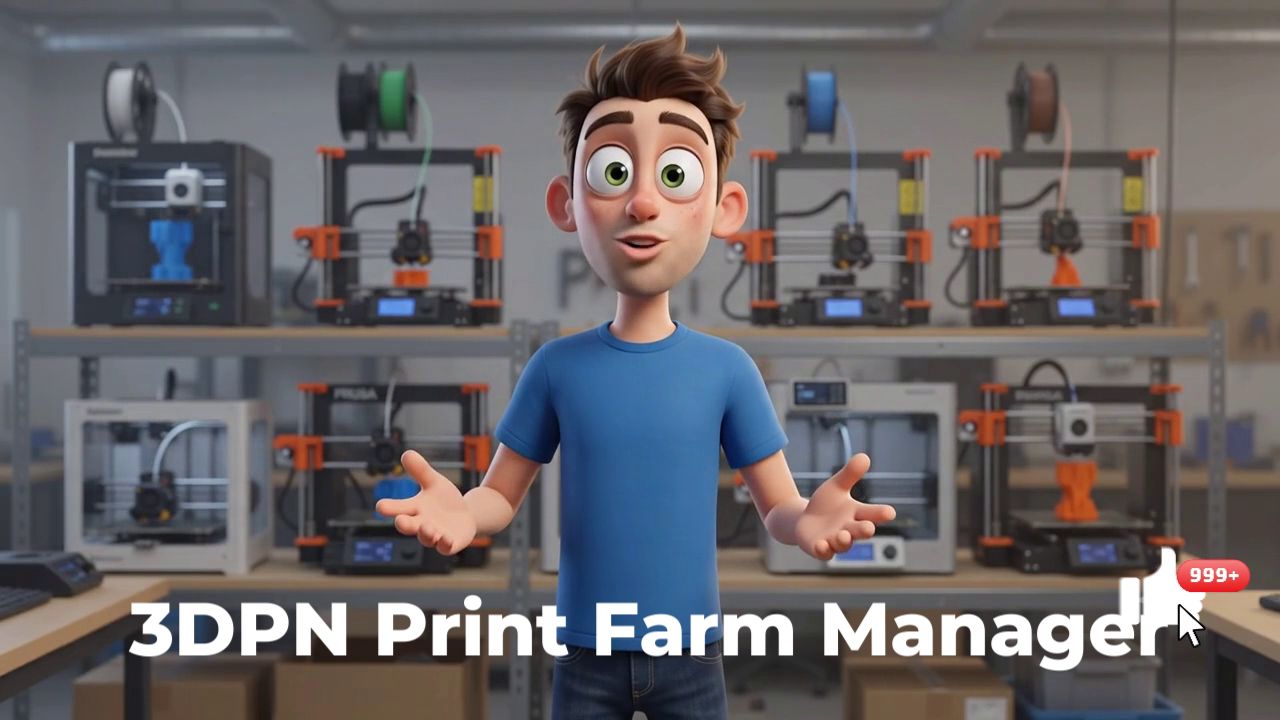
The boom in additive manufacturing has pushed many makers, artisans, and small businesses to expand their machine fleets. But scaling from one or two printers to a full-fledged "print farm" comes with a major challenge: managing multiple jobs simultaneously. To tackle this problem, Joel Telling, creator of the popular YouTube channel 3D Printing Nerd (3DPN), launched the 3DPN Print Farm Manager.
Designed as an alternative to closed or cloud-dependent solutions, this open-source software reshapes the landscape of 3D print farm management. Here's everything you need to know about this tool built by and for the community.
👉 Why a New Fleet Manager?
Historically, print farm managers suffered from two major problems. Either they were locked into the closed ecosystem of a single manufacturer (vendor lock-in), or they required a monthly subscription and permanent cloud connectivity to function.
The 3DPN Print Farm Manager takes the exact opposite approach to these models: it is 100% free, open-source, self-hosted on your local network, and manufacturer-agnostic. The goal is straightforward: replace tedious G-code file distribution via USB drives with a centralized web interface, while maintaining complete control over your production data.
✅ Key Features
1. Multi-Brand Compatibility
This is the software's strongest point. While native tools from Bambu Lab or Prusa lock you into their respective ecosystems, the 3DPN solution lets you run different technologies within a single fleet.
| Ecosystem | Supported |
| Prusa | Yes (via PrusaLink REST) |
| Bambu Lab | Yes (LAN mode only) |
| Klipper | Yes |
| Elegoo | Yes (via SDCP protocol) |
2. Automated Job Dispatching
The software does more than monitor your machines—it actively distributes work. You define a project, upload the necessary G-code files, and the scheduler automatically assigns tasks to idle printers capable of handling them.
3. Operator Confirmation Workflow
In a print farm, human intervention between jobs is essential to remove printed parts and clean the build plate. 3DPN Print Farm Manager includes a validation step: no new task is sent to a machine until an operator explicitly confirms the build plate is clear. This prevents hardware disasters (the printer extruding over an already-printed part).
4. "Dashboard TV" Mode
Built for shop-floor productivity, the software offers a global view optimized for large wall-mounted displays. It shows the live status of each machine in your fleet, the progress of ongoing prints and remaining time, refreshing every 15 seconds.
✅ Installation and Hosting
Since the software runs without cloud services, you host it yourself. The web application is designed to run 24/7 on a dedicated machine connected to your local network (such as a Raspberry Pi, NAS, or old PC).
To simplify deployment, the team has provided an official Docker image (compatible with x86 and ARM architectures). Installation takes just a few command lines via docker-compose, spinning up the server and databases in minutes.
Security Warning: The software intentionally includes no password authentication layer. It is designed for deployment on a trusted local network. Never expose it publicly to the internet (port forwarding), as this would make your printer API keys accessible to everyone.
✅ The Bottom Line: Who Is This For?
3DPN Print Farm Manager is the ideal solution for school labs, makerspaces (FabLabs), and small 3D printing businesses using machines from multiple manufacturers. It requires some technical know-how for initial setup (understanding local IP addresses, Docker), but once deployed, it delivers powerful automation with zero recurring costs.
3DPN Print Farm Manager is a breath of fresh air in the 3D printing landscape. By betting on open-source, multi-brand compatibility, and local networking, the 3D Printing Nerd team has created the tool that was missing for makers who refuse to lock themselves into proprietary ecosystems or depend on the cloud. Whether you have three mismatched machines in your garage or twenty in a workshop, this is a solid solution to finally streamline your production and say goodbye to those frustrating USB drive shuffles.
One final thought…
Automation is the key to moving from casual tinkering to running an actual production line. Saving time on job management lets you focus on what truly matters: modeling, prototyping, and optimizing your prints.
What about you—what machines make up your current fleet? Will you take the plunge and set up this manager on your network?


