3D Printing Time-Lapse: Capture the Magic 🎥
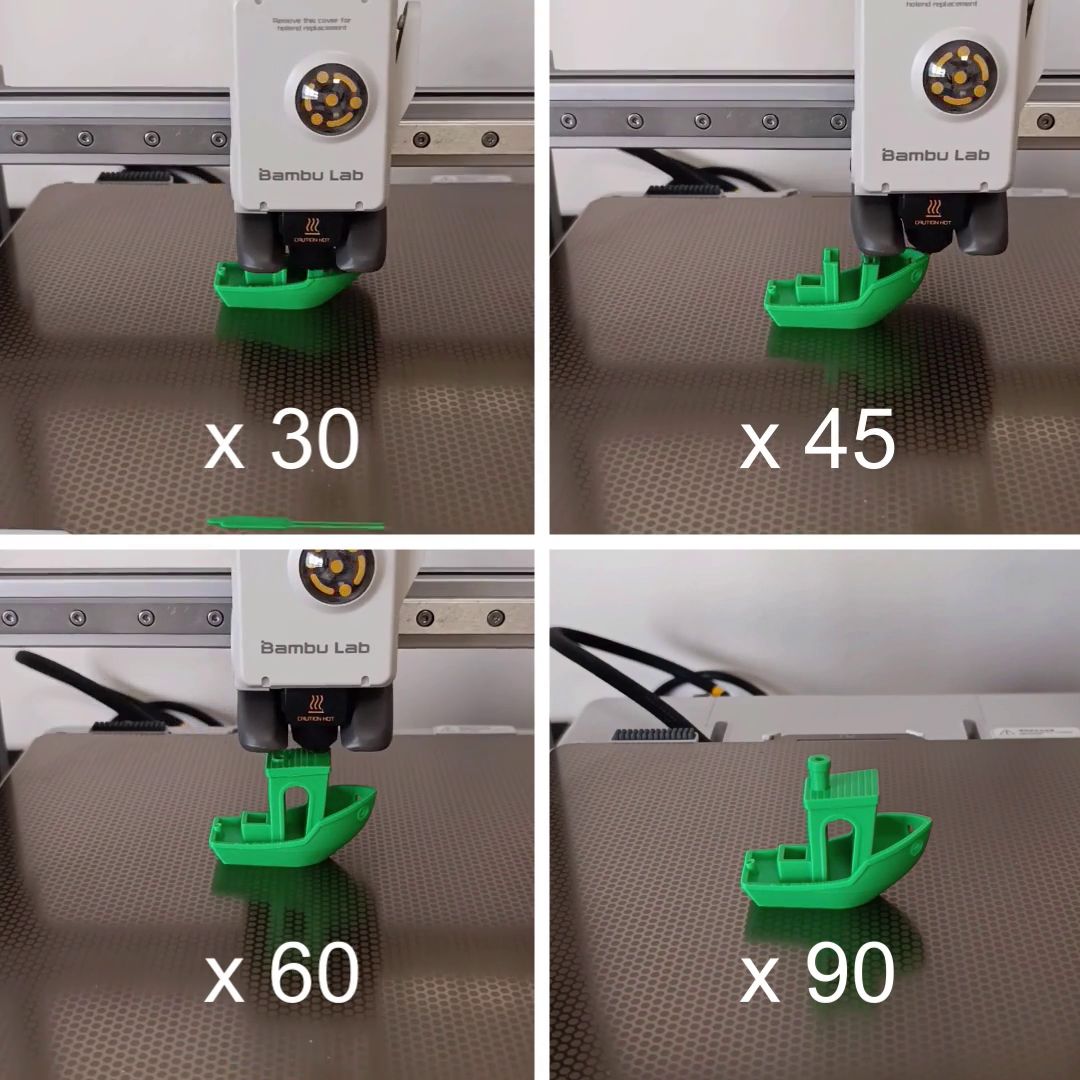
3D printing is a fascinating process, but by nature it's long and patient. Whether it's a simple object or a complex part, watching it come to life layer by layer is a unique experience. To share this magic without having to broadcast a video that runs for hours, there's a simple and spectacular technique: the time-lapse. It's an accelerated video that transforms the slow manufacturing process into a captivating and hypnotic spectacle.

Why is time-lapse so popular in 3D Printing?
Time-lapse has become a staple in the maker community.
- Showcase your work: It's an excellent way to demonstrate the quality of a print and the complexity of a model. The accelerated video highlights the craftsmanship and patience required.
- Magical appeal: Watching an object appear "like magic" from nothing is a fascinating spectacle.
- Sharing and community: Time-lapses are ideal formats for social media like Instagram, TikTok, and YouTube. They drive engagement and allow creators to connect with a wider audience.
Different methods for creating a time-lapse
There are 2 main approaches to creating a 3D printing time-lapse, each with its own advantages.
1. Built-in camera (the simplest solution)
More and more manufacturers are integrating a small camera directly into the printer chassis.
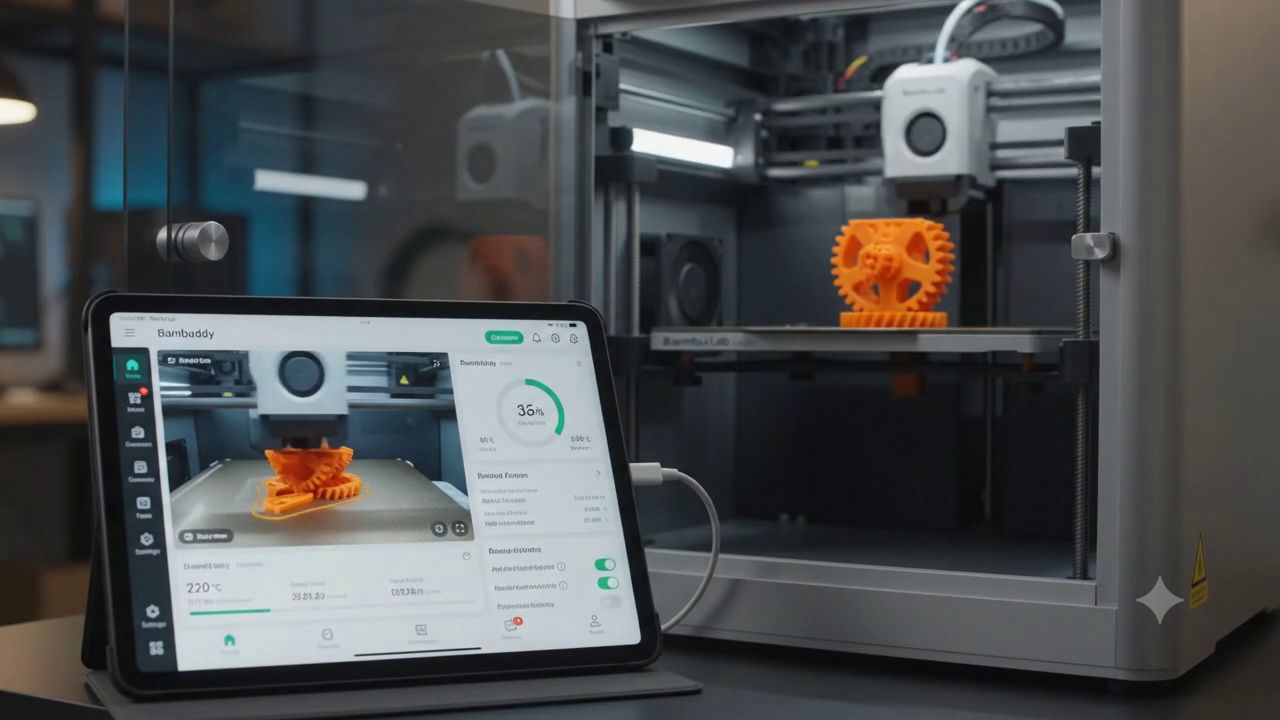
- How it works: Brands like Bambu Lab, Anycubic and Creality offer cameras directly connected to the printer's electronics. They're managed via the machine's app or software, making time-lapse creation very simple with no complex configuration.
- Advantages: Extremely easy to use. The camera is always ready to go. The result is generated directly by the machine, requiring no external tools.
- Disadvantages: Image quality is often limited and the time-lapse may suffer from motion blur.
2. A fixed camera like a webcam, camera, or smartphone
This is the most popular method for professional results, involving mounting a camera on a tripod or on the printer frame in a fixed position.
- How it works: Use a camera, digital camera, or webcam with built-in time-lapse functionality.
- Advantages: The result is remarkably smooth and clean. The object appears to grow on its own, without the nozzle obscuring the action.
- Disadvantages: This process is a bit more complex to set up, requiring camera adjustment, fixed support installation, and processing via video editing software.
Equipment and software needed
- A camera: A simple webcam will do, but a more advanced camera (GoPro, smartphone, digital camera) will offer better image quality.
- A camera or smartphone stand: A camera tripod or a mount on your printer frame
- A computer and video editing software
Technical aspect: Choosing the number of images
The number of images you capture is the key factor that determines the smoothness and duration of your final video.
- The principle: Time-lapse works by capturing images at regular intervals. Video smoothness is measured in frames per second (FPS). A standard video is typically 24, 25, or 30 FPS.
- Simple calculation: To get 1 second of video at 30 FPS, you'll need 30 photos.
- Pro tip: For quality results, it's generally recommended to take one photo per layer. If your print is very tall (over 1,000 layers), your video will be smoother and more detailed. If the print is short (under 100 layers), it may be wise to take multiple photos per layer to lengthen the video and make it smoother.
Simple formula: (Desired video duration in seconds) x (FPS) = Number of images needed
For example, for a 30-second video at 30 FPS, you'll need 900 images. If your print has 450 layers, you'll need to take 2 photos per layer.
Tips for a successful time-lapse
- Stability: Fix the camera perfectly stable to avoid any shake.
- Lighting: Make sure you have sufficient and consistent lighting for quality video.
- Focus and exposure: Manually adjust focus, white balance, and exposure so they don't change during the process.
- Post-production: Adjust speed, add music and effects for a professional final result.
In conclusion, time-lapse is a part of the 3D printing experience that lets you transform a long wait into a moment of sharing. It's an excellent way to add an artistic and spectacular dimension to your creations.