The Complete Guide to 3D Pens: Everything You Need to Know for Drawing in 3D
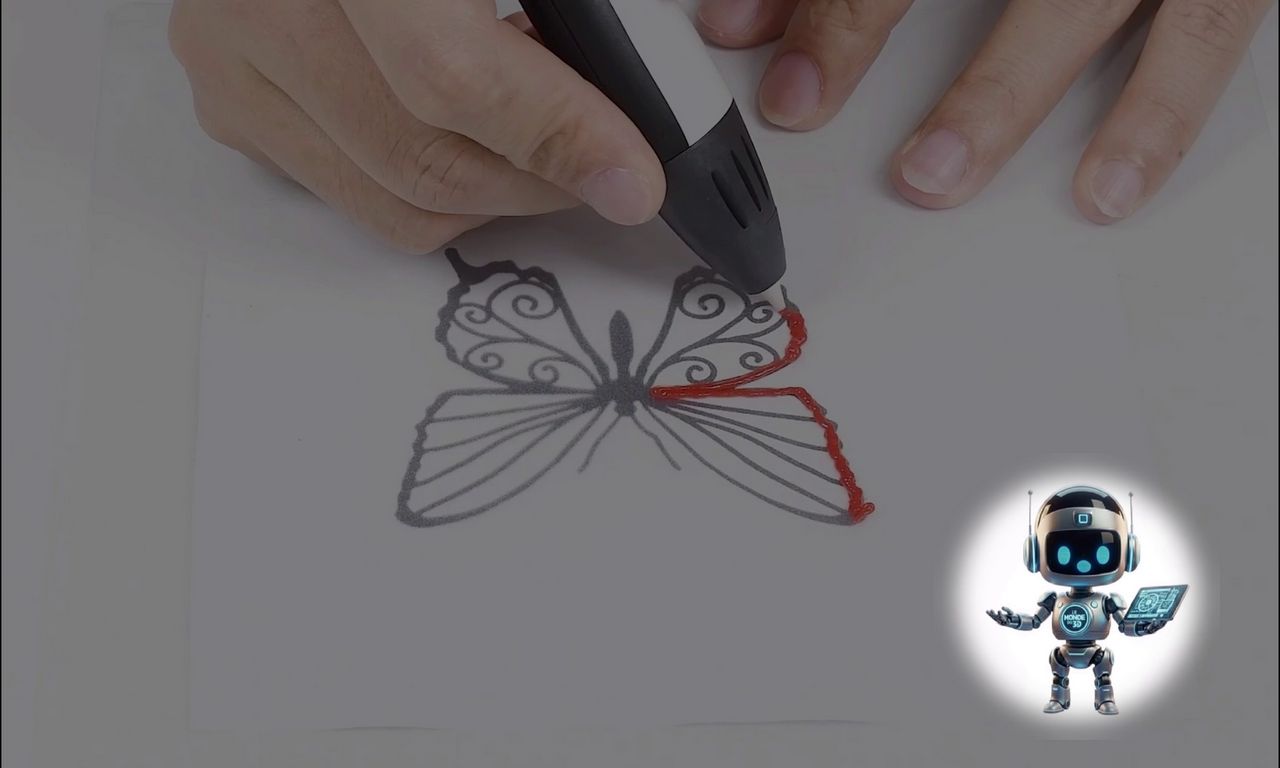
A 3D printing pen is much more than a simple gadget: it's a miniature 3D printer you hold in the palm of your hand. Whether you're an artist, a maker, or looking for a creative gift for a child, this tool lets you literally "draw" in mid-air.
Here's a complete overview to understand how it works, what you can do with it, and how to choose the right one.

✅ How Does a 3D Pen Work?
The principle is similar to a hot glue gun, but with much greater precision.
-
Heating: You insert a plastic filament strand into the back of the pen. An internal heating element melts it.
-
Extrusion: By pressing a button, the liquid plastic flows out through the nozzle (the tip).
-
Solidification: When exposed to air, the plastic cools and hardens almost instantly (in 2 to 3 seconds), allowing you to create solid structures.
✅ Different Types of Filaments
Filament choice is crucial, as it determines the strength of your creation and the operating temperature.
| Filament Type | Characteristics | Ideal Use |
| PLA (Corn Starch) | Biodegradable, sweet odor, slightly glossy. | Beginners, decorations, indoor use. |
| ABS (Hard Plastic) | Very durable, flexible, but emits a burnt plastic smell. | Repairs, sturdy structures, freehand drawing. |
| PCL (Low Temperature) | Melts at only 60°C. Safe to touch. | Children (prevents burns). |
✅ What Can You Make with a 3D Pen?
The possibilities are limited only by your patience and imagination:
-
Artistic Creation: Sculptures, figurines, personalized jewelry, or holiday decorations.
-
Object Repair: Fill a crack in a plastic item or reinforce a broken part.
-
3D Printing Complement: Perfect for hiding seams between two printed pieces or fixing small flaws.
-
Education: Teach children spatial geometry in a fun and interactive way.
✅ Buyer's Guide: Essential Criteria
If you're considering buying one, here are the key points to check:
-
Speed Control: Essential for switching between rapidly filling large areas and drawing fine details.
-
Temperature Control: An LCD screen that lets you adjust heat precisely offers better compatibility with various filaments.
-
Ergonomics: A pen that's too heavy will tire your hand quickly. Choose slim models.
-
Power Source: Some run on battery (more freedom), others must stay plugged in (more consistent power).
[!IMPORTANT] Safety Tip: A pen nozzle using PLA or ABS can reach up to 230°C. For younger users, definitely opt for "Low Temp" models that use PCL filament.
✅ Ready to Unleash Your Creativity? (Affiliate Links)
By using this link, you support our work at no extra cost to you. Thank you! 👉 https://link.amazon/B05L4dCgd