
The Ultimate Guide to 16K Resin 3D Printing: Revolution or Hype?
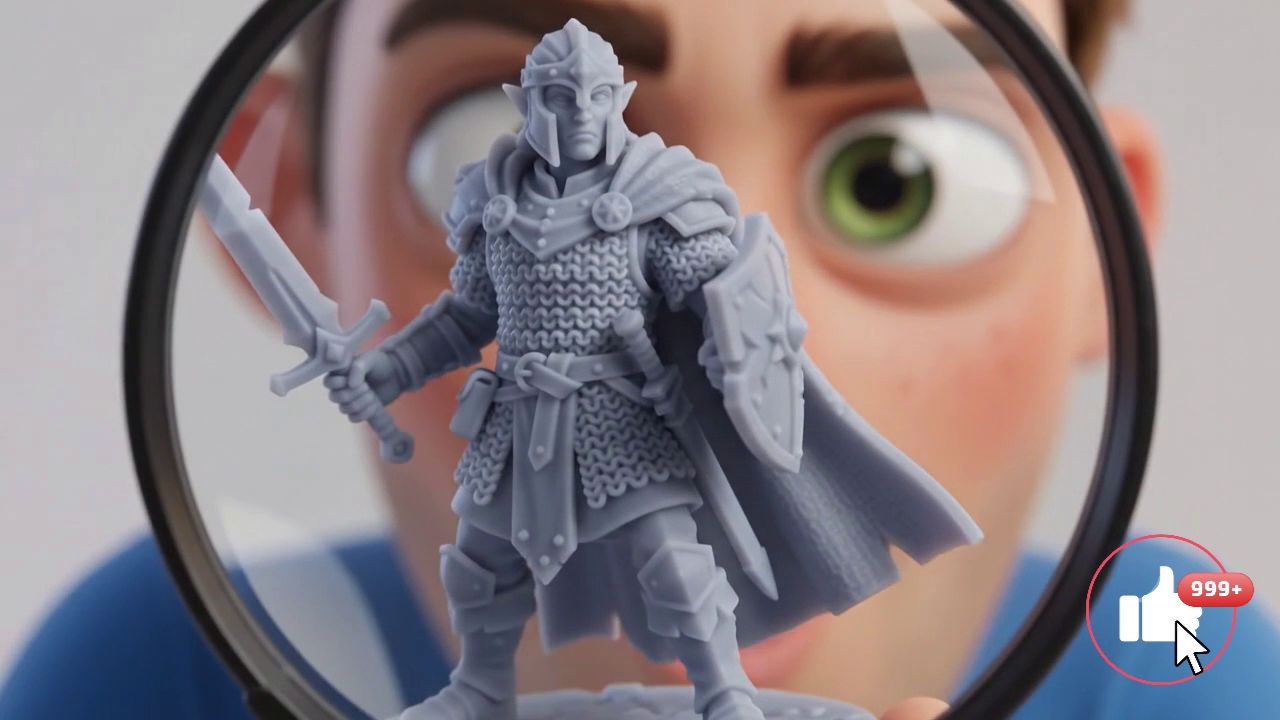
If you feel like the resolution race in resin 3D printing (MSLA) is spinning out of control, you're not alone. Not long ago, 8K was the absolute holy grail. Today, manufacturers are raising the bar with the arrival of 16K resin printers.
But what does this actually change for your tabletop RPG miniatures, jewelry, or prototypes? Is it a true visual revolution or just marketing hype to get you to buy a new machine? Let's break it all down.
✅ What is 16K Resolution in Resin Printing?
In MSLA 3D resin printing, "resolution" (4K, 8K, 12K, 16K) refers to the number of pixels on the LCD screen that blocks UV light.
What really matters isn't the "16K" label itself, but the size of each pixel (the X/Y resolution). On a mid-sized 16K screen (roughly 10 inches), you get a tiny pixel size ranging between 18 and 24 microns. For perspective, a human hair is about 70 microns thick. The printer can polymerize resin with microscopic detail, making layer lines (aliasing) virtually invisible to the naked eye.
✅ The Real Benefits: Why Upgrade to 16K?
-
Microscopic detail: Skin textures, armor mesh, dragon scales, or fine engravings come out with surgical sharpness.
-
Ultra-smooth surfaces: Higher pixel density drastically reduces the stair-step effect on curved surfaces, cutting down on post-print sanding.
-
Modernized ecosystem: Most recent 16K printers don't just have a better screen. They include the latest innovations: automatic bed leveling without screws, heated resin tanks, AI cameras for failure detection, and blazing-fast print speeds often exceeding 150 mm/h.
✅ The Showdown: 8K vs 16K
To help you see the differences clearly, here's a direct comparison between the current standard and the new generation:
| Feature | 8K Printers (Standard) | 16K Printers (Next Generation) |
| Pixel Size X/Y (average) | 28 to 35 microns | 18 to 24 microns |
| Detail Sharpness | Excellent (perfect to the eye) | Extreme (perfect under magnification) |
| Print Speed | 50 to 80 mm/h | 100 to 170 mm/h |
| Extra Features | Often manual (bed adjustment) | Usually automated (Plug & Play) |
| Market Price | Very accessible | Premium but dropping fast |
✅ The Top Machines on the Market Today
Several manufacturers are already in a fierce battle on this segment. Here are the models dominating conversations:
-
Elegoo Saturn 4 Ultra 16K: The best bang for your buck. It combines a monochrome 16K screen, ruthlessly effective automatic bed leveling, and a quick-release system (tilt release) enabling very fast prints.
-
Creality Halot-X1: A machine built for speed and stability, hitting 170 mm/h, perfect for those wanting to run small batches without sacrificing precision.
-
Elegoo Jupiter 2 (Mega 16K): For those who want to print big. Keeping high resolution on a giant screen is a challenge, and the Jupiter 2 lets you produce full helmets or massive dioramas with the detail of a small miniature.
✅ Should You Really Make the Jump? (The Truth)
Let's be real: 16K isn't a magic wand.
Let's correct a common misconception: Printing a poorly modeled or "low poly" 3D file on a 16K printer won't make it prettier. Worse, the machine will print the model's flaws with absolute precision. Plus, to actually leverage that 19-micron precision, you need specialized "High Resolution" resins (often pricier) and perfect exposure time control.
Upgrade to 16K if:
-
You're a professional miniature painter, jeweler, or dental technician.
-
You print premium 3D models loaded with micro-textures.
-
You want to take advantage of "quality of life" features (automatic leveling, heated tank, speed) that come with these new machines.
Stick with 8K (or 4K) if:
-
You print functional mechanical parts or miniatures meant to be viewed from a distance on a gaming table.
-
Your budget is tight; excellent resin on a well-tuned 8K printer will outperform budget resin on a poorly calibrated 16K.


