3D File Licences: What You’re Really Allowed to Do with an STL
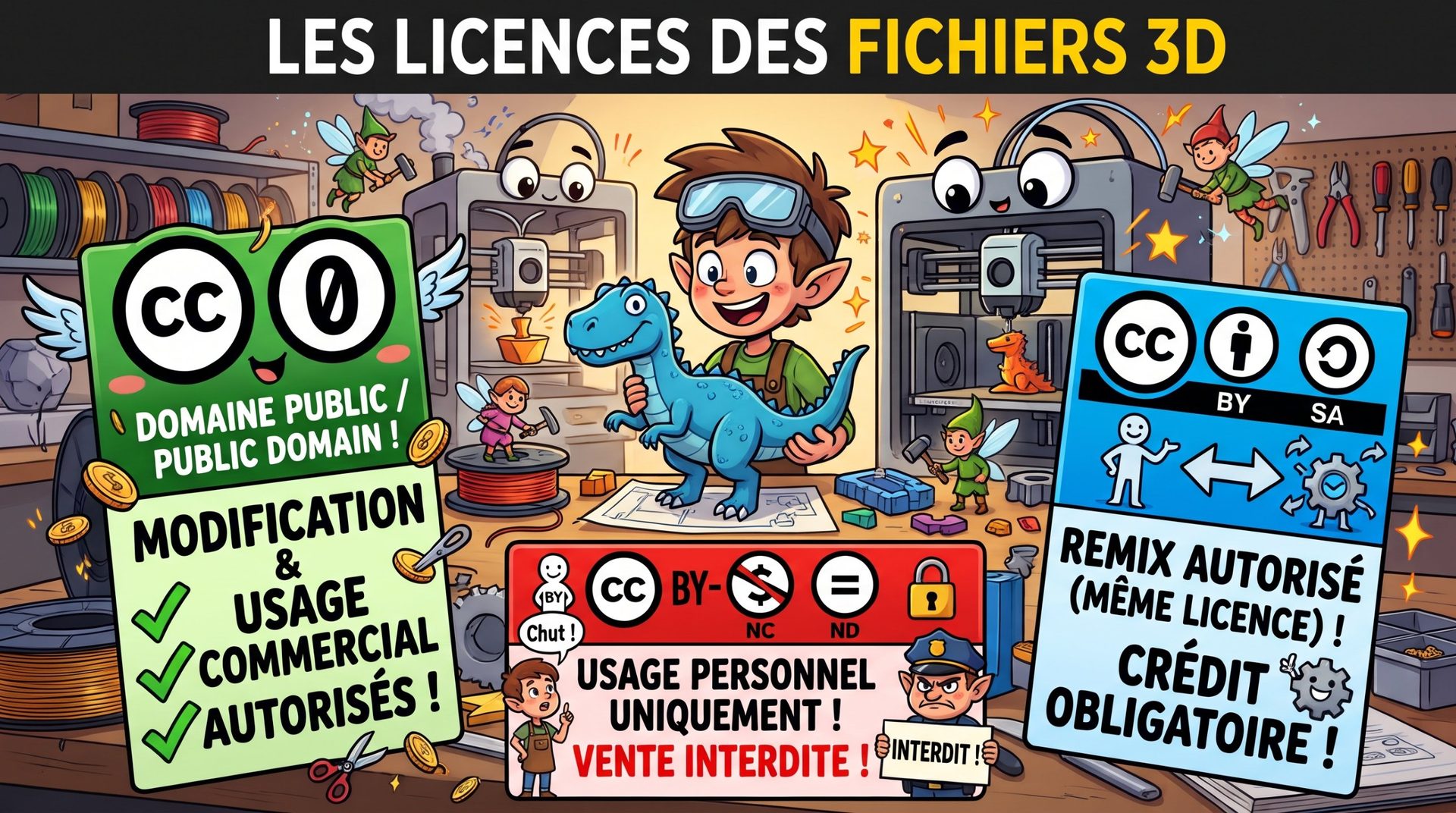
When you download an STL or 3MF file from Printables, MakerWorld, Thingiverse or Cults3D, you often click “Download” without looking at the line just below: the licence.
Yet “free” doesn’t mean “royalty-free”. Whether you want to modify a model, share it again or sell your prints at a Christmas market, knowing the rules of 3D licences saves you plenty of misunderstandings and protects designers’ work.
1. Creative Commons Licences: The Standard for 3D Sharing
The vast majority of free models published by the community use Creative Commons (CC) licences. Each one combines several terms:
| Term | Meaning | What it means in practice |
|---|---|---|
| BY (Attribution) | Credit required | You must credit the creator and link to the original model. |
| NC (NonCommercial) | No commercial use | You may not sell the file. Selling printed objects is also generally considered commercial use: in practice, don’t sell them without the creator’s permission. |
| ND (NoDerivatives) | No shared modifications | You can print the file as is, but you can’t publish a modified version. |
| SA (ShareAlike) | Share alike | If you publish a remix, it must use the same licence (or a compatible one). |
| CC0 | Public domain | No restrictions: you can modify, share and sell freely, even without crediting the author (though crediting is still good manners). |
2. Platform-Specific Licences
- The Standard Digital File License (MakerWorld): very common on MakerWorld, it allows printing for personal use (for yourself, your family or as gifts), but forbids sharing the file, publishing a modified version and selling the prints. For commercial use, you have to negotiate permission directly with the creator.
- Licences for paid files (Cults3D, MyMiniFactory, Patreon…): buying a €5 file usually gives you the right to print it for personal use. Unless explicitly stated (“commercial use allowed”), you may neither sell the printed parts nor share the STL with your friends.
To find your way around the different sites, see our comparison of 3D file platforms.
3. The 3 Most Common Mistakes Makers Make
- Confusing “free file” with “allowed to sell”: you often see free figurines or articulated dragons for sale on Vinted, Etsy or at flea markets. That’s not allowed if the file is under CC BY-NC or the Standard Digital File License. We cover this in detail in our article on selling 3D prints on Vinted or Etsy.
- Forgetting to credit a remix: if you improve a tool holder found under CC BY or CC BY-SA, use the platform’s “Remix” feature or link to the original model.
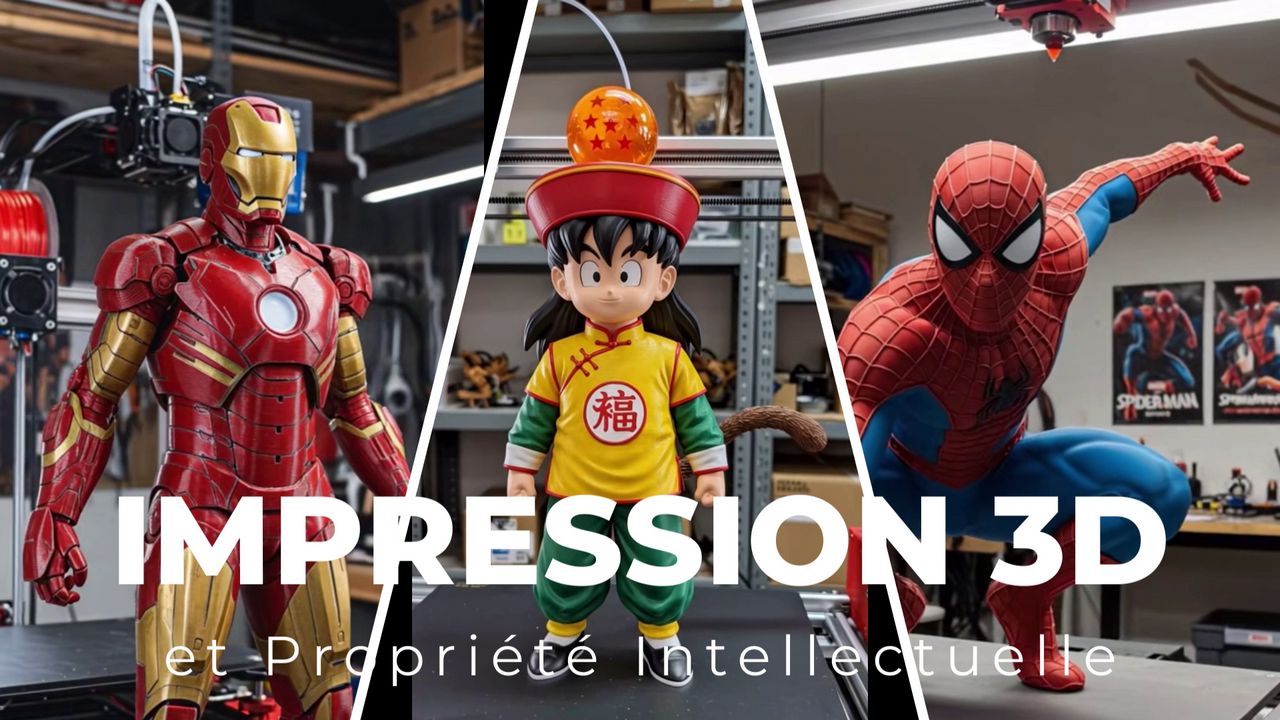
- Ignoring trademarks and protected characters: even if a creator publishes a Stormtrooper helmet or a Pokémon under CC0, their licence only covers their modelling work, not Disney’s or Nintendo’s rights. Selling these parts is still not allowed.
4. How to Sell 3D Prints Legally
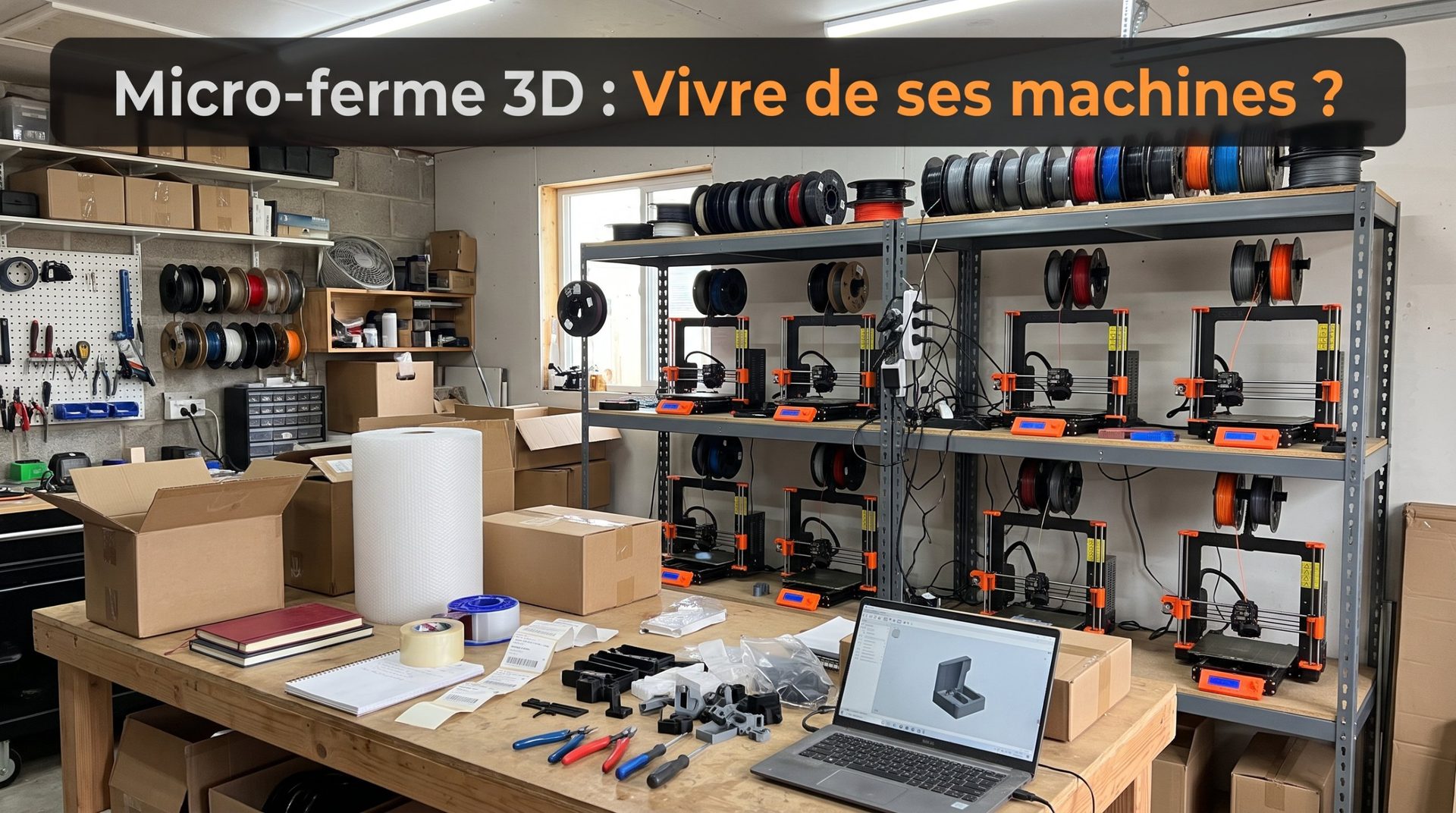
If you want your printer to pay for itself or cover your spools, you have three options:
- Design your own creations in Fusion, Blender, Onshape or FreeCAD.
- Filter your searches by licence (CC0, CC BY, CC BY-SA), always respecting the attribution requirement.
- Buy a commercial licence from designers: many offer “commercial” subscriptions on Patreon, Printables (Clubs) or Thangs that officially allow selling prints of their models. On MakerWorld, contact the creator directly.
What about our files? Le Monde du 3D’s free 3D files are published under the Standard Digital File License: print them freely for yourself or as gifts. For commercial use or a custom version, contact us from the file’s page.
This article is a practical guide, not legal advice: if in doubt, read the full licence text or ask the creator for permission.
And You, Do You Always Check the Licence Before You Slice?
Remixes, creator subscriptions, selling prints to order: do you pay attention to licences when you download or publish your 3D models? Tell us in the comments!